1
FontLab Studio 5
TrueType Hinting Tool
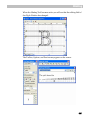
With the TrueType hinting tool you can set and modify visual TrueType
hints and preview the real resulting TrueType font using the system
TrueType rasterizer.
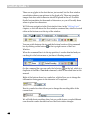
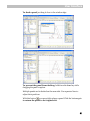
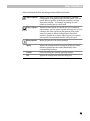
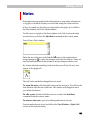
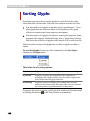
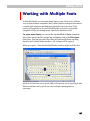
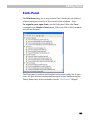
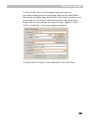
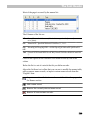
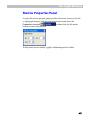
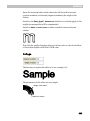
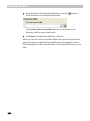
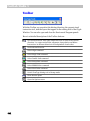
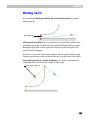
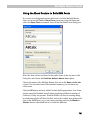
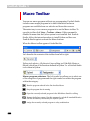
To activate the TrueType Hinting Tool select the TrueType Hinting
command from the Tools > Hints & Guides menu or press the
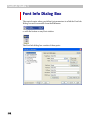
on the Tools toolbar.
button
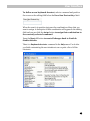
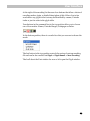
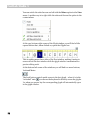
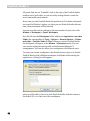
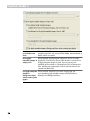
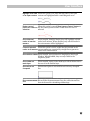
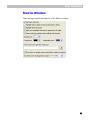
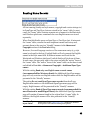
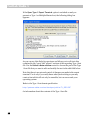
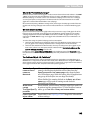
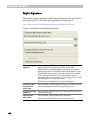
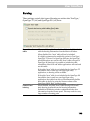
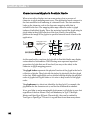
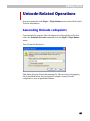
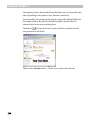
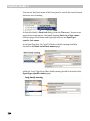
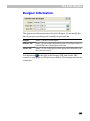
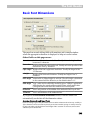
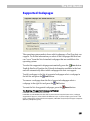
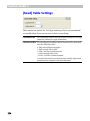
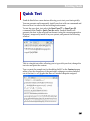
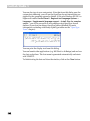
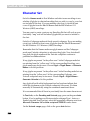
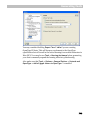
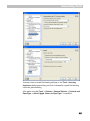
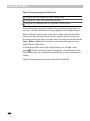
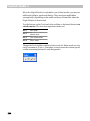
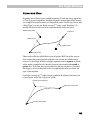
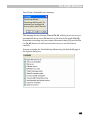
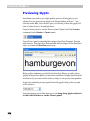
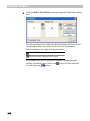
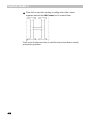
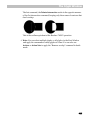
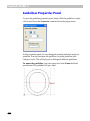
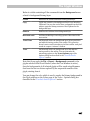
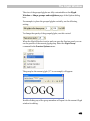
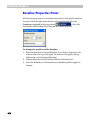
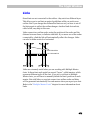
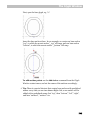
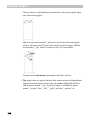
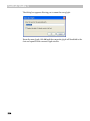
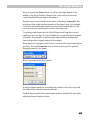
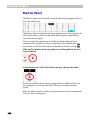
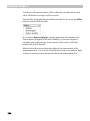
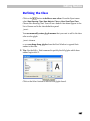
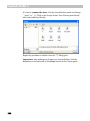
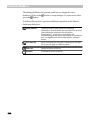
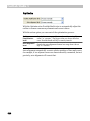
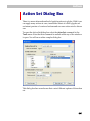
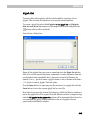
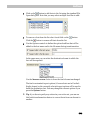
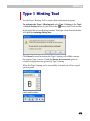
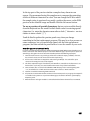
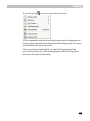
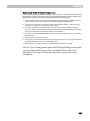
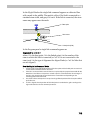
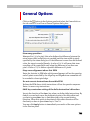
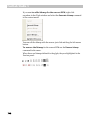
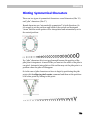
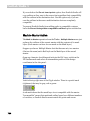
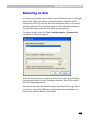
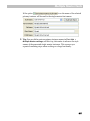
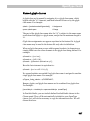
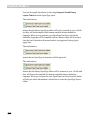
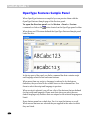
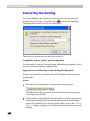
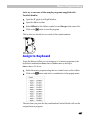
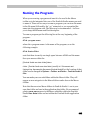
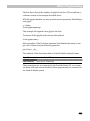
When you select the TT Hinting Tool you may see the message:
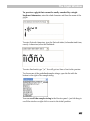
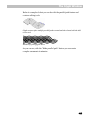
This message appears if the current character has 3rd-order curves that
should be converted to 2nd-order curves to set Visual TrueType hints or if
the contour direction is wrong.
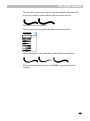
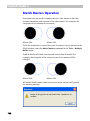
The TrueType specification requires that contours in TrueType fonts to be
directed clockwise. Most rasterizers will correctly render TrueType fonts
with incorrectly directed contours, but it is not guaranteed so we
recommend directing contours according to the specification. If you don’t
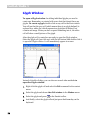
want FontLab Studio to check the contour direction, check the Ignore the
direction warning option.
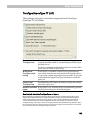
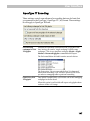
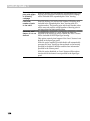
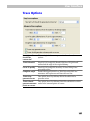
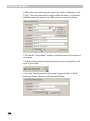
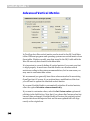
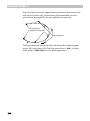
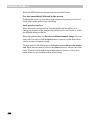
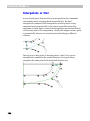
Press the OK button to continue to work with the tool. Leave the Always do
correction option checked if you want FontLab Studio to always correct
the outline format when opening a character.
690