1
// Popcorn Hour A-210
6.1
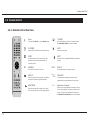
Remote Control Functions
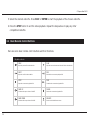
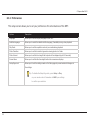
Button
Functions
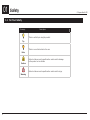
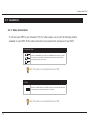
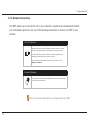
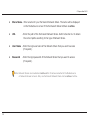
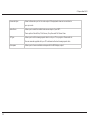
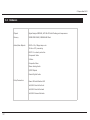
Press once to put the NMT into Standby mode or to awaken the NMT from the Standby mode
POWER
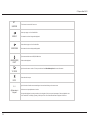
FILE MODE
Press Power > Eject to reboot the NMT
Press Power > Delete to turn off the NMT
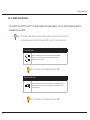
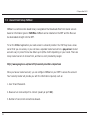
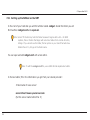
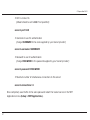
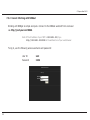
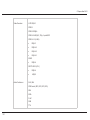
Press once to display three options:
• Add file to list
• Create Folder
• Rename File
If you already have a file listed then you have further options:
• Add to list
• Remove from list
• Copy listed items here
• Move listed items here
• Create folder
• Clear list
• Delete listed items
• Rename file
Press Enter on the highlighted file to confirm the selection.
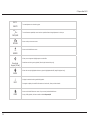
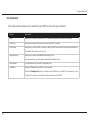
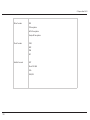
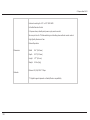
Press once to access the Setup menu screen
SETUP
43
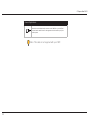
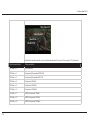
During video playback, press this button once to see the video display options
Press Setup > Play to disable the Setup Page Lock option