1
// Popcorn Hour A-210
6.3.7 Maintenance
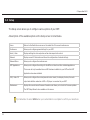
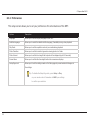
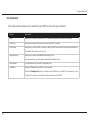
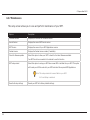
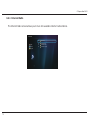
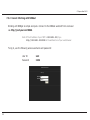
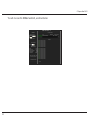
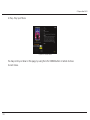
This setup screen allows you to view and perform maintenance of your NMT.
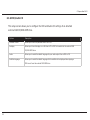
Options
Description
Firmware Version
Displays your current NMT firmware version.
Kernel Version
Displays the current NMT kernel version.
NMT Version
Displays the current of your NMT Applications version.
Cardea License
Displays the Cardea license number (if available).
Check for firmware update
Select this option to allow your NMT to check for the latest firmware available.
Your NMT has to be connected to the internet to use this function.
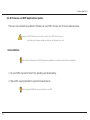
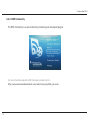
NMT setup wizard
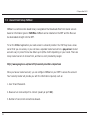
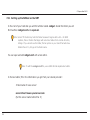
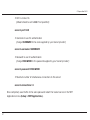
Select this option to setup your NMT when a new HDD is installed into your NMT. This option
will format your HDD to work with your NMT and install the required NMT Applications.
Note: This setup wizard will erase all data in your HDD
if a Fresh Setup is selected.
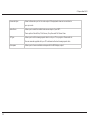
Reset to factory settings
66
Resets your NMT to its factory default settings.