1
8
Components — Alphabetical List
Writing custom filtering code allows you to do kinds of filtering that the standard
filter does not perform. Some common examples of custom filters that you might want
to create are filters that filter out:
• A property for some, but not all, instances of a class
• Properties that match a regular expression
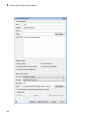
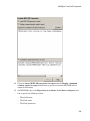
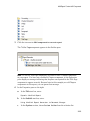
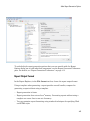
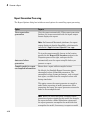
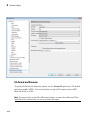
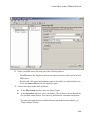
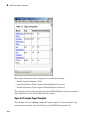
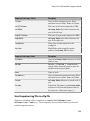
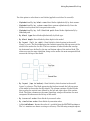
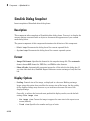
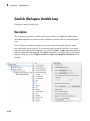
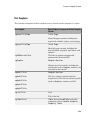
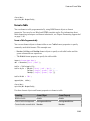
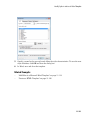
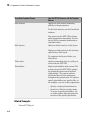
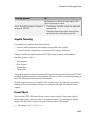
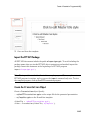
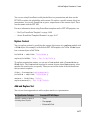
The Filter Properties area of the dialog box, where you specify a standard filter, has
these fields.
• Class name (* for all classes): Specify the class of the variables for which you
want to filter out specific properties. You can specify one class at a time, or enter an
asterisk (*) to specify all classes. After you enter the class name, move the cursor
outside of the edit box.
• Available Properties: If the class that you entered in Class name (* for all
classes) is on the MATLAB path, then this list displays the properties of that class.
• Filtered Properties: Displays the properties to filter out. Use the right-arrow
button to add to the Filtered Properties list the properties that you selected in the
Available Properties list.
• If the class that you enter is not on the MATLAB path, then a Comma-separated
list of properties to be filtered edit box appears. Enter the names of properties to
use for filtering.
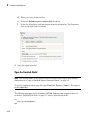
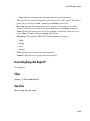
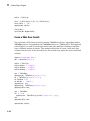
• Convert to Custom: Generate custom MATLAB code that implements your Filter
Properties standard filter settings.
Note: Selecting the Convert to Custom button overwrites any existing MATLAB
custom filtering code for this component.
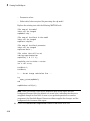
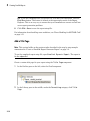
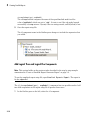
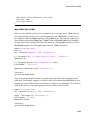
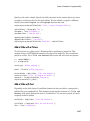
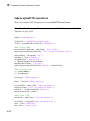
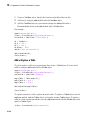
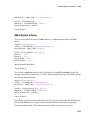
To create and apply custom filtering MATLAB code, select the Use custom property
filter check box. Selecting this check box opens an edit box where you define a MATLAB
function for filtering properties. The edit box includes a sample function (commented
out) that you can use as a starting point for your filtering function. Use the isFiltered
variable for the output of your function. For example:
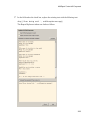
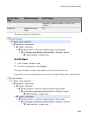
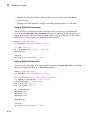
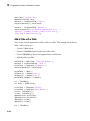
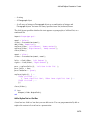
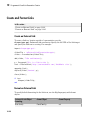
• To filter out the Owner and testProp properties, in the edit box enter:
isFiltered = strcmpi(propertyName, 'Owner')||...
strcmpi(propertyName, 'testProp');
8-160