1
Red Hat Ent erprise Virt ualiz at ion 3.5 User G uide
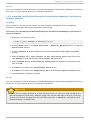
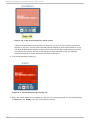
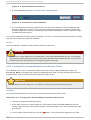
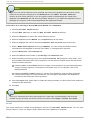
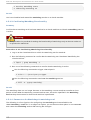
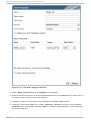
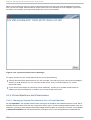
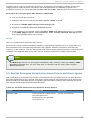
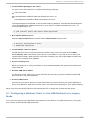
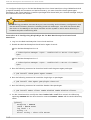
4. Use the R eso l uti o n slider to change the resolution of the screen.
5. Click Appl y to apply the new resolution.
Pro ced u re 7.3. Win d o ws XP
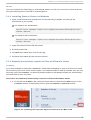
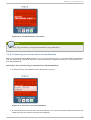
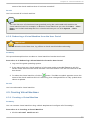
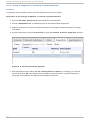
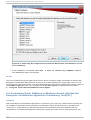
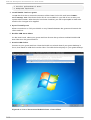
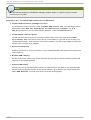
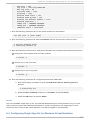
1. Right-click the desktop and click P ro perti es to open the D i spl ay Setti ng s window.
2. Select the display whose resolution is to be changed.
3. Use the R eso l uti o n slider to change the resolution of the screen.
4. Click Appl y to apply the new resolution.
Note
The maximum resolution that can be set for any display is 2560 x 1600. The minimum
resolution that can be set for the primary display is 800 x 600; all other displays can be set to
a minimum of 640 x 480.
100