1
Content Server
What’s in this user guide?
User Guide
Login
Viewing Conferences
Creating Conferences
Frequently Asked Questions
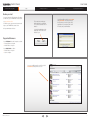
Before you start
You need to know the URL or Address (IP address
or DNS name) of your TANDBERG Content Server.
e.g. mycontentserver/tcs/
You will also need a user name and a password to
log in to your TANDBERG Content Server.
Ask your administrator for these.
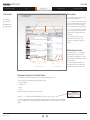
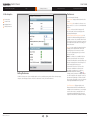
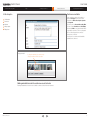
The Content Server web page
will be displayed in your browser
once you have entered its URL or
Address.
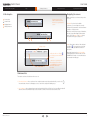
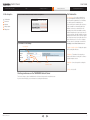
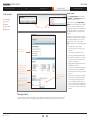
You will normally be asked for a user name
and a password. These may or may not,
be the same as you use to log in to other
applications in your company, like e-mail.
If in doubt, ask your administrator.
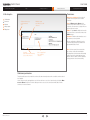
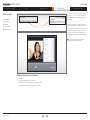
Look for the Log In button in the
upper right corner. Click on this
button to log in.
Supported Browsers
On your Windows Personal Computer, use either:
• Internet Explorer 6 or higher
• Mozilla Firefox 2 or higher.
On your Macintosh use either:
• Mozilla Firefox 2 or higher
• Safari 2 or higher.
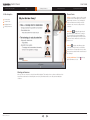
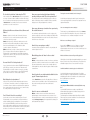
Once successfully logged in, you will see a list of
Conferences that you have access to.
D14111.05—May 2009
3