1
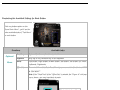
Illustrating the Available Settings for Each Button
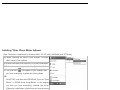
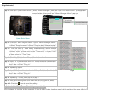
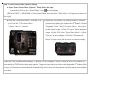
Click any button option on the
“Oscar Main Menu”, you’ll see the
below available tasks of “Task Menu”
for each button.
Functions
Optional
Macro
Available tasks
No setting
System default or no function is selected
Keyboard
Any key or any collective key on the keyboard
Mouse
Left Button, Right Button, Middle Button, 4th Button, 5th Button, Up, Down,
Leftwards, Rightwards.
Office Sets
Zoom In & Zoom Out, Paste Text, Directly open executable file. Such as “EXE
& COM &BAT”
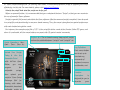
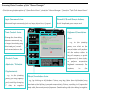
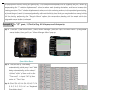
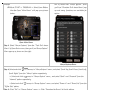
Note: If the” Paste Text” of the “Office Sets” is selected, the “Figure. A” will pop
up as shown; you may input texts to paste.
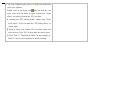
Click right button of the
mouse in “Text Area” will
bring you text editing tool
(shown as the left) figure).
Fig. A