1
the DM will not attempt to execute the script until the next
time you log in.)
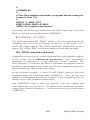
4. If no # character precedes the CMDF command line, the DM
looks in the USER_ DATA subdirectory of your log-in home
directory for the specified file. If the DM finds the file, it
executes the script; otherwise, it displays an error message in
the DM output window when the log-in sequence completes.
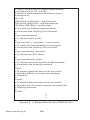
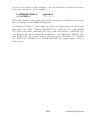
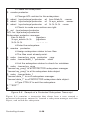
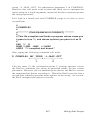
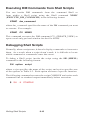
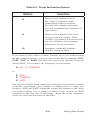
This script, called the DM start-up script, is an optional script
that you create to execute additional DM commands during
log-in. For example, you may want to include commands that
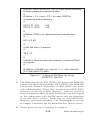
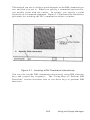
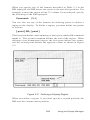
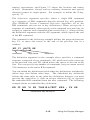
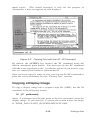
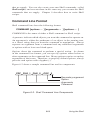
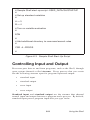
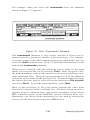
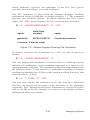
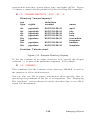
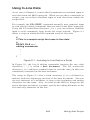
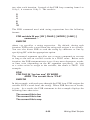
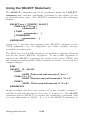
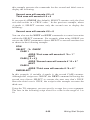
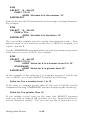
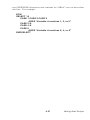
make specific key definitions or run specific programs. Figure
2-7 shows a sample DM start-up script.
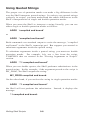
Remember, we don’t supply a DM start-up script as part of
the system; if you want to use a DM start-up script, you must
create one. If you do create a DM start-up script, remember
to create a file that has the same filename as the file specified
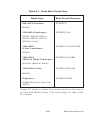
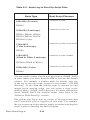
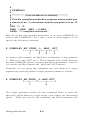
with the CMDF command. For example, the CMDF command
in Figure 2-6, specifies the filename STARTUP_ DM.19L. The
suffix 19L is the suffix for files used by nodes with landscape
displays, like the DN300.
Start-Up and Log-In
2-18