1
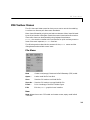
PDE Toolbox Menus
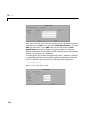
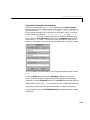
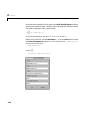
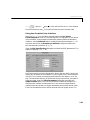
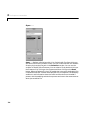
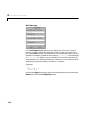
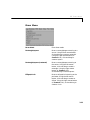
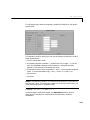
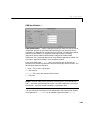
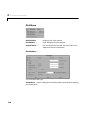
The upper part of the dialog box contains four columns:
• Plot type (far left) contains a row of six different plot types, which can be
used for visualization:
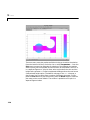
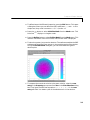
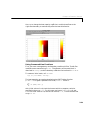
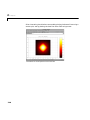
- Color. Visualization of a scalar property using colored surface objects.
- Contour. Visualization of a scalar property using colored contour lines.
The contour lines can also enhance the color visualization when both plot
types ( Color and Contour) are checked. The contour lines are then
drawn in black.
- Arrows. Visualization of a vector property using arrows.
- Deformed mesh. Visualization of a vector property by deforming the
mesh using the vector property. The deformation is automatically scaled
to 10% of the problem domain. This plot type is primarily intended for
visualizing x- and y-displacements (u and v) for problems in structural
mechanics. If no other plot type is selected, the deformed triangular mesh
is displayed.
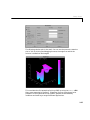
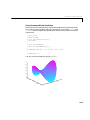
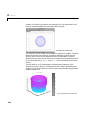
- Height (3-D plot). Visualization of a scalar property using height (z-axis)
in a 3-D plot. 3-D plots are plotted in separate figure windows. If the Color
and Contour plot types are not used, the 3-D plot is simply a mesh plot.
You can visualize another scalar property simultaneously using Color
and/or Contour, which results in a 3-D surface or contour plot.
- Animation. Animation of time-dependent solutions to parabolic and
hyperbolic problems. If you check this option, the solution is recorded and
then animated in a separate figure window using MATLAB’s movie
function.
3-31