1
The Toolbar
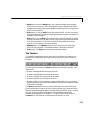
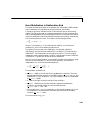
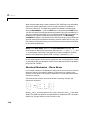
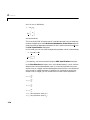
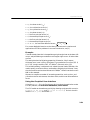
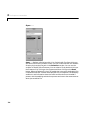
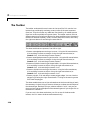
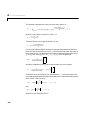
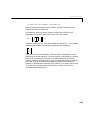
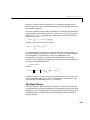
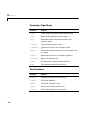
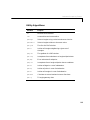
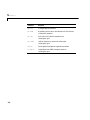
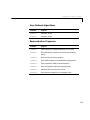
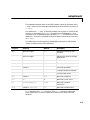
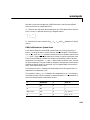
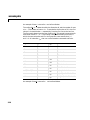
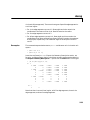
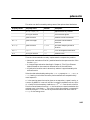
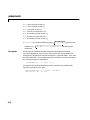
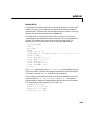
The second group of buttons includes the following buttons, from left to right:
• ∂Ω : Enters the boundary mode.
• PDE: Opens the PDE Specification dialog box.
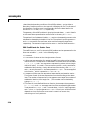
•
Initializes the triangular mesh.
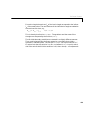
• The Refine button (the four triangle icon): Refines the triangular mesh.
• =: Solves the PDE.
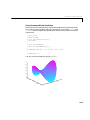
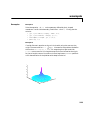
• The 3-D solution plot icon: Opens the Solution Plot Selection dialog box.
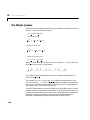
The buttons in the second group are of the “flash” type; single-clicking on them
initiates the associated function.
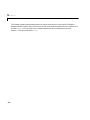
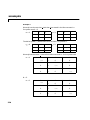
The last, right-most button with the magnifier icon toggles the zoom function
on/off.
3-39