1
MGC Web Server Manager User’s Guide
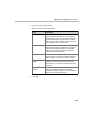
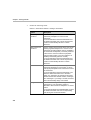
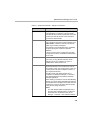
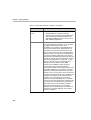
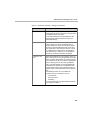
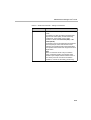
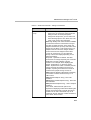
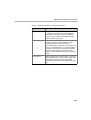
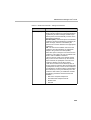
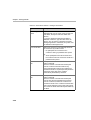
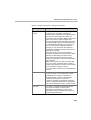
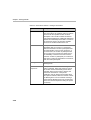
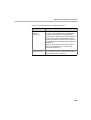
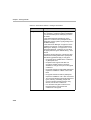
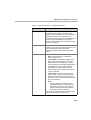
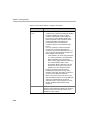
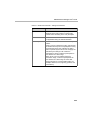
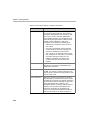
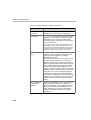
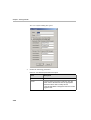
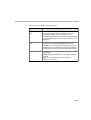
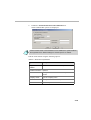
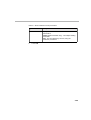
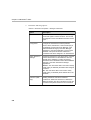
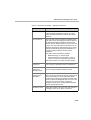
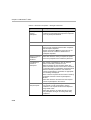
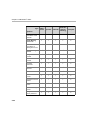
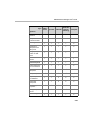
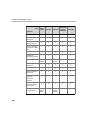
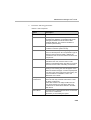
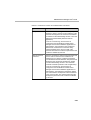
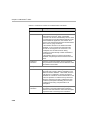
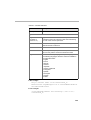
Table 5-3: Permission Properties - Settings2 Parameters
Option
Description
Send Email
The e-mail address of the participant. When you opt
to send and e-mail during the conference definition,
recurring reservation or update the e-mail address is
used to send an e-mail to the participant.
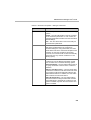
Party phone
number/Ip address
in email
Select this check box to add the participant’s phone
number or IP address in an e-mail sent after the
conference definition, recurring reservation or
update of a reservation.
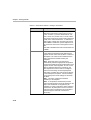
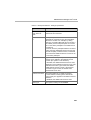
View MCU Name
Select this check box to let the user view the MCU
name in the On Going Conferences List.
Change Password
Select this check box to allow the user to change his/
her password to the WebCommander site from the
Main Menu pane of WebCommander.
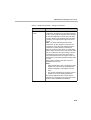
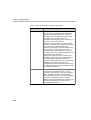
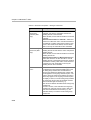
Modify Conference
Billing Code
Select this check box to allow the WebCommander
user to modify the conference Billing code during the
On Going conference.
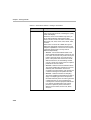
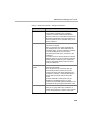
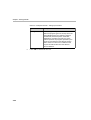
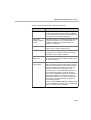
Allow Connection
Type Changes
A user may start a conference in the
WebCommander site that includes Dial-In, Dial-Out
and/or Direct participants, and add new participants
of Dial-In, Dial-Out and/or Direct connection type.
The user is able to define participants of all
connection types in the participants database or in
the conference templates, but will not be able to
launch such templates if he/she does not have the
appropriate permission. For example, if a Dial-In
participant is added to an On Going conference but
the user does not have permission for Dial-in, an
error message appears.
Select or clear the Dial In, Dial Out, or Direct check
boxes to indicate the connection type of participants
that can be added to the conference.
5-17