1
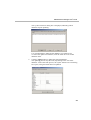
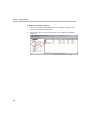
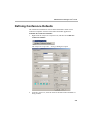
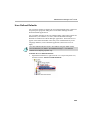
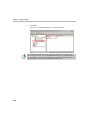
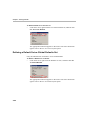
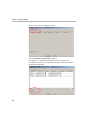
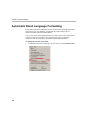
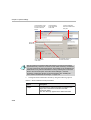
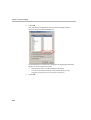
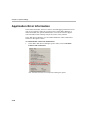
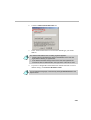
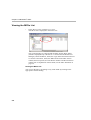
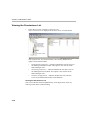
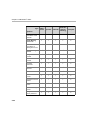
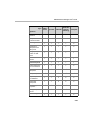
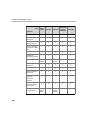
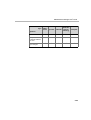
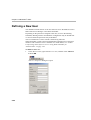
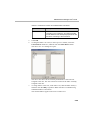
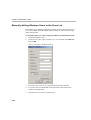
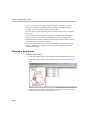
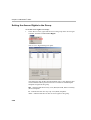
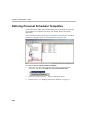
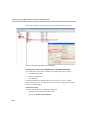
The E-mail Format dialog box is displayed.
2.
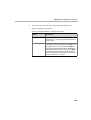
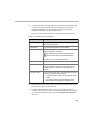
Select the language to customize and then click the Customize Format
button.
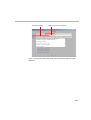
The language setting for the Meeting invitation can be selected in the
WebCommander - Login screen and in the MGC Personal Scheduler Polycom Office page.
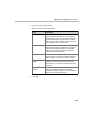
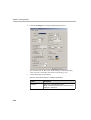
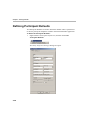
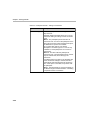
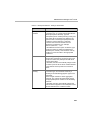
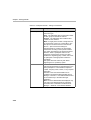
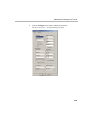
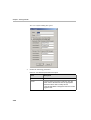
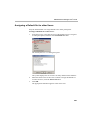
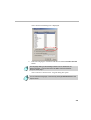
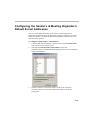
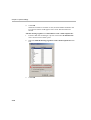
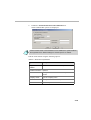
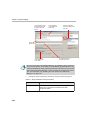
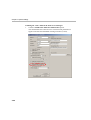
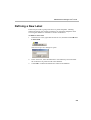
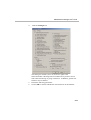
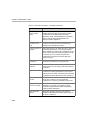
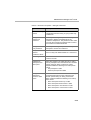
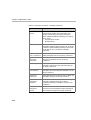
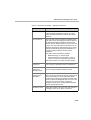
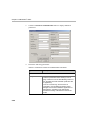
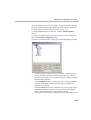
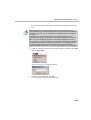
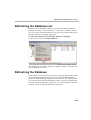
The Customize E-mail Format - English dialog box opens.
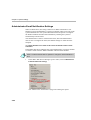
You can define the language of the email by clicking E-mail Format from the
Options menu.
4-9