1
MGC Web Server Manager User’s Guide
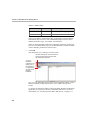
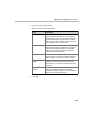
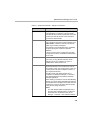
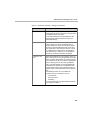
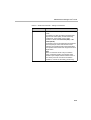
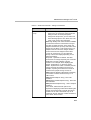
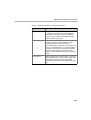
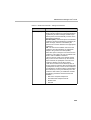
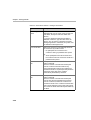
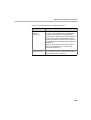
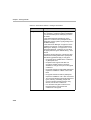
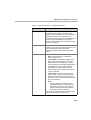
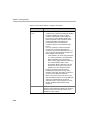
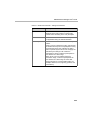
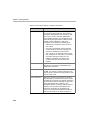
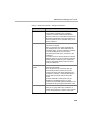
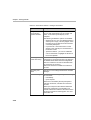
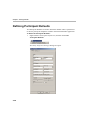
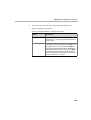
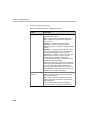
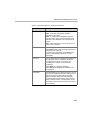
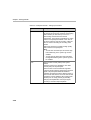
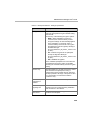
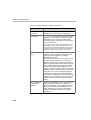
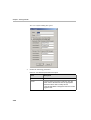
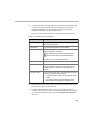
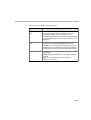
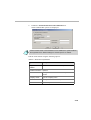
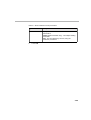
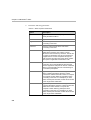
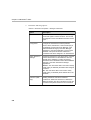
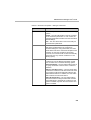
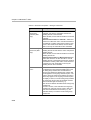
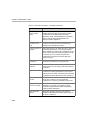
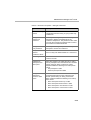
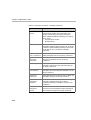
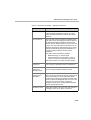
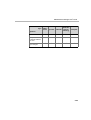
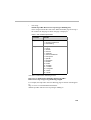
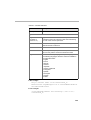
Table 3-1: Reservation Defaults - Settings1 Parameters
Option
Description
Line Rate (con’t)
Note: The high line rate transmission is enabled
with the standard video card (version 1.43 and up)
or with the Video+ card. The line rate of incoming
ISDN/H.323 calls can be automatically detected
and the participant can be connected according to
his/her capabilities, without prior setting of the
endpoint’s line rate during conference setup. In
such a case, the conference Line Rate is the
maximum rate for the participant connection. For
more details, see MGC Manager User’s Guide
Volume II, Chapter 1.
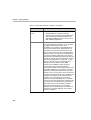
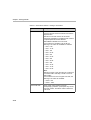
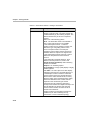
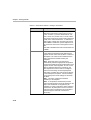
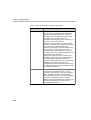
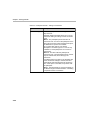
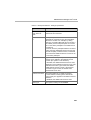
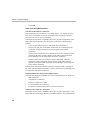
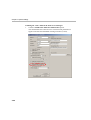
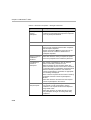
Audio Alg
Select the preferred audio algorithm. The available
audio algorithms are: 8 (G.729/G.723.1), 16
(G.728/Siren7), 24 (Siren14/G.722.1/Siren7), 32
(Siren14/G.722.1/Siren7), 48 (Siren14/G.722/
G.711), 56 (G.722/G.711), or 56 (G.711).
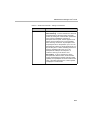
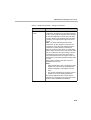
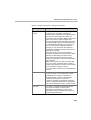
Siren 7 and Siren14 are Polycom proprietary audio
algorithms. Siren14 can be used only if the MCU is
configured to Wideband.
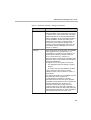
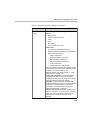
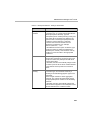
To support Siren14, The system must include:
• The appropriate Polycom settings to support
Siren14.
•
An Audio+ card must be installed in the MCU.
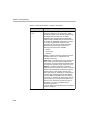
If the conference is set to Siren14 and the
endpoints cannot connect in Siren14, G.722.1 is
used instead.
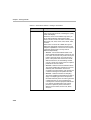
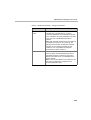
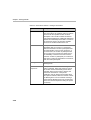
The option 8 (G.729/G.723.1) is available only in IP
Only (VOIP and video) conferences.
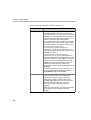
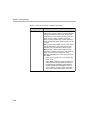
In Video Switching conferences, all of the
participants must use the same audio algorithm.
Participants with endpoints that do not support the
algorithm selected for the conference are
connected as Secondary (Audio only). If the
conference line rate is set to 2B or 128 Kbps, to
achieve the best audio and video quality select the
appropriate audio algorithm for all the participants
in the following order: G.728, G.722, G.711.
3-7