1
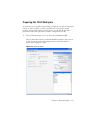
Setting Up the Experiment
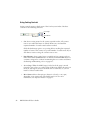
Before you record data, set up an experiment with appropriate tubes, plots, and
labels for your assay. This section describes how to add Browser and worksheet
elements to the experiment that was started in the previous section, Data
Collection.
1
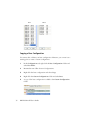
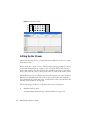
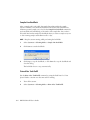
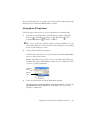
Rename Specimen_001 to a descriptive name.
2
Rename Tube_001 to 4-color_001.
3
Set the current tube pointer to the 4-color_001 tube.
4
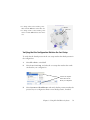
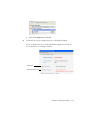
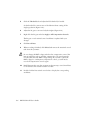
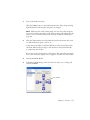
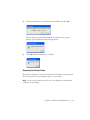
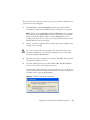
Click Next Tube in the Acquisition Dashboard to duplicate the first tube
with the name 4-color_002.
5
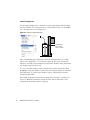
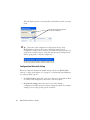
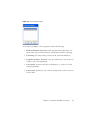
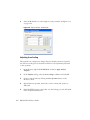
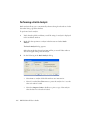
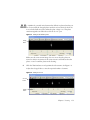
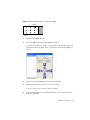
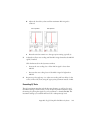
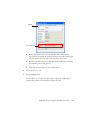
Use the Experiment Layout to specify the number of events to record for
each tube.
The Experiment Layout can be used to define the events to record as well as
parameter labels for all tubes in an experiment. Labels appear on the plot
axes and in all statistics views.
a
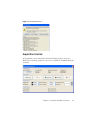
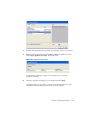
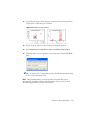
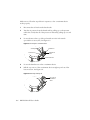
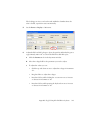
Select Experiment > Experiment Layout.
b
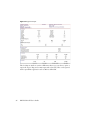
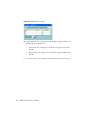
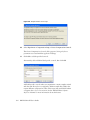
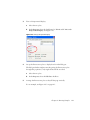
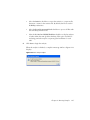
In the Acquisition tab, select the events to record field for all specimen
tubes, and select or enter 5,000 events.
c
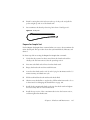
Click OK.
Chapter 4: Running Samples
139