1
Screens and Graphics
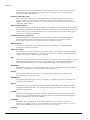
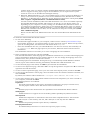
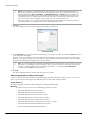
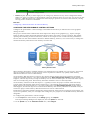
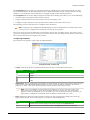
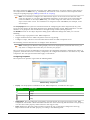
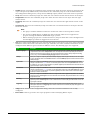
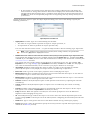
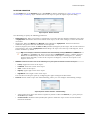
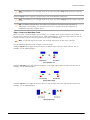
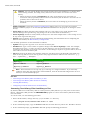
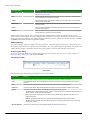
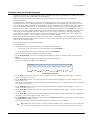
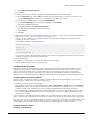
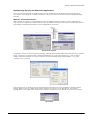
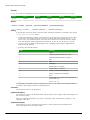
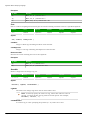
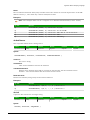
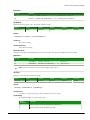
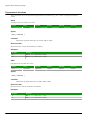
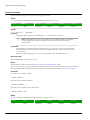
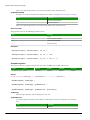
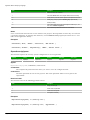
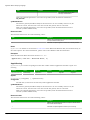
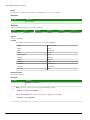
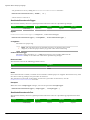
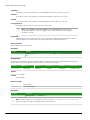
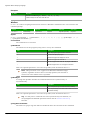
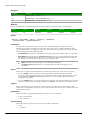
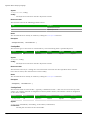
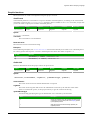
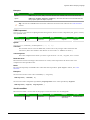
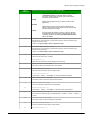
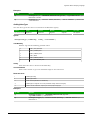
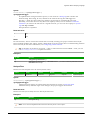
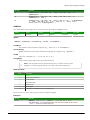
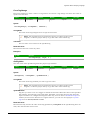
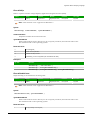
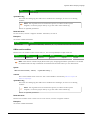
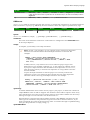
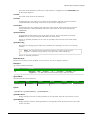
Note: The distribution tools may move the last object selected (with solid handles) by no more
than a few pixels to equally space all of the objects.
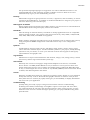
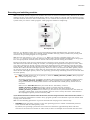
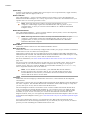
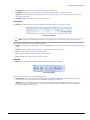
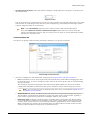
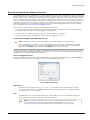
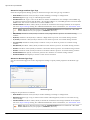
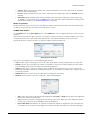
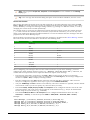
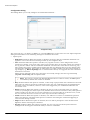
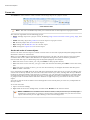
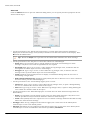
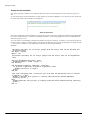
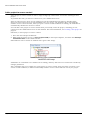
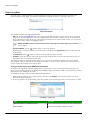
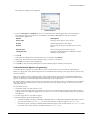
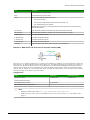
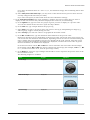
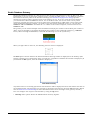
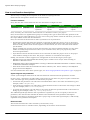
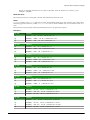
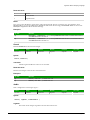
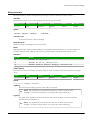
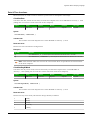
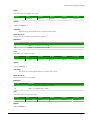
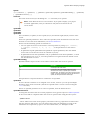
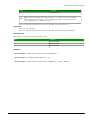
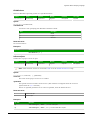
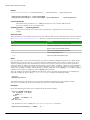
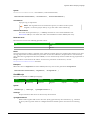
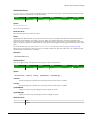
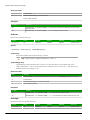
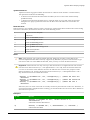
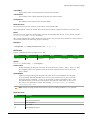
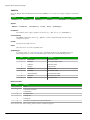
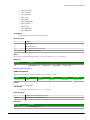
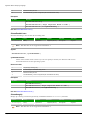
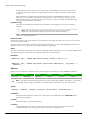
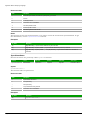
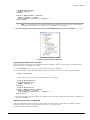
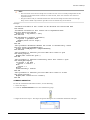
Rotate Tool
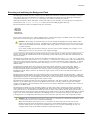
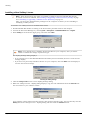
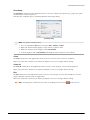
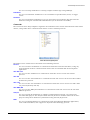
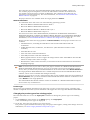
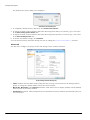
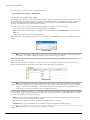
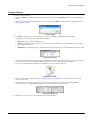
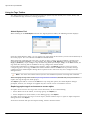
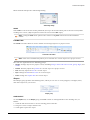
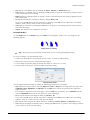
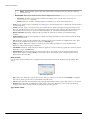
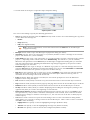
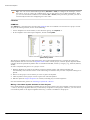
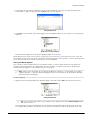
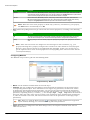
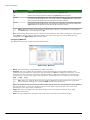
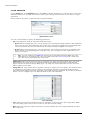
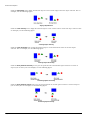
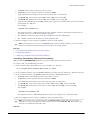
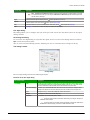
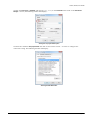
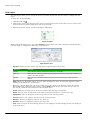
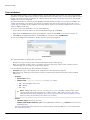
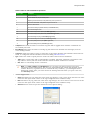
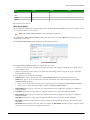
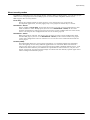
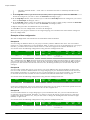
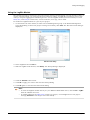
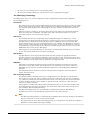
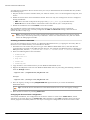
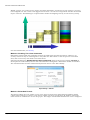
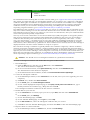
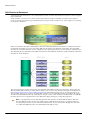
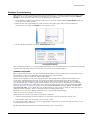
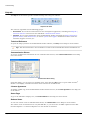
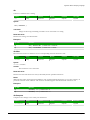
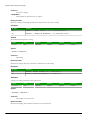
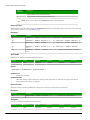
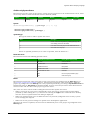
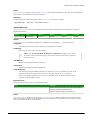
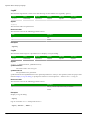
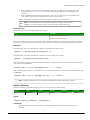
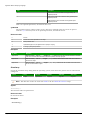
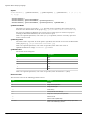
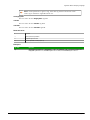
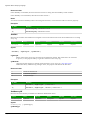
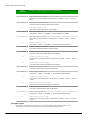
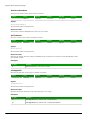
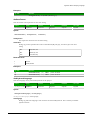
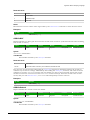
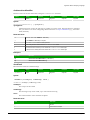
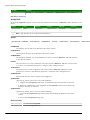
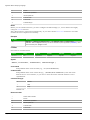
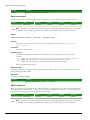
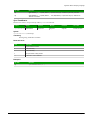
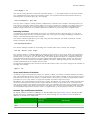
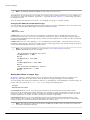
Click the Rotate tool
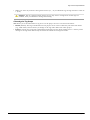
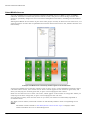
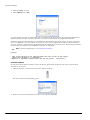
to rotate the selected object 90 degrees (a quarter turn) clockwise.
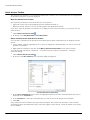
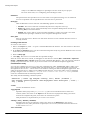
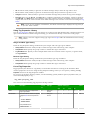
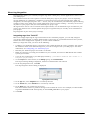
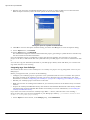
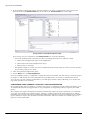
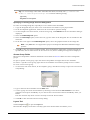
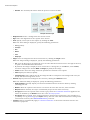
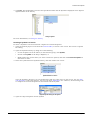
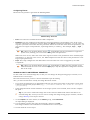
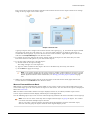
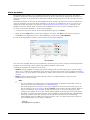
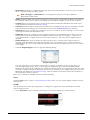
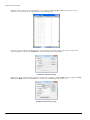
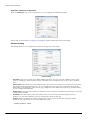
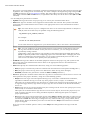
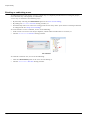
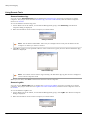
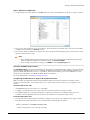
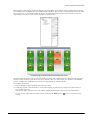
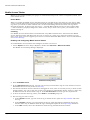
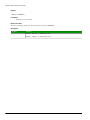
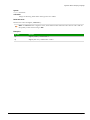
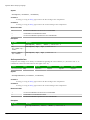
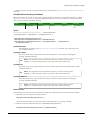
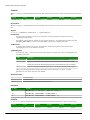
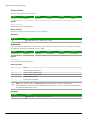
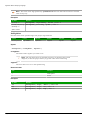
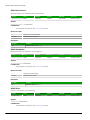
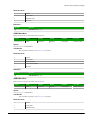
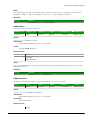
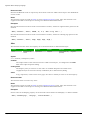
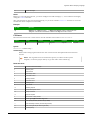
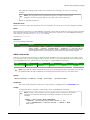
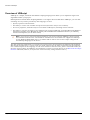
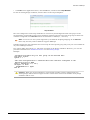
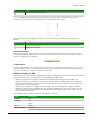
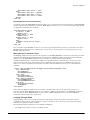
Rotating Objects
Note: You can use this tool only with a single selected object or grouped object. You cannot use
this tool with multiple objects selected.
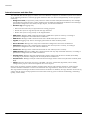
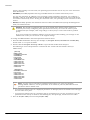
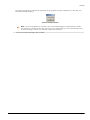
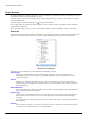
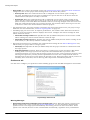
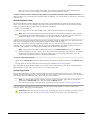
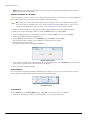
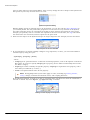
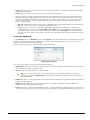
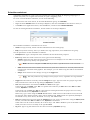
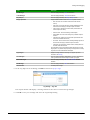
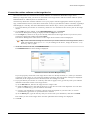
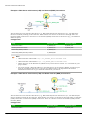
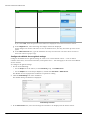
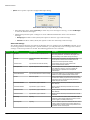
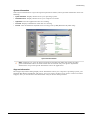
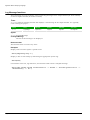
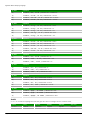
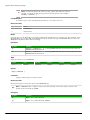
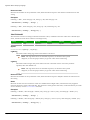
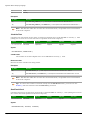
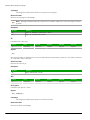
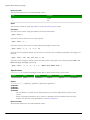
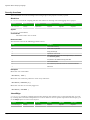
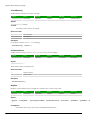
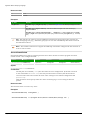
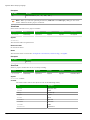
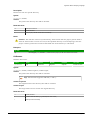
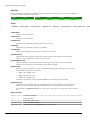
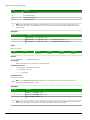
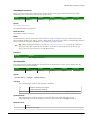
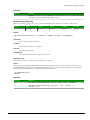
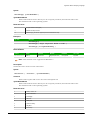
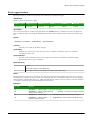
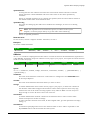
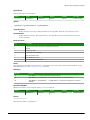
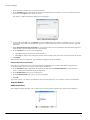
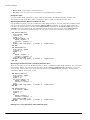
FLIP VERTICALLY TOOL
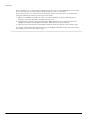
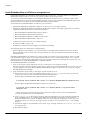
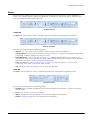
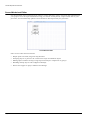
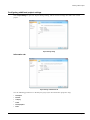
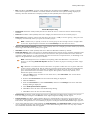
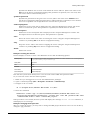
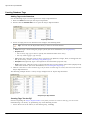
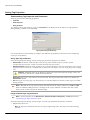
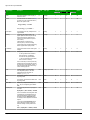
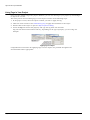
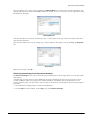
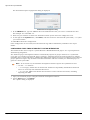
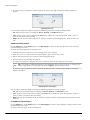
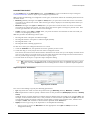
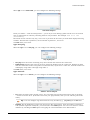
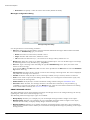
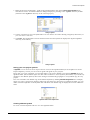
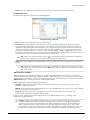
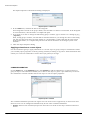
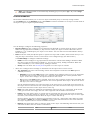
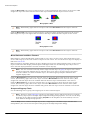
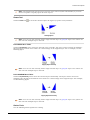
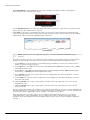
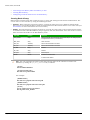
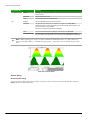
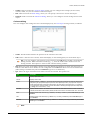
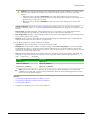
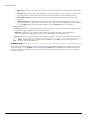
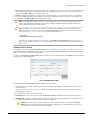
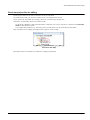
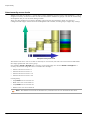
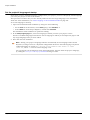
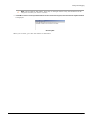
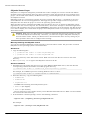
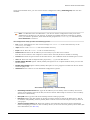
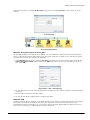
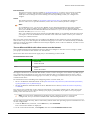
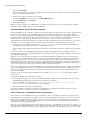
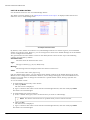
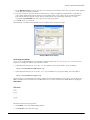
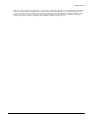
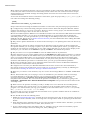
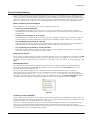
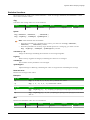
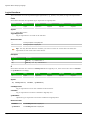
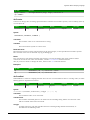
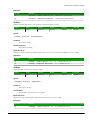
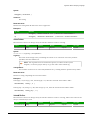
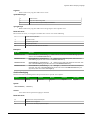
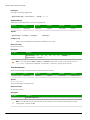
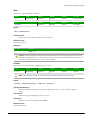
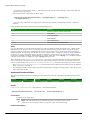
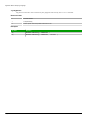
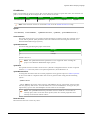
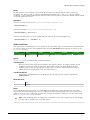
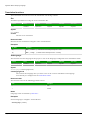
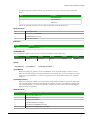
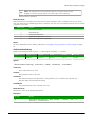
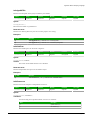
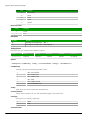
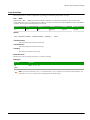
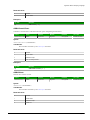
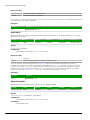
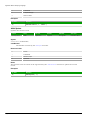
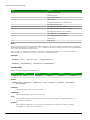
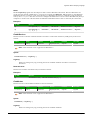
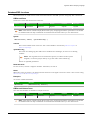
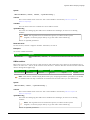
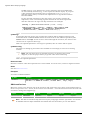
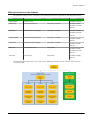
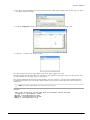
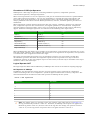
Click the Flip Vertically tool to invert the selected object vertically. The object rotates around an imaginary
line through its vertical center until it is a mirror image of the original object. For an example, see the
following figure:
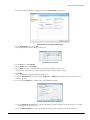
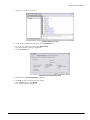
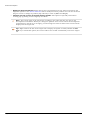
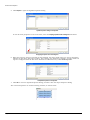
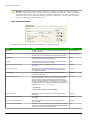
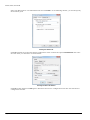
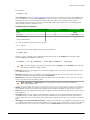
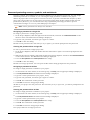
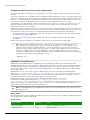
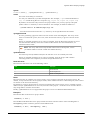
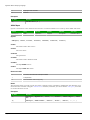
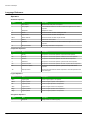
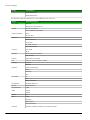
Flipping Objects Vertically
Note: You can use this tool only with a single selected object or grouped object. You cannot use
this tool with multiple objects selected.
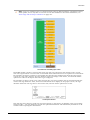
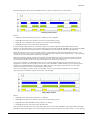
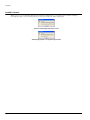
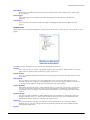
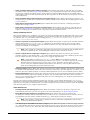
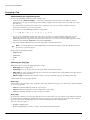
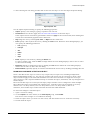
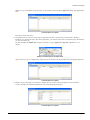
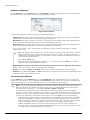
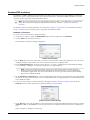
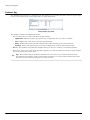
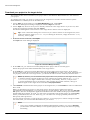
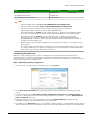
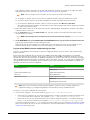
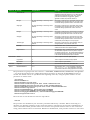
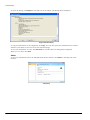
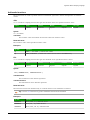
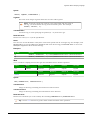
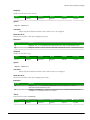
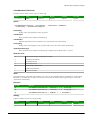
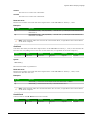
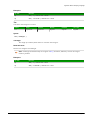
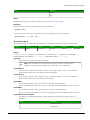
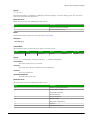
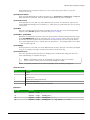
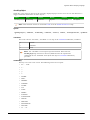
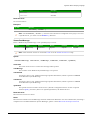
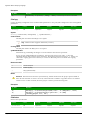
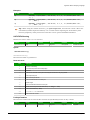
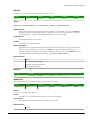
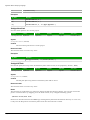
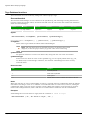
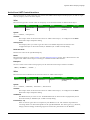
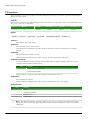
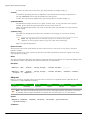
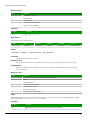
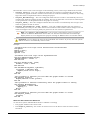
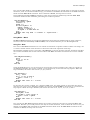
FLIP HORIZONTALLY TOOL
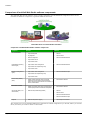
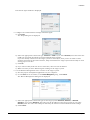
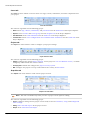
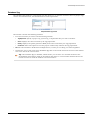
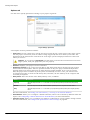
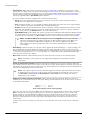
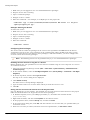
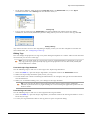
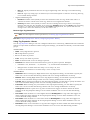
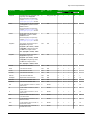
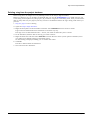
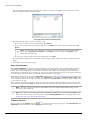
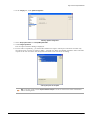
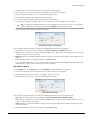
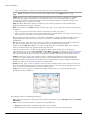
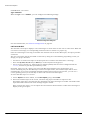
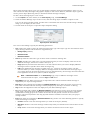
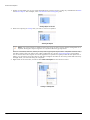
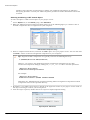
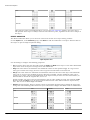
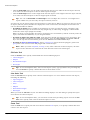
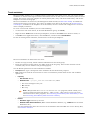
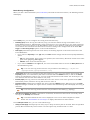
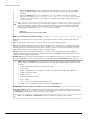
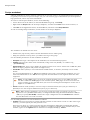
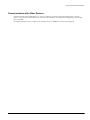
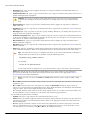
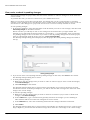
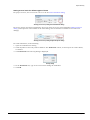
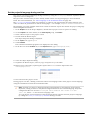
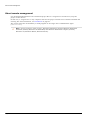
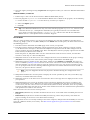
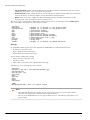
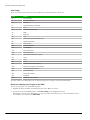
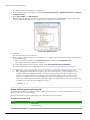
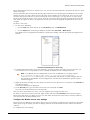
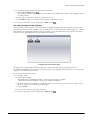
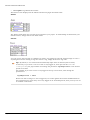
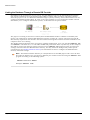
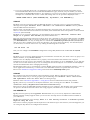
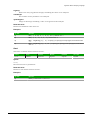
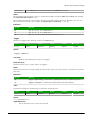
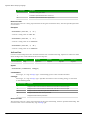
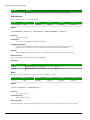
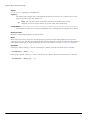
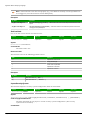
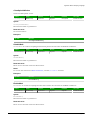
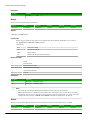
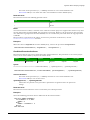
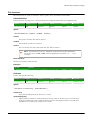
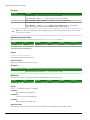
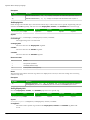
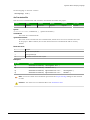
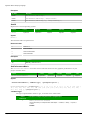
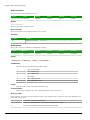
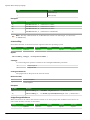
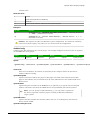
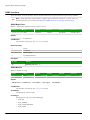
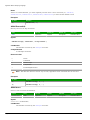
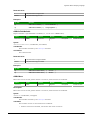
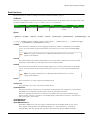
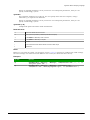
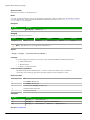
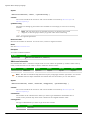
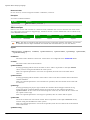
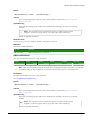
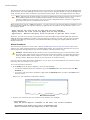
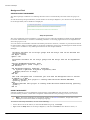
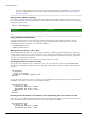
Click the Flip Horizontally tool to invert the selected object horizontally. The object rotates around an
imaginary line through its horizontal center until it is a mirror image of the original object. For example,
see the following figure:
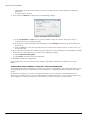
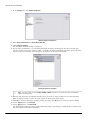
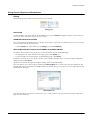
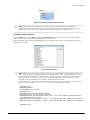
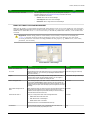
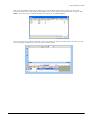
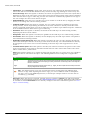
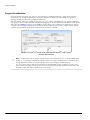
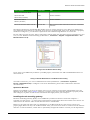
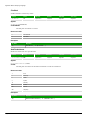
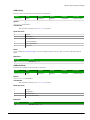
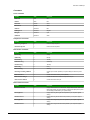
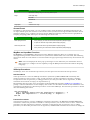
Flipping Objects Horizontally
Note: You can use this tool only with a single selected object or grouped object. You cannot use
this tool with multiple objects selected.
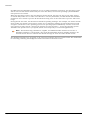
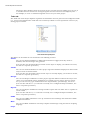
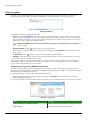
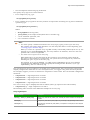
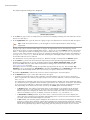
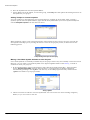
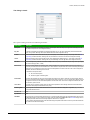
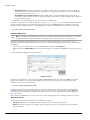
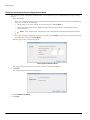
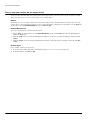
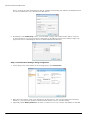
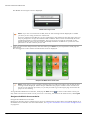
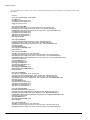
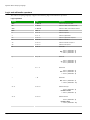
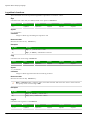
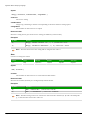
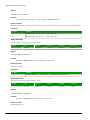
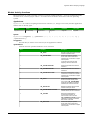
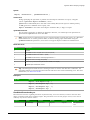
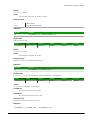
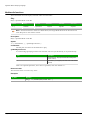
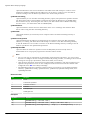
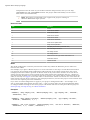
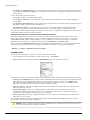
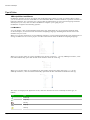
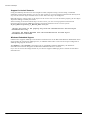
Resize Tools
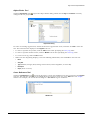
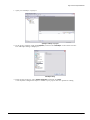
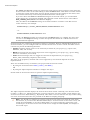
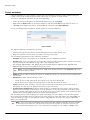
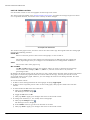
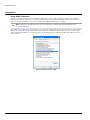
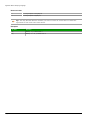
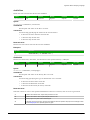
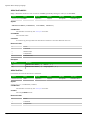
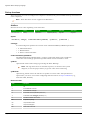
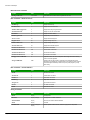
Use the following ribbon options for resizing:
InduSoft Web Studio
Page 225