1
Appendix: Built-in Scripting Language
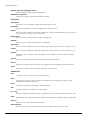
FTP functions
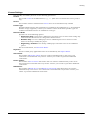
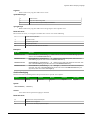
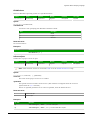
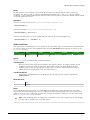
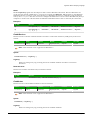
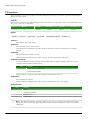
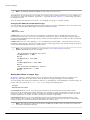
These functions are used to configure the FTP settings for the project, as well as to get files from and put
files on a remote server.
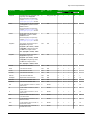
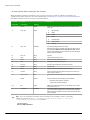
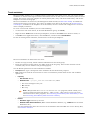
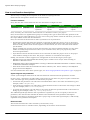
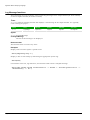
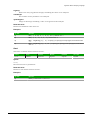
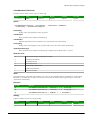
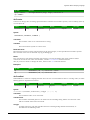
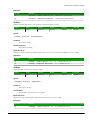
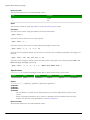
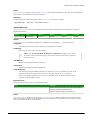
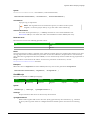
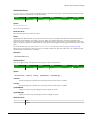
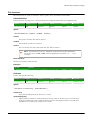
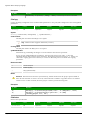
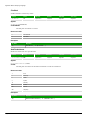
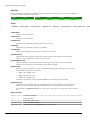
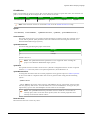
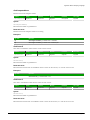
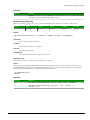
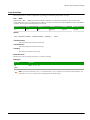
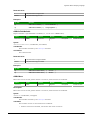
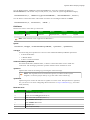
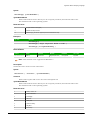
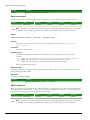
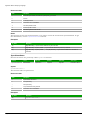
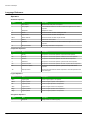
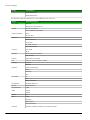
CnfFTP
This function configures the FTP settings used by other features in the project that can transfer files, such
the FTPGet and FTPPut functions.
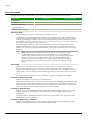
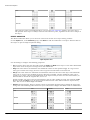
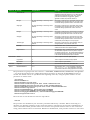
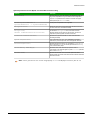
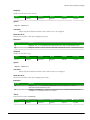
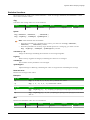
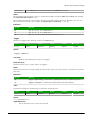
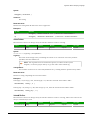
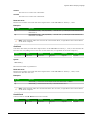
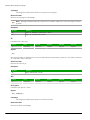
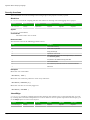
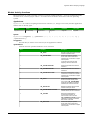
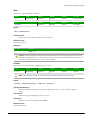
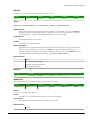
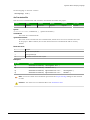
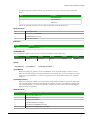
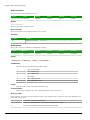
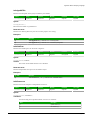
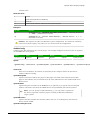
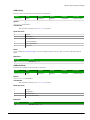
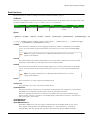
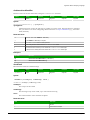
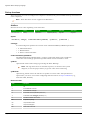
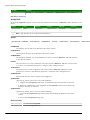
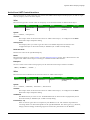
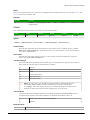
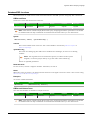
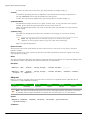
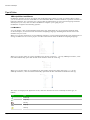
Function
Group
Execution
Windows
Embedded
Thin Client
CnfFTP
FTP
Synchronous
Supported
Supported
Supported
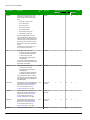
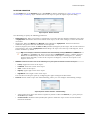
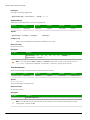
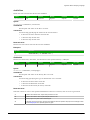
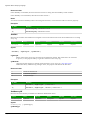
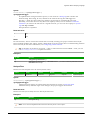
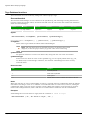
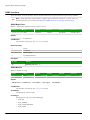
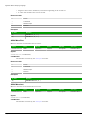
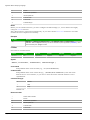
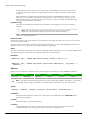
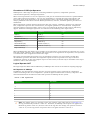
Syntax
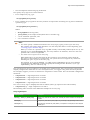
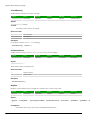
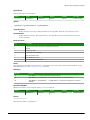
CnfFTP( strServer, optStrUser, optStrPwn, optNumPassiveMode, optNumPort )
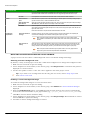
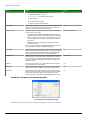
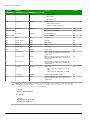
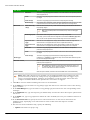
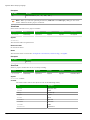
strServer
The address of the FTP server.
optStrUser
The username for the FTP account.
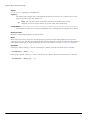
This parameter is optional; if no value is given, then the username "anonymous" is used by
default.
optStrPwd
The password for the FTP account.
This parameter is optional; if no value is given, then the password is left blank.
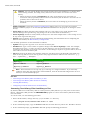
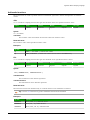
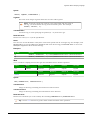
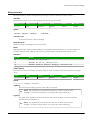
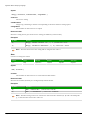
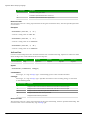
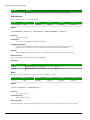
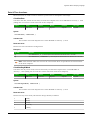
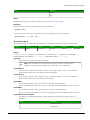
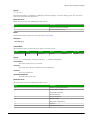
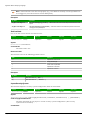
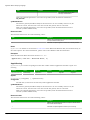
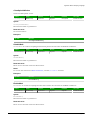
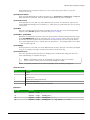
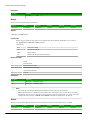
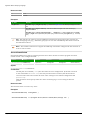
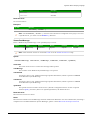
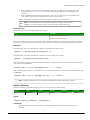
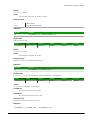
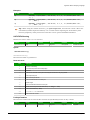
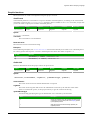
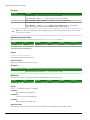
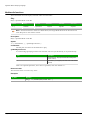
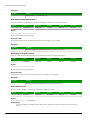
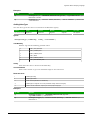
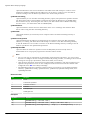
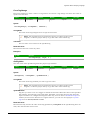
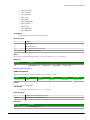
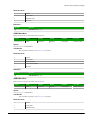
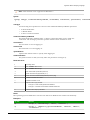
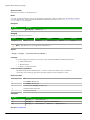
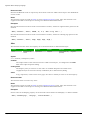
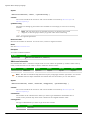
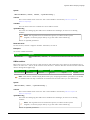
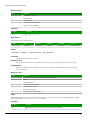
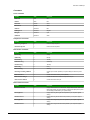
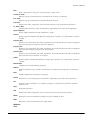
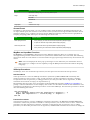
optNumPassiveMode
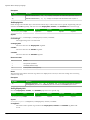
A numeric flag that specifies whether Passive FTP mode is enabled. (Passive FTP can be used
to bypass some firewall configurations.)
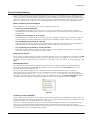
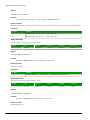
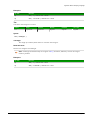
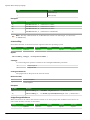
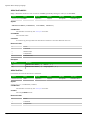
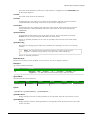
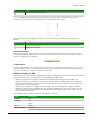
Value
Description
0
Passive FTP mode is disabled (default).
1
Passive FTP mode is enabled.
This parameter is optional; if no value is given, then default value is 0.
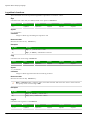
optNumPort
The TCP/IP port number.
This parameter is optional; if no value is given, then port 21 is used by default.
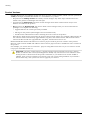
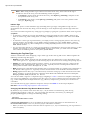
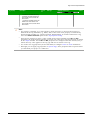
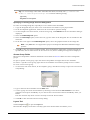
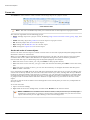
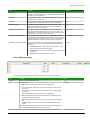
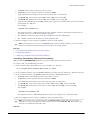
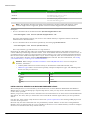
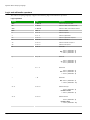
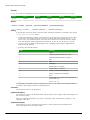
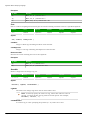
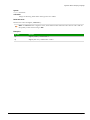
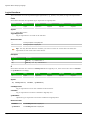
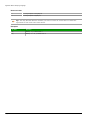
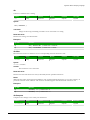
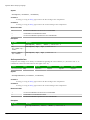
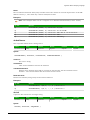
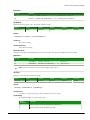
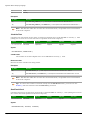
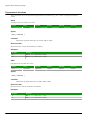
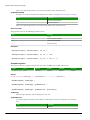
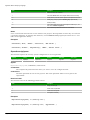
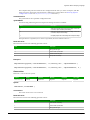
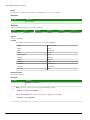
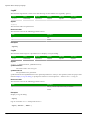
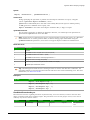
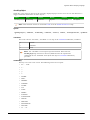
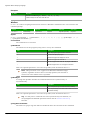
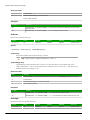
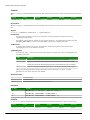
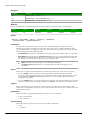
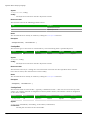
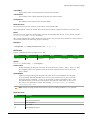
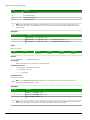
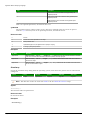
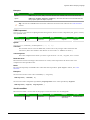
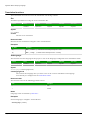
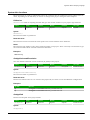
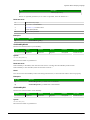
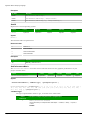
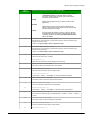
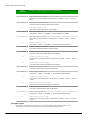
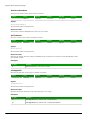
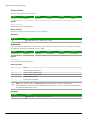
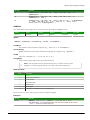
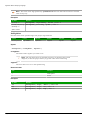
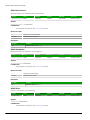
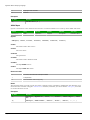
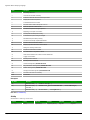
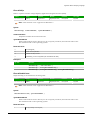
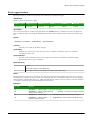
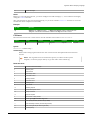
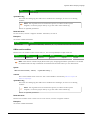
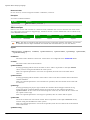
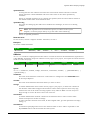
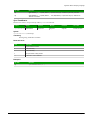
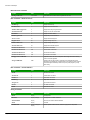
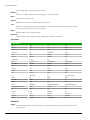
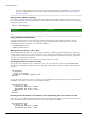
Returned value
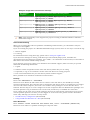
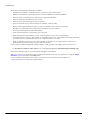
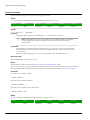
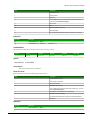
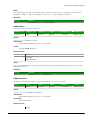
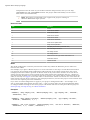
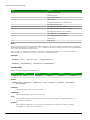
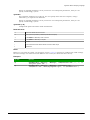
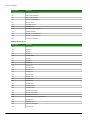
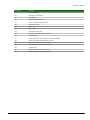
Value
0
Description
Success
−1
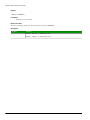
Invalid number of parameters
−2
Invalid server name
−3
Invalid user name
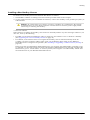
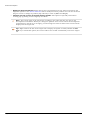
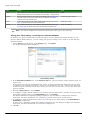
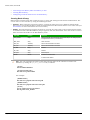
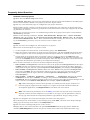
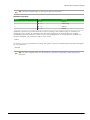
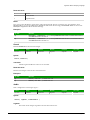
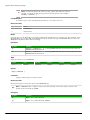
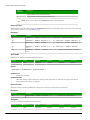
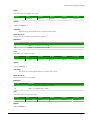
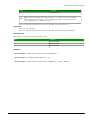
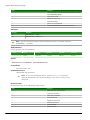
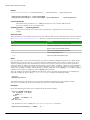
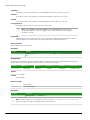
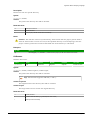
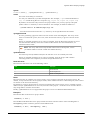
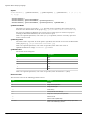
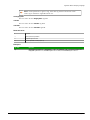
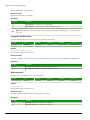
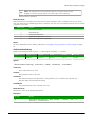
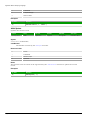
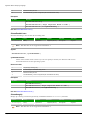
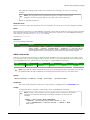
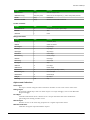
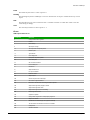
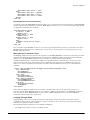
Note: This function does not actually connect to the server, so these error codes do not show
the quality of the connection. They only show whether the FTP settings have been successfully
configured.
Page 694
InduSoft Web Studio