1
Appendix: Built-in Scripting Language
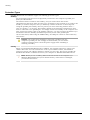
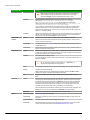
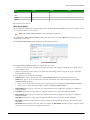
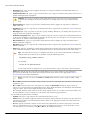
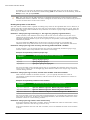
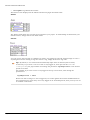
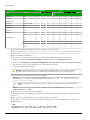
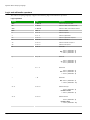
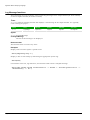
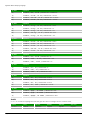
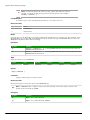
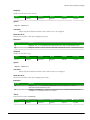
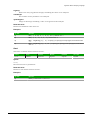
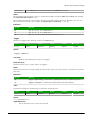
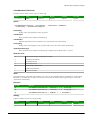
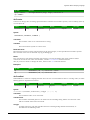
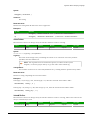
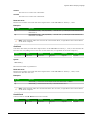
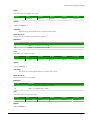
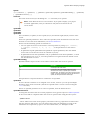
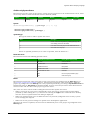
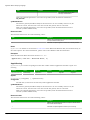
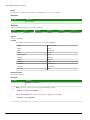
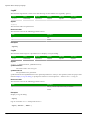
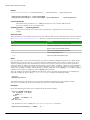
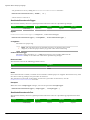
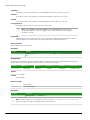
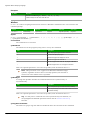
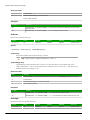
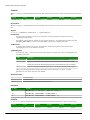
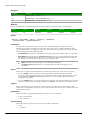
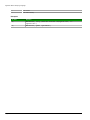
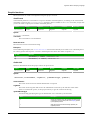
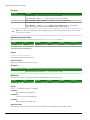
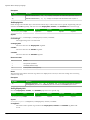
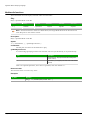
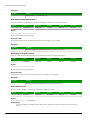
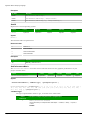
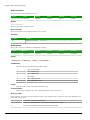
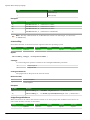
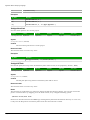
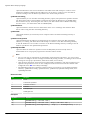
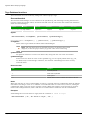
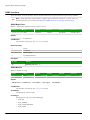
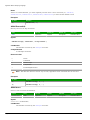
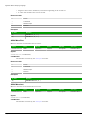
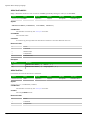
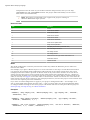
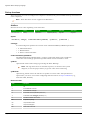
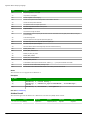
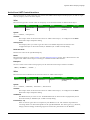
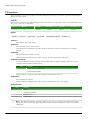
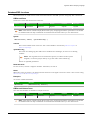
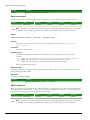
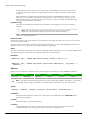
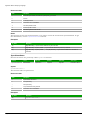
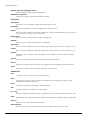
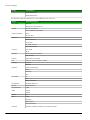
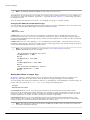
LogOff
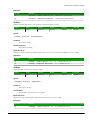
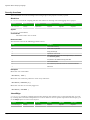
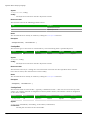
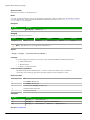
This function logs off the current user and then logs on the default user (typically "guest").
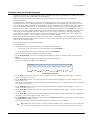
Function
Group
Execution
Windows
Embedded
Thin Client
LogOff
Module Activity
Asynchronous
Supported
Supported
Supported
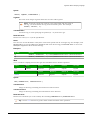
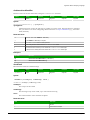
Syntax
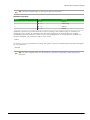
LogOff()
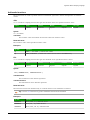
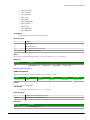
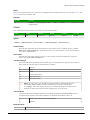
This function takes no parameters.
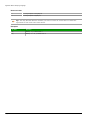
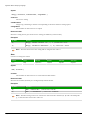
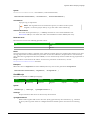
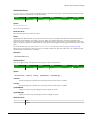
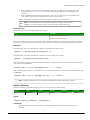
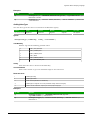
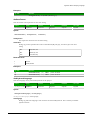
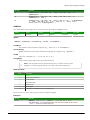
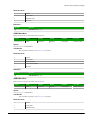
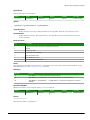
Returned value
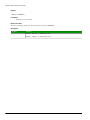
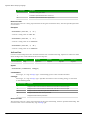
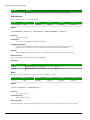
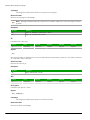
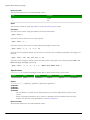
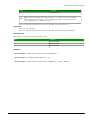
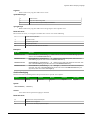
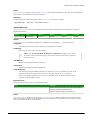
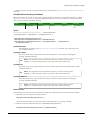
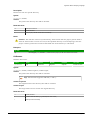
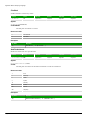
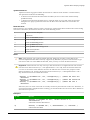
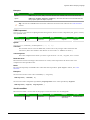
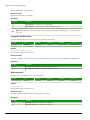
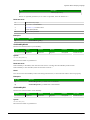
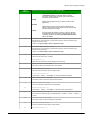
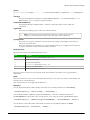
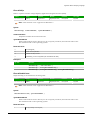
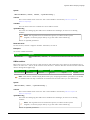
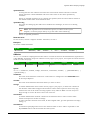
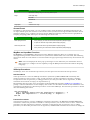
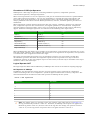
This function returns the following possible values:
Value
Description
0
Error.
1
Success.
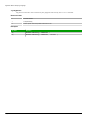
Examples
LogOff()
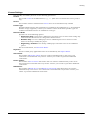
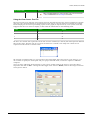
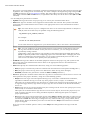
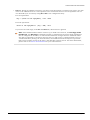
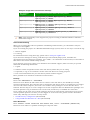
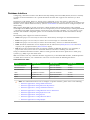
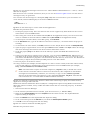
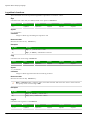
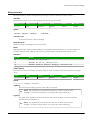
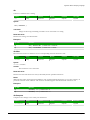
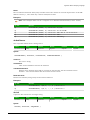
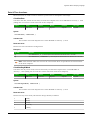
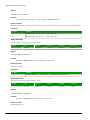
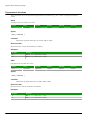
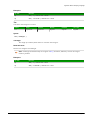
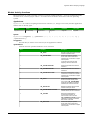
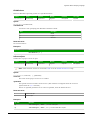
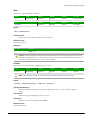
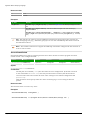
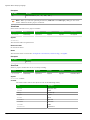
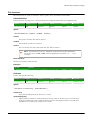
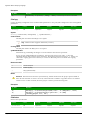
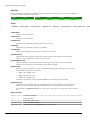
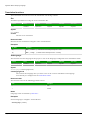
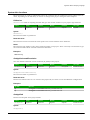
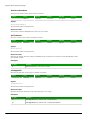
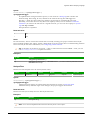
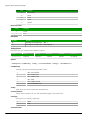
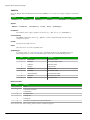
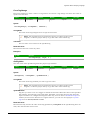
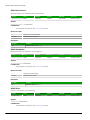
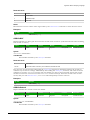
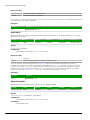
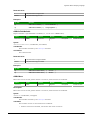
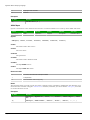
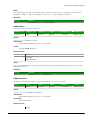
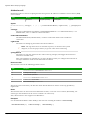
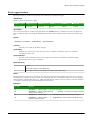
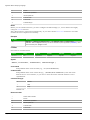
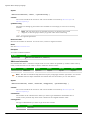
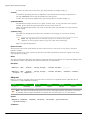
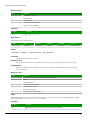
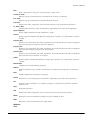
LogOn
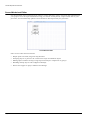
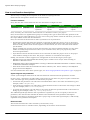
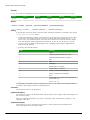
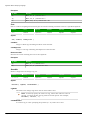
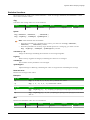
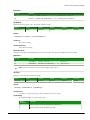
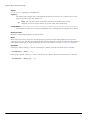
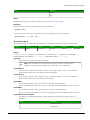
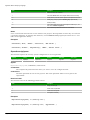
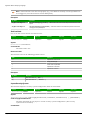
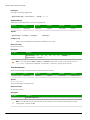
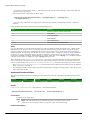
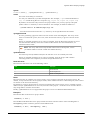
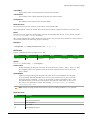
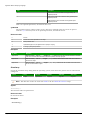
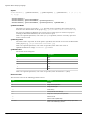
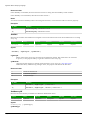
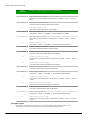
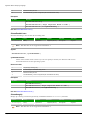
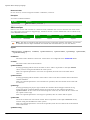
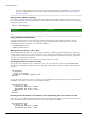
This function either logs on a specified user or displays a Log On dialog.
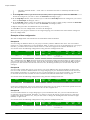
Function
Group
Execution
Windows
Embedded
Thin Client
LogOn
Module Activity
Asynchronous
Supported
Supported
Supported
Syntax
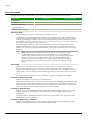
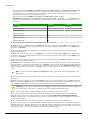
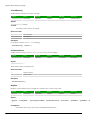
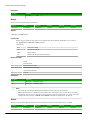
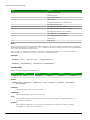
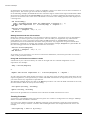
LogOn({ | optStrUsername,optStrPassword })
optStrUsername
The name of the user to log on.
optStrPassword
The specified user's password.
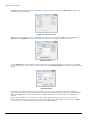
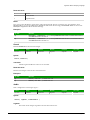
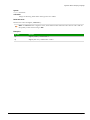
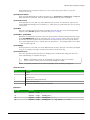
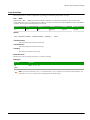
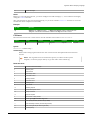
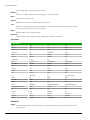
optStrUsername and optStrPassword are optional parameters. If they're not specified, then the project will
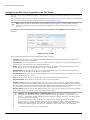
instead display a Log On dialog, to prompt the station's current operator — whoever it is — to log on.
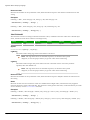
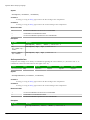
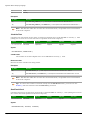
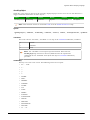
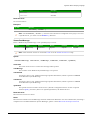
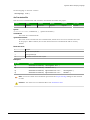
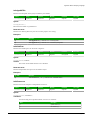
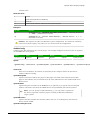
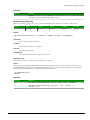
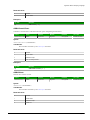
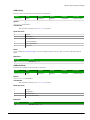
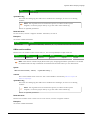
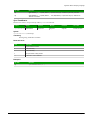
Returned value
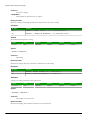
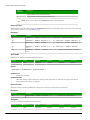
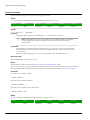
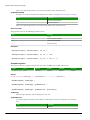
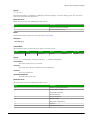
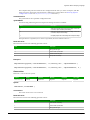
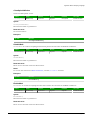
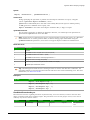
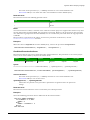
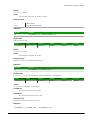
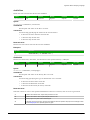
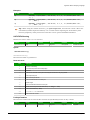
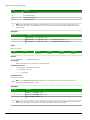
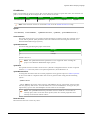
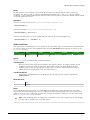
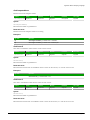
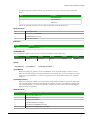
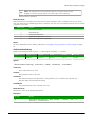
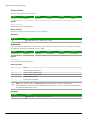
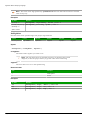
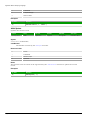
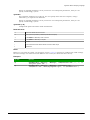
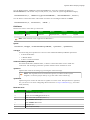
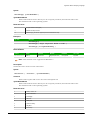
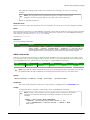
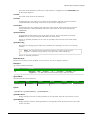
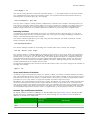
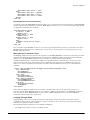
This function returns the following possible values:
Value
Description
0
Error (e.g., username or password is invalid) or cancellation.
1
Success.
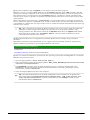
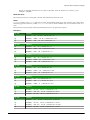
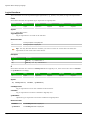
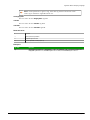
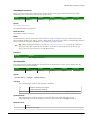
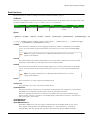
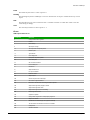
Examples
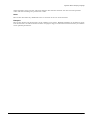
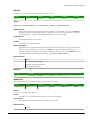
Display a Log On dialog:
LogOn()
Log on username Albert with password EMC2:
LogOn( "Albert", "EMC2" )
Page 574
InduSoft Web Studio