1
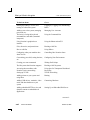
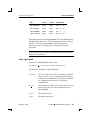
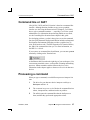
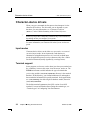
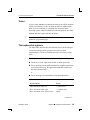
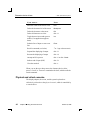
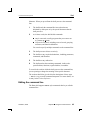
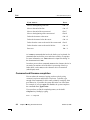
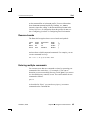
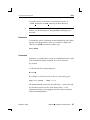
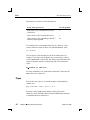
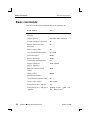
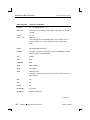
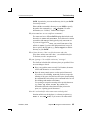
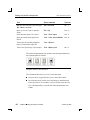
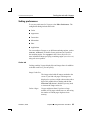
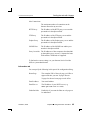
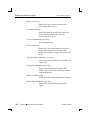
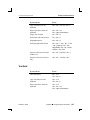
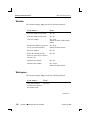
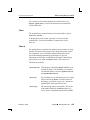
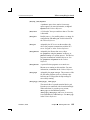
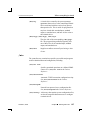
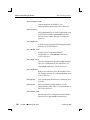
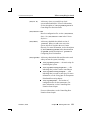
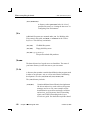
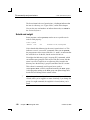
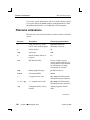
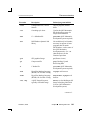
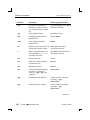
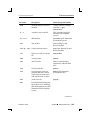
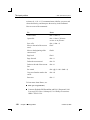
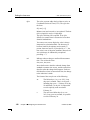
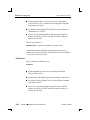
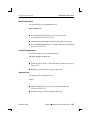
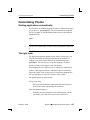
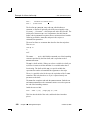
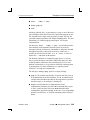
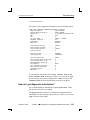
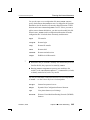
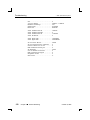
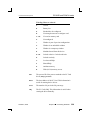
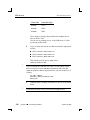
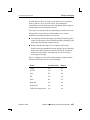
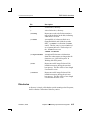
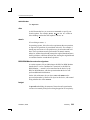
Hotkeys and shortcuts 2005, QNX Software Systems If you want to: Press: Copy selected text to the clipboard. Ctrl – Alt – X or Ctrl – Alt – C Paste selected text from the clipboard. Ctrl – Alt – V or Ctrl – right mouse button Toggle text selection Ctrl – Alt – R Search help with selected text Ctrl – Alt – H Set pterm options Ctrl – Alt – O Scroll through buffered lines Ctrl – Alt – ↑, Ctrl – Alt – ↓, Ctrl – Alt – Page Up, Ctrl – Alt – Page Down, Ctrl – Alt – Home and Ctrl – Alt – End Increase or decrease font and window size Ctrl – Alt – [ and Ctrl – Alt – ] Increase or decrease font size only Ctrl – Alt – , and Ctrl – Alt – . If you want to: Press: Cut selected text. Ctrl – X or Ctrl – Alt – X Copy selected text to the clipboard. Ctrl – C or Ctrl – Alt – C Paste selected text from the clipboard. Ctrl – V or Ctrl – Alt – V or Ctrl – right mouse button Text field October 6, 2005 Chapter 5 ¯ Using the Photon microGUI 101