1
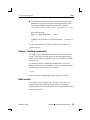
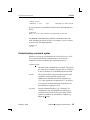
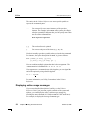
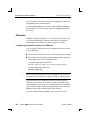
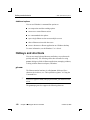
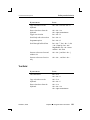
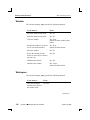
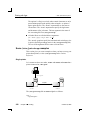
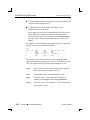
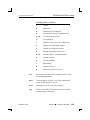
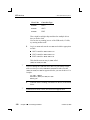
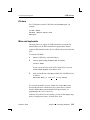
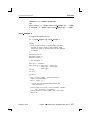
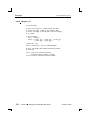
Starting Qnet ☞ 2005, QNX Software Systems If you run Qnet, anyone else on your network who’s running Qnet can examine your files and processes, if the permissions on them allow it. For more information, see: ¯ “File ownership and permissions” in the Working with Files chapter in this guide ¯ “Qnet” in the Securing Your System chapter in this guide ¯ “Autodiscovery vs static” in the Transparent Distributed Processing Using Qnet chapter of the Neutrino Programmer’s Guide Creating useqnet To start Qnet automatically when you boot your system, log in as root and create an empty useqnet file, like this: touch /etc/system/config/useqnet If this file exists, your /etc/system/sysinit script starts Qnet when you boot your machine. If you need to specify any options to Qnet, edit sysinit and change these lines: # Enable qnet if user has enabled it. if test -r /etc/system/config/useqnet -a -d /dev/io-net; then mount -Tio-net npm-qnet.so fi For example, if the hardware is unreliable, you might want to enable Cyclic Redundancy Checking on the packets. Change the above lines to: # Enable qnet if user has enabled it. if test -r /etc/system/config/useqnet -a -d /dev/io-net; then mount -Tio-net npm-qnet.so do crc=1 fi For more information about what happens when you boot your system, see Controlling How Neutrino Starts. 246 Chapter 12 ¯ Using Qnet for Transparent Distributed Processing October 6, 2005