1
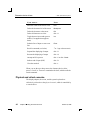
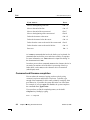
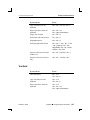
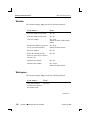
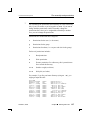
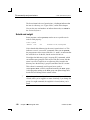
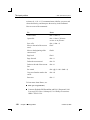
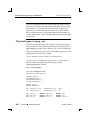
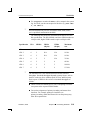
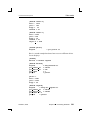
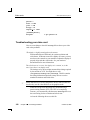
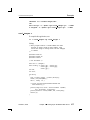
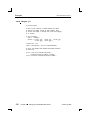
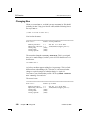
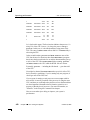
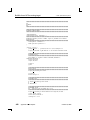
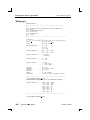
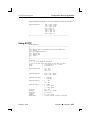
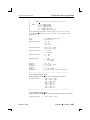
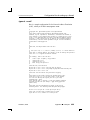
CVS basics 2005, QNX Software Systems Changing files When we created foo.c, we didn’t put any comments in! We should probably fix that. Using your favorite editor, add the following line to the top of foo.c: /* This is a file to test cvs */ Now look at the status: =================================================================== File: foo.c Status: Locally Modified Working revision: Repository revision: Sticky Tag: Sticky Date: Sticky Options: 1.1 1.1 (none) (none) (none) Tue Jun 3 17:14:55 2003 /home/fred/cvs/myproj/foo.c,v The status has changed to Locally Modified. This is your signal that you’ve made changes, but have yet to tell CVS about them. Let’s do that now: cvs commit foo.c As before, an editor appears asking for a log message. This is a little different from when adding a file. This time, it’s the reason for that change or a quick synopsis of what the change is. Again, it’s free-from so you can add what you like. We’ll say Added comments for clarity. Save and exit. The status is now: =================================================================== File: foo.c Status: Up-to-date Working revision: Repository revision: Sticky Tag: Sticky Date: Sticky Options: 388 Chapter 17 ¯ Using CVS 1.2 1.2 (none) (none) (none) Tue Jun 3 17:30:49 2003 /home/fred/cvs/myproj/foo.c,v October 6, 2005