1
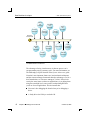
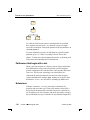
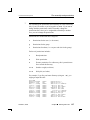
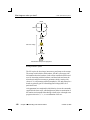
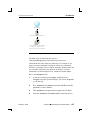
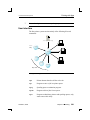
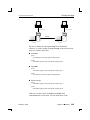
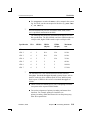
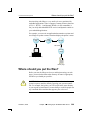
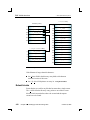
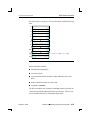
Printing with lpr 2005, QNX Software Systems This file simply gives the name lpt1 to the printer connected to /dev/par1. It doesn’t need to describe any other capabilities, because the default settings suffice. To access this printer from node1, specify lpr -Plpt1 or set the PRINTER environment variable to lpt1. ☞ Make sure the spooling directory exists, and that there’s an entry for node2 in the /etc/hosts.lpd file on node1. The /etc/printcap file on node2 might be as follows: rlpt1:\ :rm=node1:rp=lpt1:lp=: This file specifies the remote host with the printer named lpt1 to be node1. The local printer name, rlpt1, is used by local clients and could be the same as the remote name, lpt1. Make sure there’s an entry for node1 in /etc/hosts. Multiple printers Now, let’s add another printer to node1, this time connected to /dev/par2: /dev/par1 /dev/par2 TCP/IP node1 October 6, 2005 node2 Chapter 14 ¯ Printing 293