1
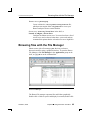
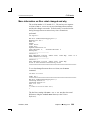
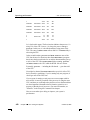
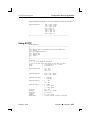
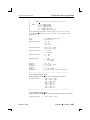
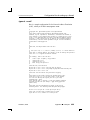
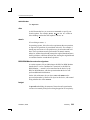
Printing with spooler 2005, QNX Software Systems If you ask a Photon application for a print preview, it sends the output to the preview utility. If you want to view or manage the print queue, start prjobs from the command line, or select Utilities→Print Manager from the Launch menu. For more information, see the Utilities Reference. Remote printing over Qnet To print across Qnet, print to /net/nodename/dev/printers/printer name/spool. The spooler program for the printer must be running on nodename. Remote printing over TCP/IP If you want to set up spooler to print on a remote printer, you can pipe the print job to lpr. This takes advantage of the fact that the filter sends the print job to the printer; you just name the remote printer in the filter command line of the configuration file used by spooler. To try it, first get your remote printer working using lpr (see “Remote printing to a TCP/IP-enabled printer using lpr”), then do the following: 1 Copy the configuration file from the printer you want to use (in this case, a PostScript printer): cp /etc/printers/ps.cfg /etc/printers/test.cfg 2 Find the filter command lines in test.cfg; they look like this: Filter Filter = = phs:$d:phs-to-ps raw:$d:cat These filter command lines are in the form: source:destination:filter The phs filter command line tells the filter to process .phs files by sending them through a filter called phs-to-ps before sending them on to the destination passed by spooler. The raw filter command is for utilities that already produce the correct output for the printer. 302 Chapter 14 ¯ Printing October 6, 2005