1
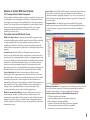
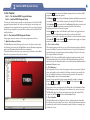
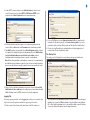
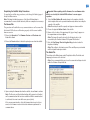
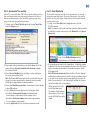
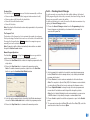
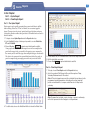
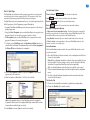
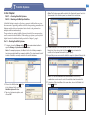
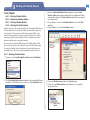
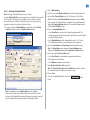
3. The Software Setup window will automatically open the first time WMS
software is launched to enable a Sentinel database to be located or created.
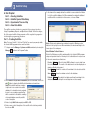
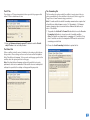
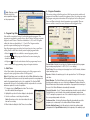
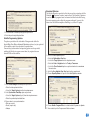
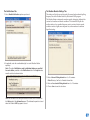
8. The database file name will appear in the Location of Sentinel Database
text field. Choose Save and Close.
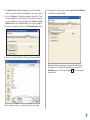
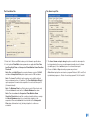
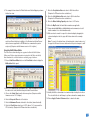
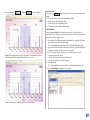
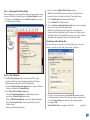
4. Choose the Database tab to display the database setup options. To load
an existing database file (.mdb), browse to the file location, select the file
and choose Open. The file name will appear in the Location of Sentinel
Database text field. Choose Save and Close, then continue on page 4.
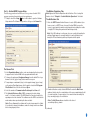
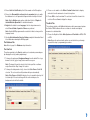
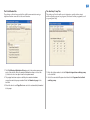
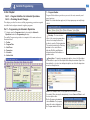
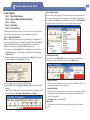
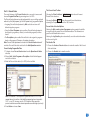
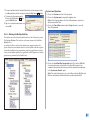
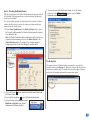
5. To create a new database file, choose the Create New Database button.
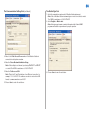
6. Browse to the Sentinel WMS folder (C:\Program Files\Sentinel WMS).
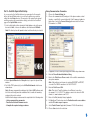
Note: When database setup has been completed, the Software Setup
window will close. The Software Setup window can be selected in the
Main Menu options or by choosing the Setup
button in the program
window toolbar.
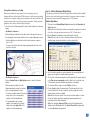
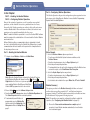
7. Enter a database file name; i.e., Lakeside Park, then choose Save.
3