1
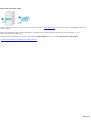
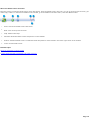
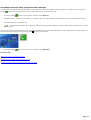
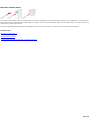
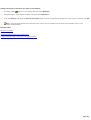
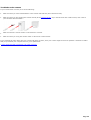
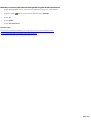
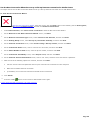
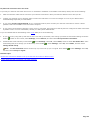
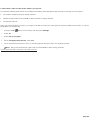
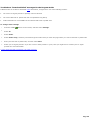
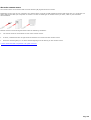
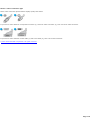
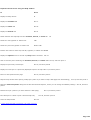
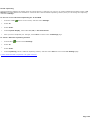
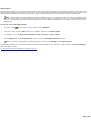
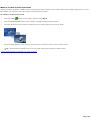
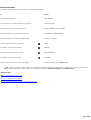
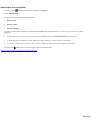
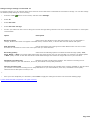
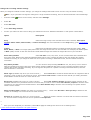
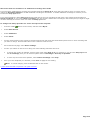
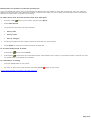
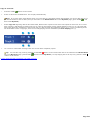
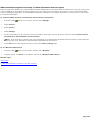
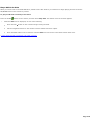
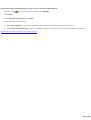
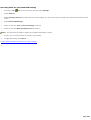
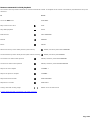
Program the replay and skip buttons on the remote control for DVD playback 1. Press the START 2. Select DVD. 3. Select Program remote buttons for DVD. 4. Select the option you want to use. button on the remote, and then select Settings. Select Skip Chapters to use SKIP and REPLAY to skip forward and backward through entire chapters. Select Skip forward and back or back to use SKIP and REPLAY to skip forward 7 seconds and backwards 30 seconds. © 2000-2003 Microsoft C orporation. All rights reserved. Page 380