1
Appendix C Automatic Drive Cleaning
Reporting of Cleaning Mode
Mode Select
Command
3
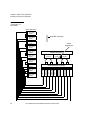
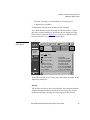
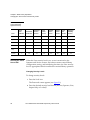
To change the automatic cleaning mode using the Mode Select
command set the Vendor Unique Page (20h) byte 2, bit 1 (AC) to:
•
One - enable automatic cleaning
•
Zero - disable automatic cleaning
To save the automatic drive cleaning mode setting in NVRAM set
the Mode Select command Save Page (SP) bit to one.
When the automatic drive cleaning mode setting is saved in
NVRAM, neither a SCSI bus reset or a power cycle of the P3000
will change the mode setting.
Reporting of Cleaning Mode
3
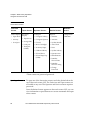
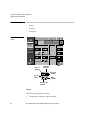
The current drive cleaning mode can be reported by:
Diagnostic
Software
3
•
Diagnostic Software
•
A Mode Sense command
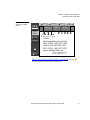
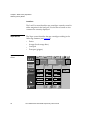
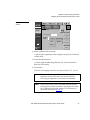
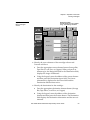
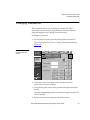
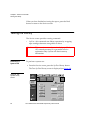
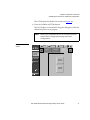
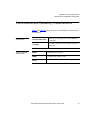
To display the current drive cleaning mode from diagnostic
software select:
•
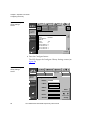
Config/Report Clean Tape
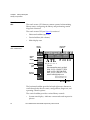
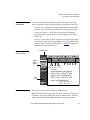
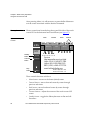
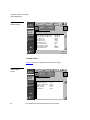
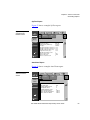
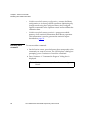
The diagnostic screen will display:
•
The current cleaning mode
•
The bar code label of each cleaning cartridge
•
The number of uses of each cleaning cartridge
•
The “home” storage element of each cleaning cartridge
•
The “current” storage element of each cleaning cartridge
ATL P2000 Series Automated Tape Library User’s Guide
97