1
USER SETTINGS
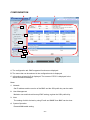
This section describes how to confirm and modify the user account through the command
line interface. To move the current default target to an user account target which you would
like to confirm or (and) modify, enter the following command at the command prompt. <N>
means any value between 1 and 12: Therefore you can select a user account between
account1 and account12. The <N> corresponds to an order from the list of user accounts top
on the user account configuration page through a Web browser.
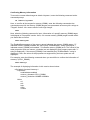
cd /admin1/sp1/account<N>
Enter the following command, if you would like to confirm the information which the selected
user account has as its properties.
show
Enter the following command if you would like to modify a property of the selected user
account.
set <Property>=<New value>
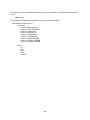
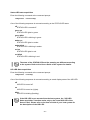
The properties which the selected user account target contains are as follows:
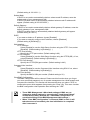
• UserID
This corresponds to a user name (login name). It becomes effective at next login if you
change it.
• UserPassword
This is the user password (only can be changed). "UserPassword=" is displayed but
the password setting, value of this property, is not displayed when this property is
displayed. It becomes effective at next login if you change it.
• oemnec_Group
This specifies the user level. The valid values for this property are "User", "Operator"
and "Administrator". It becomes effective at next login if you change it.
Notice
A user name can contain up to 15 alphanumeric characters, including
“- (minus)” and “_ (underscore)”. “- (minus)” can not be used for the
top of a user name. The password accepts up to 19 ASCII characters,
except for “ (space)”, ““(quotation marks)”, “&”, “?”, “=”.
- 77-