1
Chapter 12
LQG/H-Infinity Synthesis
Ranges
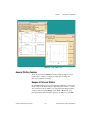
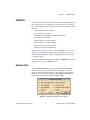
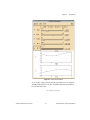
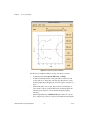
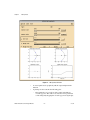
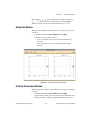
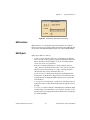
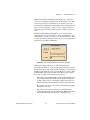
To change the ranges of the sliders or plots, select View»Ranges or press
<Ctrl-R> in the LQG window.
The slider ranges also will be changed automatically if the user types a new
value which is outside the current range into the corresponding variable edit
box. The plot also can be re-ranged interactively by grabbing and dragging
the plot axes; refer to the Interactive Plot Re-ranging section of Chapter 2,
Introduction to SISO Design.
Selecting View»Auto-Scale or pressing <Ctrl-A> in the LQG window
causes new ranges to be assigned to the sliders and plots, based on the
current controller.
© National Instruments Corporation
12-17
Xmath Interactive Control Design Module