1
GUIDE TO INSTALLATION AND OPERATION
Audio Delay Menu (continued)
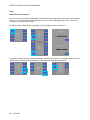
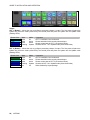
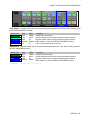
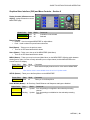
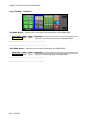
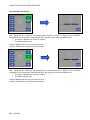
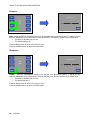
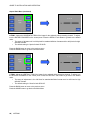
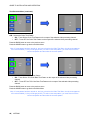
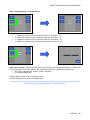
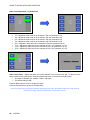
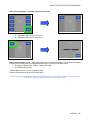
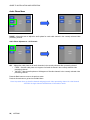
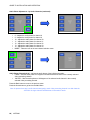
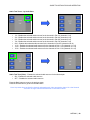
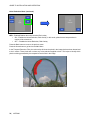
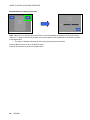
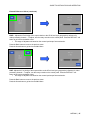
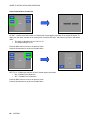
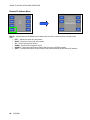
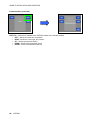
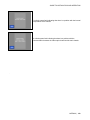
Audio Delay (mS) – Adjusts the audio delay in the currently selected video processing channel in
millisecond increments. To adjust, turn the rotary encoder on the control panel. Press the Default soft button
to go back to the default value.
• The range of adjustment is 0 to 999mS
• The default setting is 106mS
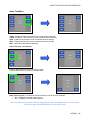
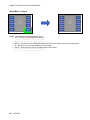
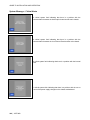
Press the Back button to move to the previous menu
Press the Home button to go back to the Main Menu
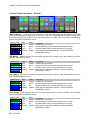
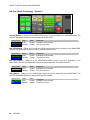
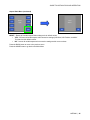
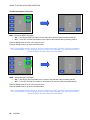
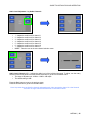
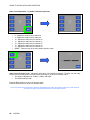
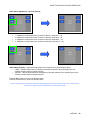
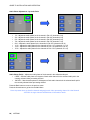
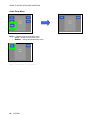
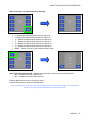
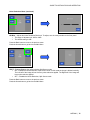
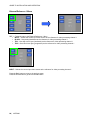
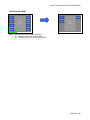
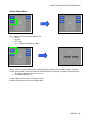
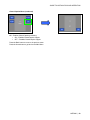
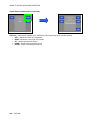
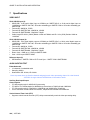
Audio Delay (Sec) – Adjusts the audio delay in the currently selected video processing channel in one
second increments. To adjust, turn the rotary encoder on the control panel. Press the Default soft button to
go back to the default value.
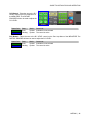
• The range of adjustment is 0 to 4 seconds
• The default setting is 0 seconds
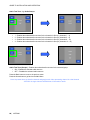
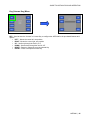
Press the Back button to move to the previous menu
Press the Home button to go back to the Main Menu
66 | JAZZ-800