1
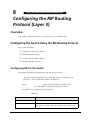
Configuring IP Routing (Layer 3)
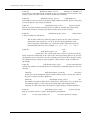
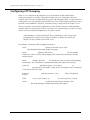
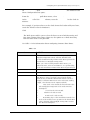
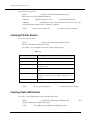
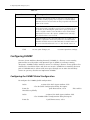
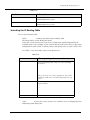
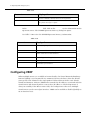
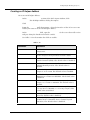
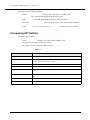
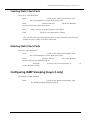
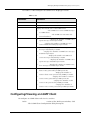
5. To enable MTRACE processing, from the MTRACE pull-down menu, select
Enable.
6. Click APPLY to save your changes, or CANCEL to restore previous settings.
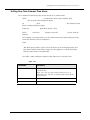
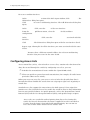
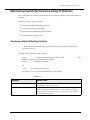
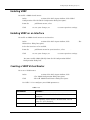
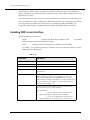
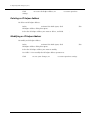
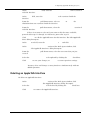
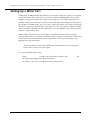
Modifying IGMP Interfaces
To modify IGMP interfaces:
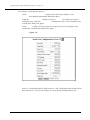
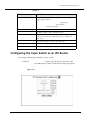
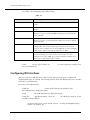
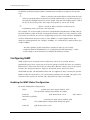
1. In the IGMP Configuration section of the Web Agent window, click Interfaces.
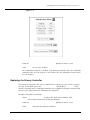
The IGMP Interfaces dialog box opens.
Note: If no IGMP interfaces are enabled for your existing IP interfaces, you must
first enable a multicast protocol before you can configure IGMP. Refer to
“Creating an IP Interface” earlier in this chapter for more information on
how to select a multicast protocol.
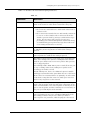
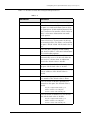
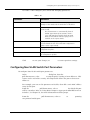
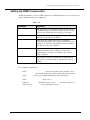
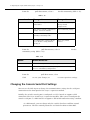
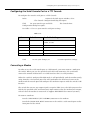
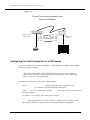
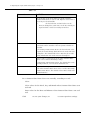
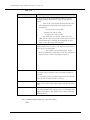
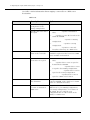
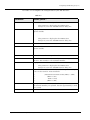
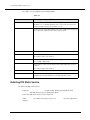
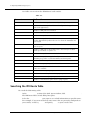
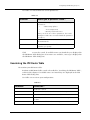
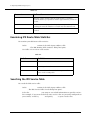
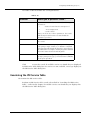
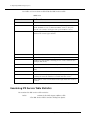
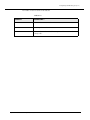
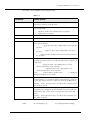
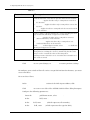
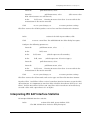
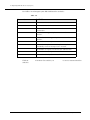
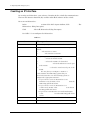
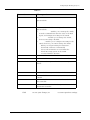
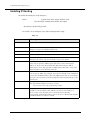
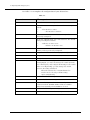
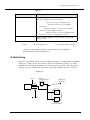
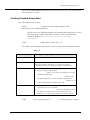
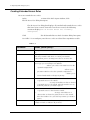
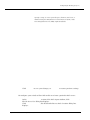
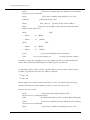
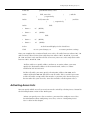
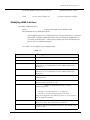
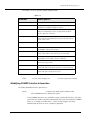
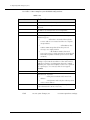
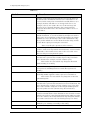
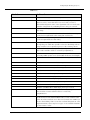
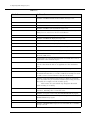
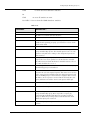
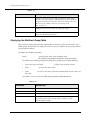
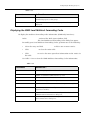
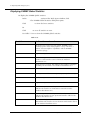
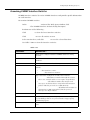
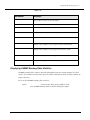
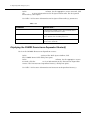
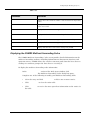
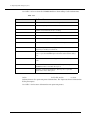
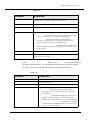
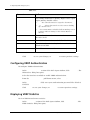
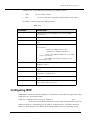
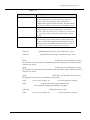
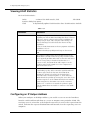
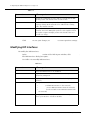
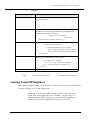
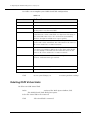
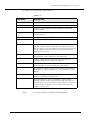
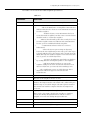
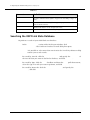
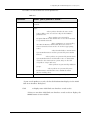
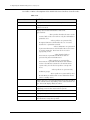
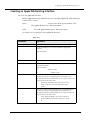
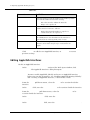
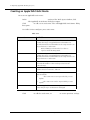
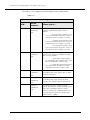
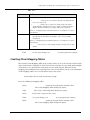
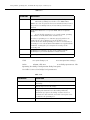
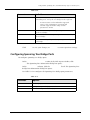
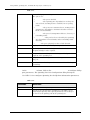
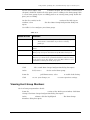
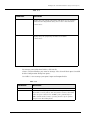
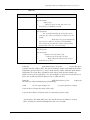
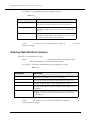
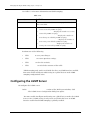
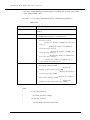
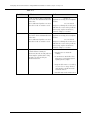
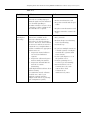
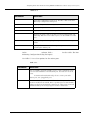
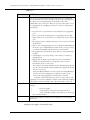
2. Use Table 7-8 to complete your configuration:
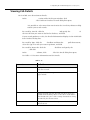
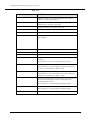
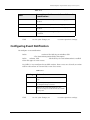
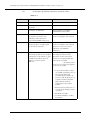
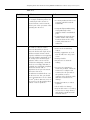
Table 7-8. IGMP Interface Parameters
Parameter
Allows you to...
Select
Select the interface to be modified.
Interface
Display the IP interface that is configured with IGMP.
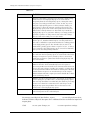
IP Address
Identify an IP address associated with this interface. This
parameter is not configurable from the IGMP configuration
dialog box.
IP Address Mask
Identify a subnet mask associated with this interface. This
parameter is not configurable from the IGMP configuration
dialog box.
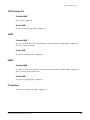
IGMP Version
Specify the IGMP Version (1.0 or 2.0) to associate with the
IGMP interface.
Maximum Groups
Specify the number of IGMP Groups that can be active on this
interface. The default value is 32.
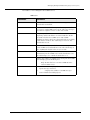
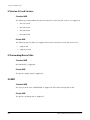
Always be Group
Membership Querier
Version 1.0: Enable or disable this interface to be the
designated querier.
Version 2.0:
• Enable to force this interface to send queries.
• Disable to obey the designated querier election.
Only the designated router will query hosts on your network.
This is disabled by default.
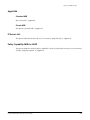
Process Leave Packets
Enable to terminate group memberships quickly. (IGMP
Version 2.0 only). The default value is Enabled.
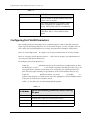
Query Request Interval in
(sec)
Configure the time period between queries. The default value
is 125 seconds.
Cajun P550/P220 Switch Operation Guide
7-17