1
Managing Intelligent Multicasting (Layer 2 & Layer 3)
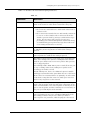
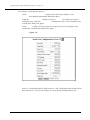
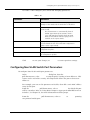
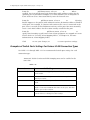
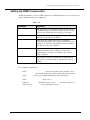
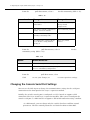
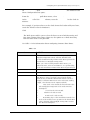
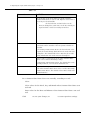
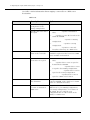
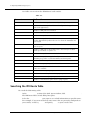
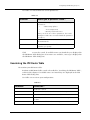
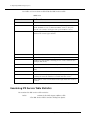
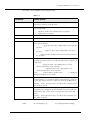
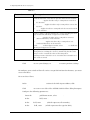
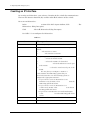
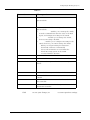
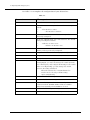
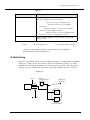
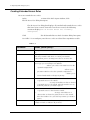
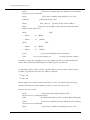
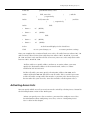
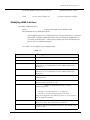
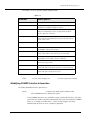
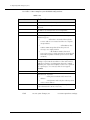
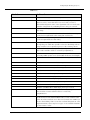
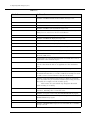
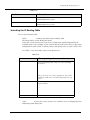
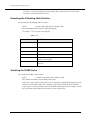
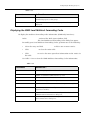
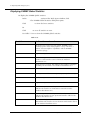
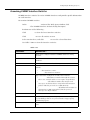
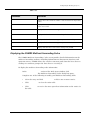
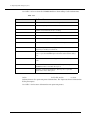
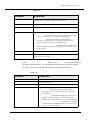
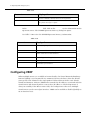
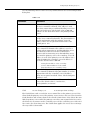
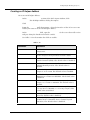
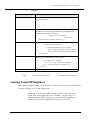
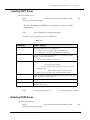
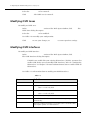
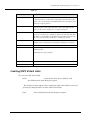
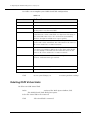
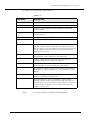
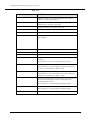
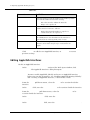
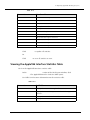
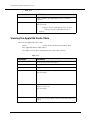
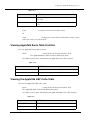
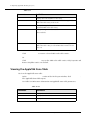
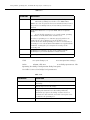
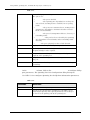
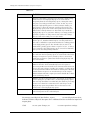
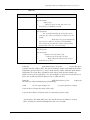
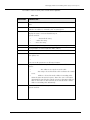
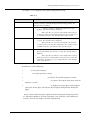
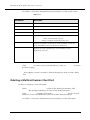
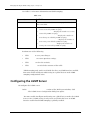
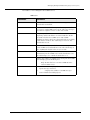
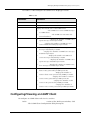
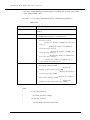
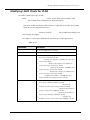
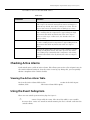
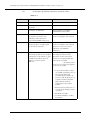
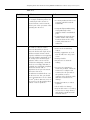
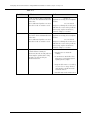
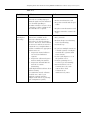
3. Use Table 15-10 to configure the LGMP server display per VLAN.
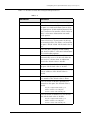
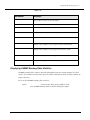
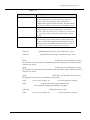
Table 15-10. LGMP Server Display per VLAN Parameters
Parameter
Definition
Select
Select the LGMP server to modify.
VLAN
Displays the VLAN associated with the LGMP server.
State
Displays the current state of the LGMP server.
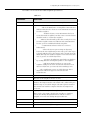
• Distributor - The LGMP server serves LGMP messages
to LGMP clients.
• Non-Distributor - The LGMP server monitors the
current distributor.
LGMP Message
Reception Statistics
• Router Report - Displays the number of LGMP router
report messages received per VLAN.
• Invalid - Displays the number of LGMP messages
received with an invalid payload per VLAN.
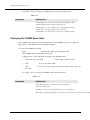
LGMP Messages
Transmission Statistics
• Report - Displays the number of LGMP report
messages transmitted per VLAN.
• Leave - Displays the number of LGMP leave messages
transmitted per VLAN.
• End Session - Displays the number of LGMP end
session messages transmitted per VLAN.
• Router Report - Displays the number of LGMP router
report messages transmitted per VLAN.
• Router Leave - Displays the number of LGMP router
leave messages transmitted per VLAN.
Intelligent Multicast
Session Statistics
• Client Ports Added- Displays the number of add
client events generated by LGMP per VLAN.
• Client Ports Removed- Displays the number of
remove client events generated by LGMP per VLAN.
• Sessions Removed- Displays the number of remove
session events generated by LGMP per VLAN.
• Router Ports Added- Displays the number of add
router events generated by LGMP per VLAN.
• Router Ports Removed- Displays the number of
remove router events generated by LGMP per VLAN.
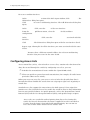
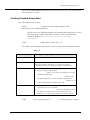
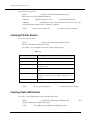
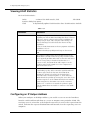
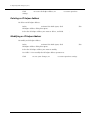
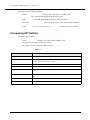
Configuring/Viewing an LGMP Client
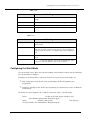
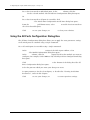
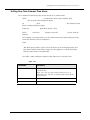
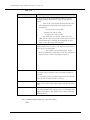
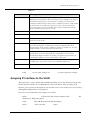
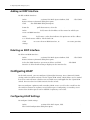
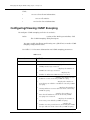
To configure an LGMP client and view its statistics:
1. In the Intelligent Multicasting section of the Web Agent window, click LGMP
Client. The LGMP Client Configuration dialog box opens.
Cajun P550/P220 Switch Operation Guide
15-15