1
Configuring AppleTalk Routing (Layer 3)
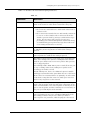
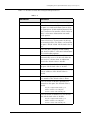
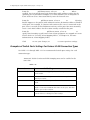
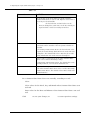
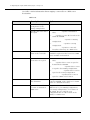
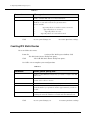
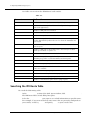
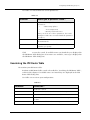
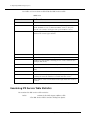
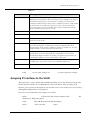
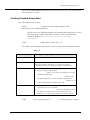
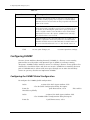
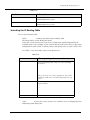
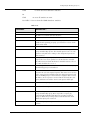
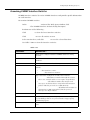
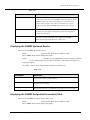
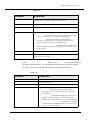
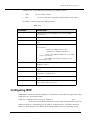
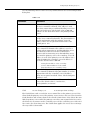
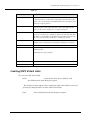
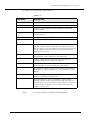
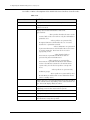
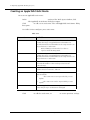
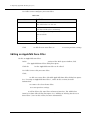
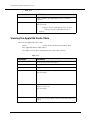
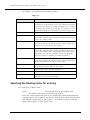
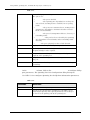
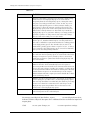
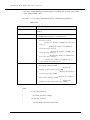
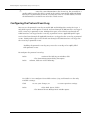
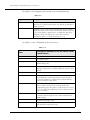
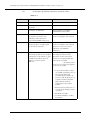
Table 10-7. AppleTalk Route Table Parameters (Continued)
Parameter
Definition
Interface
Displays the Appletalk interface associated with the route
table entry.
Zones
Displays the zones associated with the selected AppleTalk
route.
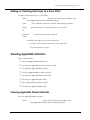
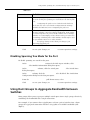
3. Click Delete Entries to remove selected route table entries.
Or
Click Flush Route Table to empty the route table of all dynamic entries. Static
and Local entries are not flushed.
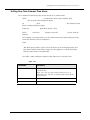
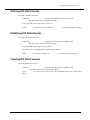
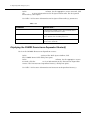
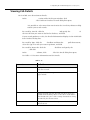
Viewing AppleTalk Route Table Statistics
To view AppleTalk route table statistics:
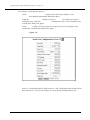
1. In the AppleTalk Display section of the Web Agent window, click Route Table
Statistics. The AppleTalk Route Table Statistics dialog box opens.
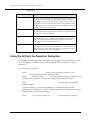
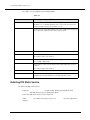
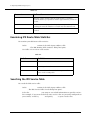
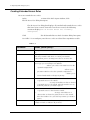
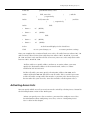
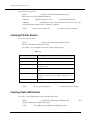
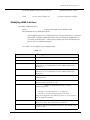
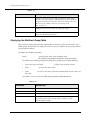
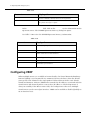
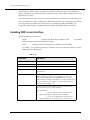
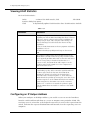
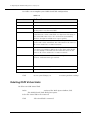
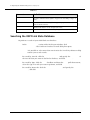
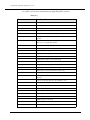
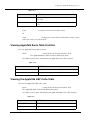
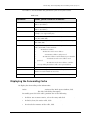
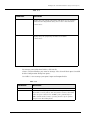
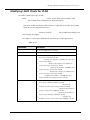
2. Use Table 10-8 for more information on AppleTalk route table statistics.
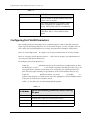
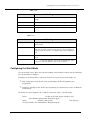
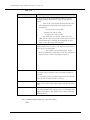
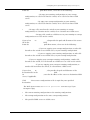
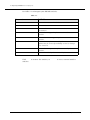
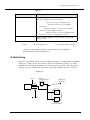
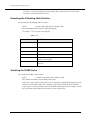
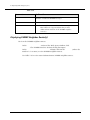
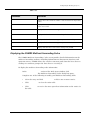
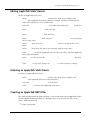
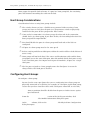
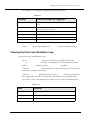
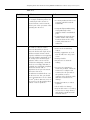
Table 10-8. AppleTalk Route Table Statistical Parameters
Parameter
Definition
Current Number of Routes
Displays the current number of AppleTalk routes.
Peak Number of Routes
Displays the peak number of AppleTalk routes.
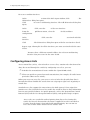
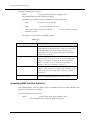
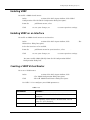
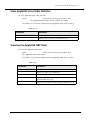
Viewing the AppleTalk ARP Cache Table
To view the AppleTalk ARP cache table:
1. In the AppleTalk Display section of the Web Agent window, click ARP Table.
The AppleTalk ARP Cache Table dialog box opens.
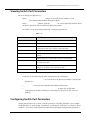
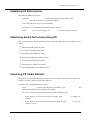
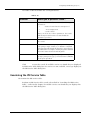
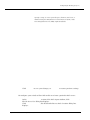
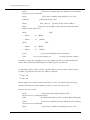
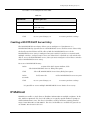
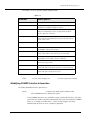
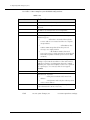
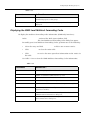
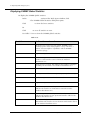
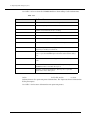
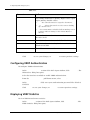
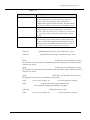
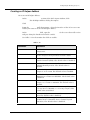
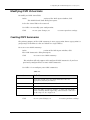
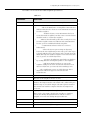
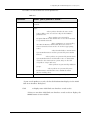
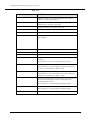
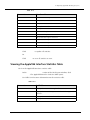
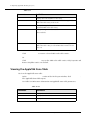
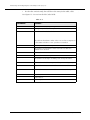
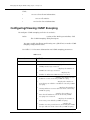
2. Use Table 10-9 for more information on AppleTalk ARP cache table statistics.
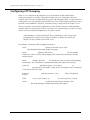
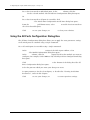
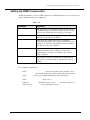
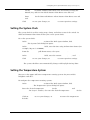
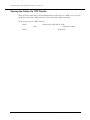
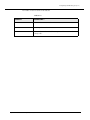
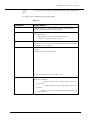
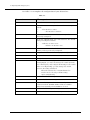
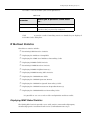
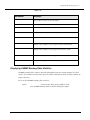
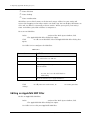
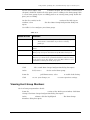
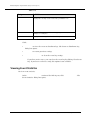
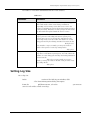
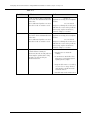
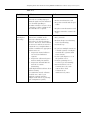
Table 10-9. AppleTalk ARP Cache Table Statistical Parameters
Parameter
Definition
Select
Select the table entry to be acted upon.
Network Range
Displays the network range.
Cajun P550/P220 Switch Operation Guide
10-15