1
P A Y C L O C K
•
•
•
•
•
&
F A C E I N
U S E R ’ S
G U I D E
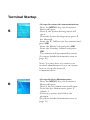
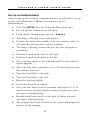
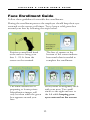
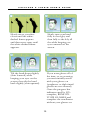
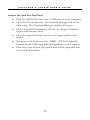
Resume small head circles to the right (if adjust positioning
message is still displaying).
The progress bar at the bottom of screen will display the
process of the imaging.
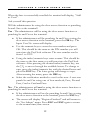
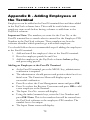
When the face is enrolled the terminal will display, “Permit
Open Door?” press ESC.
When “Permit Attendance?” displays, press OK. Note: You
must press OK; otherwise punches will not be recorded for
polling.
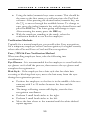
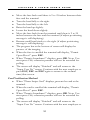
The screen will display “Finished” and will return to the
“Input User No” screen. Continue with the next employee or
press ESC, ESC and ESC again to return to the normal
time/date screen.
83