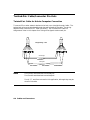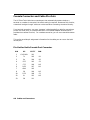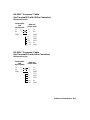
1
C
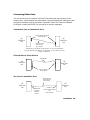
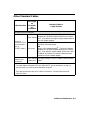
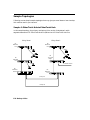
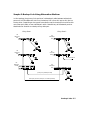
Modem Configuration
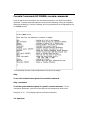
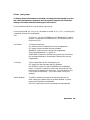
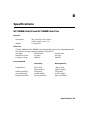
HP 35031A Support Link II
At the hub
end:
At the user
end:
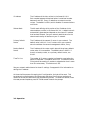
Configure SOFT OPTION 6 to 1.
Configure SOFT OPTION 15 to 2.
Configure SOFT OPTION 16 to 2.
Configure SOFT OPTION 20 to 2.
Configure SOFT OPTION 21 to 2.
Configure SOFT OPTION 16 to 2.
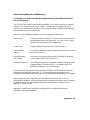
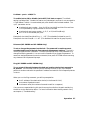
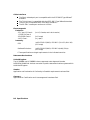
HP 50759A Support Link
At the hub
end:
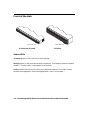
For an 8-position switch, set switch 4 down, all others up.
For a 4-position switch, set switch 2 up, all others down.
At the user
end:
For an 8-position switch, set switches 3 and 8 down, all
others up. For a 4-position switch, set all switches down.
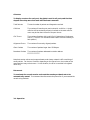
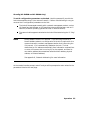
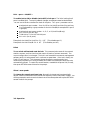
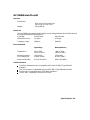
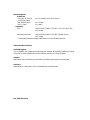
HP 37212B Support Link
At the hub
end:
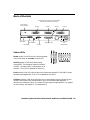
Set switches 8, 9, 11, and 12 up (set to 1), all others down
(set to 0). AUTO ANS on the front should be pushed in.
At the user
end:
Set switches 8, 9, 11, and 12 up (set to 1), all others down
(set to 0).
Modem Configuration C-1