1
Table 3-7 Get device status (continued)
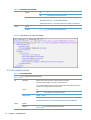
Response Code
200 OK — success
401 Unauthorized access — if basic authentication fails
500 Internal Server Error — if too many requests are active. Retry recommended.
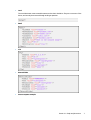
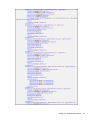
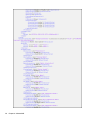
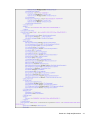
Schema
Request
—
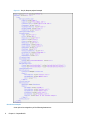
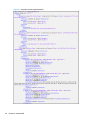
Response
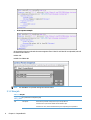
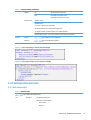
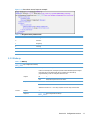
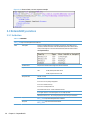
?api=config&rschema=getDeviceStatus
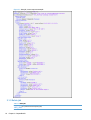
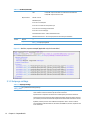
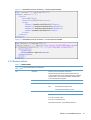
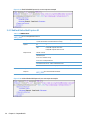
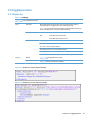
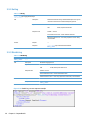
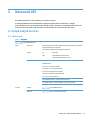
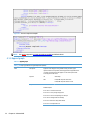
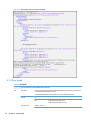
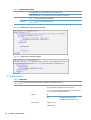
Figure 3-8 Get device status, response example
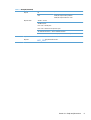
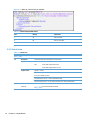
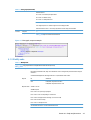
Table 3-8 ADF Status possible values
Code
Meaning
Explanation
1
Ready
There is paper for scan
0
Empty
There is no paper for scan
-1
Initializing
Device is still booting
–2
Unsupported
Device does not support ADF/Flatbed status monitoring
-3
Not present
Device has no ADF/Flatbed
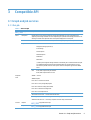
3.2.3 Get solution info
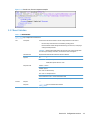
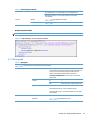
Table 3-9 Get solution info
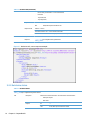
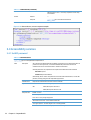
?api=config&method=getSolutionInfo
GET
Description
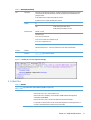
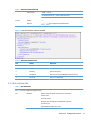
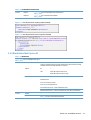
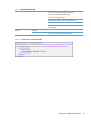
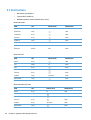
Returns solution information. Information returned includes:
Solution version
License information
Blocked for users (through the accessibility block command)
Log level (all, off)
AdvancedWorkflowSupport (true, false)
Section 3.2 Configuration services
15