1
MENU FUNCTIONS
CUSTOMIZE
CUSTOMIZE
MENU FUNCTIONS
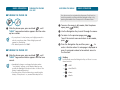
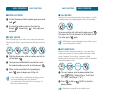
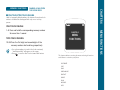
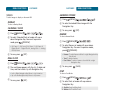
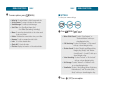
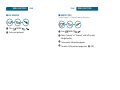
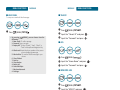
■ DOWNLOAD HOT
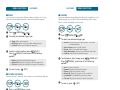
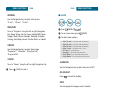
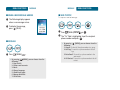
VOLUME
Connects directly to the Helio Store, where you can download H.O.T.
screen.
Controls the Ring Volume, Receiver, KeyPad, Effects, Wake-up
Call, Alert and Power Up/Down volume.
Press
[MENU]
.
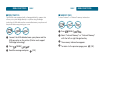
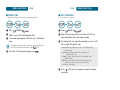
To set your desired Vibration Mode.
Press
[MENU]
.
Connecting to Helio Service.
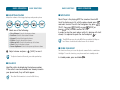
■ SETTINGS
Customizes your phone and optimizes performance through a
variety of settings.
•
•
•
•
•
•
•
Ring Volume: Level 0 ~ Level 5.
Receiver: Level 0 ~ Level 5.
KeyPad: Level 0 ~ Level 5.
Effects: Level 0 ~ Level 5.
Wake-up Call: Level 0 ~ Level 5.
Alert: Level 0 ~ Level 5.
Power Up/Down: Level 0 ~ Level 5.
To save, press
[SAVE].
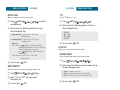
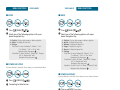
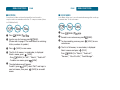
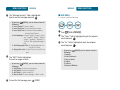
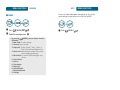
ALERTS
To setting an Alerts ringer type:
SOUND
Sets Vibration, Volume, Alerts, Sound Effects and Missed Calls.
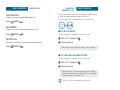
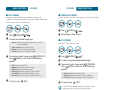
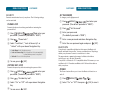
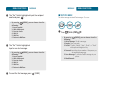
To select a Vibration Mode:
[MENU]
.
To set your desired Vibration Mode.
•
•
•
•
•
Ringtones
Vibration
None
Ring then Vib
Ring and Vib
To save, press
48
[MENU]
.
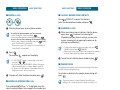
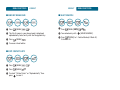
To setting an Alerts ringer type.
VIBRATION
Press
Press
[SET].
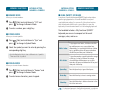
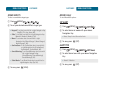
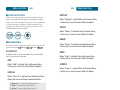
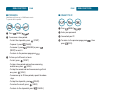
• Call Connection: To set Call Connection ring tone with
left or right Navigation Key.
(Off, Call Connection)
• Minute Beep: To set Minute Beep ring tone with left or
right Navigation Key. (Off, Bell)
• No Service: To set Out-of-service ring tone with left or
right Navigation Key. (Off, Bell)
• Low Battery: To set Battery Low ring tone with left or
right Navigation Key. (Off, Low Battery1,
Low Battery2)
To save, press
[SAVE].
49