1
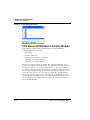
HCS08 On-Chip DBG Module
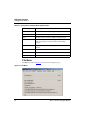
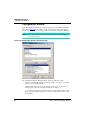
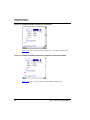
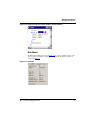
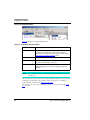
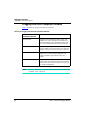
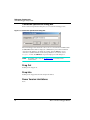
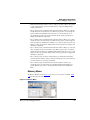
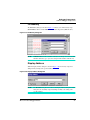
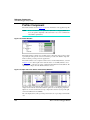
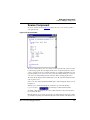
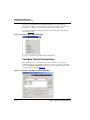
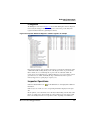
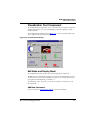
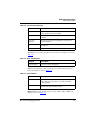
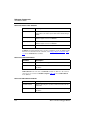
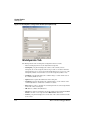
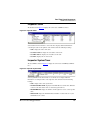
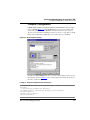
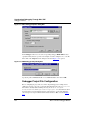
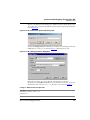
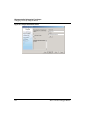
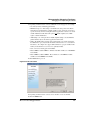
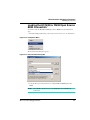
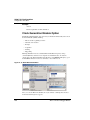
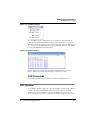
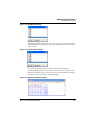
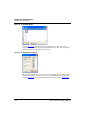
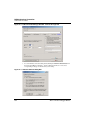
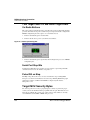
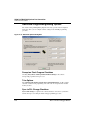
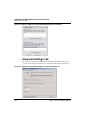
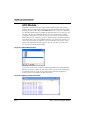
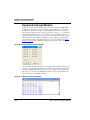
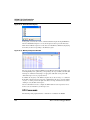
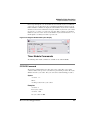
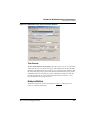
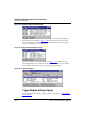
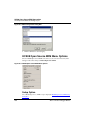
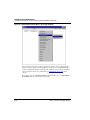
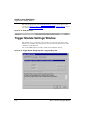
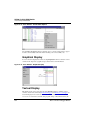
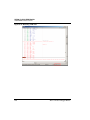
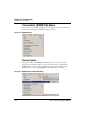
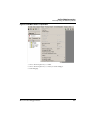
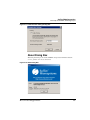
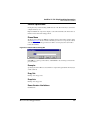
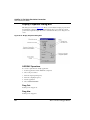
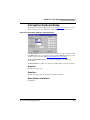
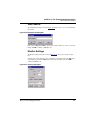
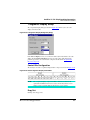
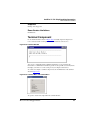
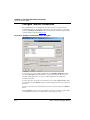
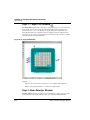
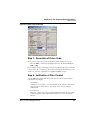
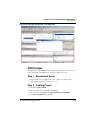
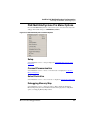
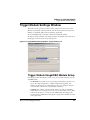
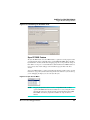
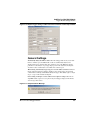
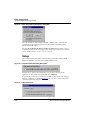
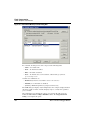
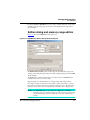
Trigger Module Settings Window
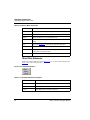
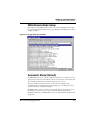
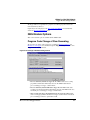
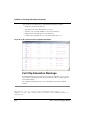
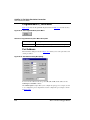
DBG Module Mode Setup
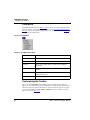
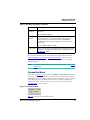
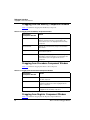
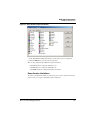
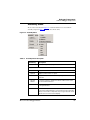
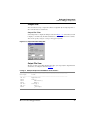
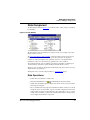
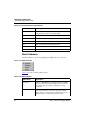
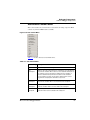
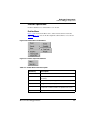
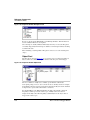
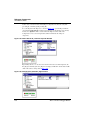
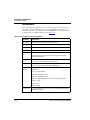
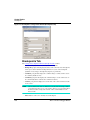
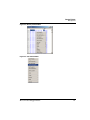
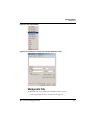
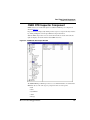
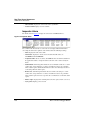
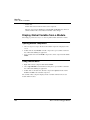
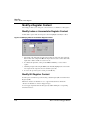
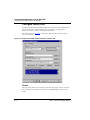
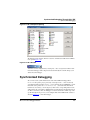
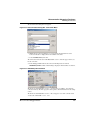
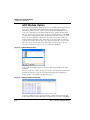
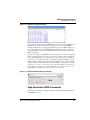
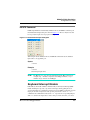
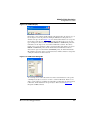
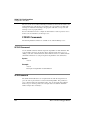
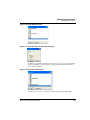
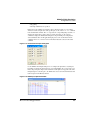
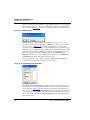
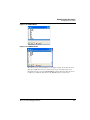
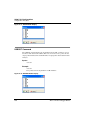
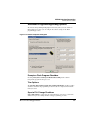
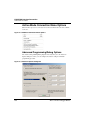
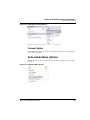
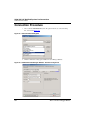
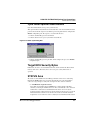
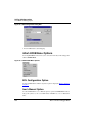
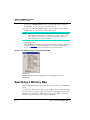
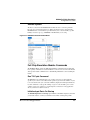
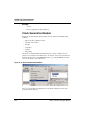
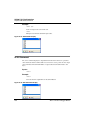
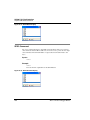
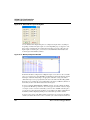
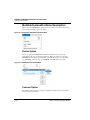
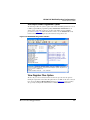
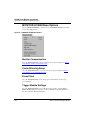
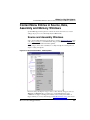
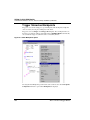
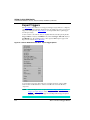
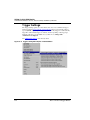
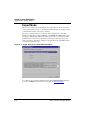
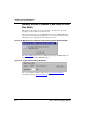
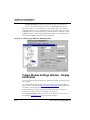
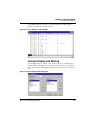
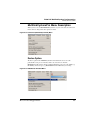
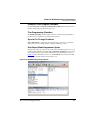
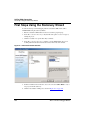
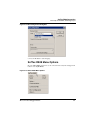
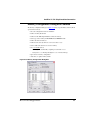
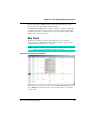
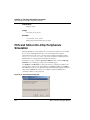
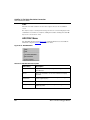
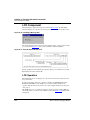
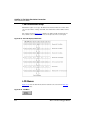
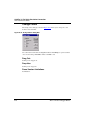
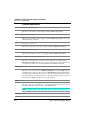
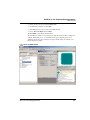
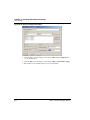
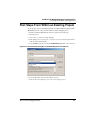
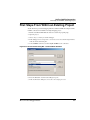
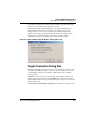
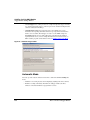
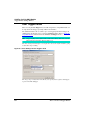
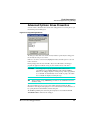
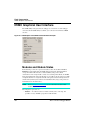
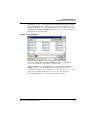
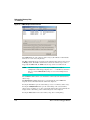
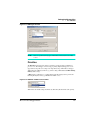
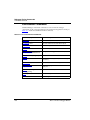
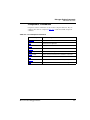
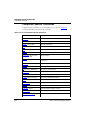
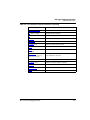
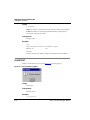
First of all, the on-chip DBG module provides some exclusive debugging features. Open
the top list menu to display all modes and complex breakpoints/watchpoints, that is, kind
of triggers available.
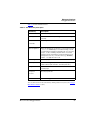
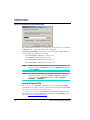
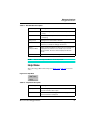
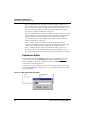
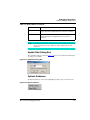
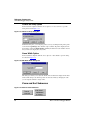
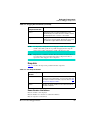
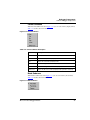
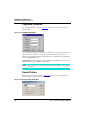
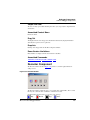
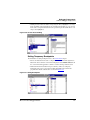
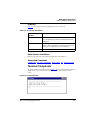
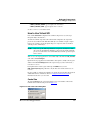
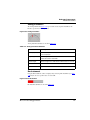
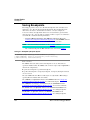
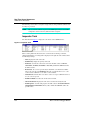
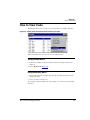
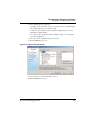
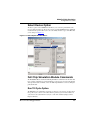
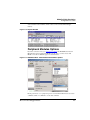
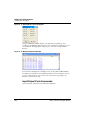
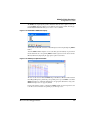
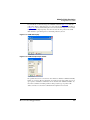
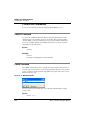
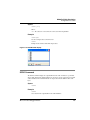
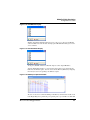
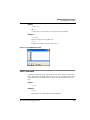
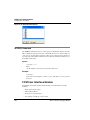
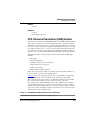
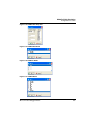
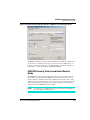
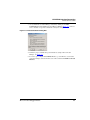
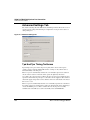
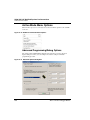
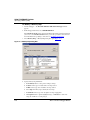
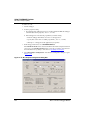
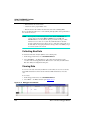
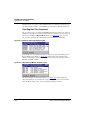
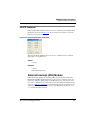
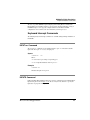
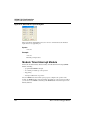
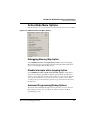
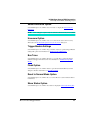
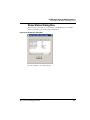
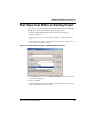
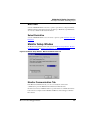
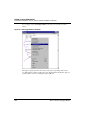
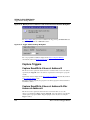
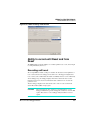
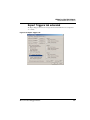
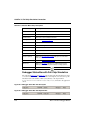
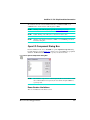
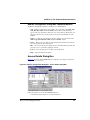
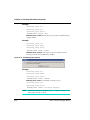
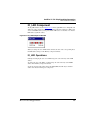
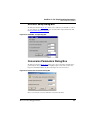
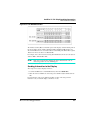
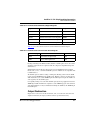
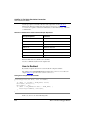
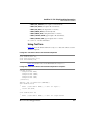
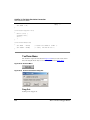
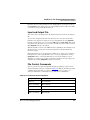
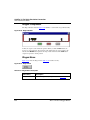
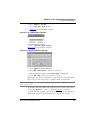
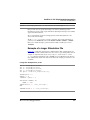
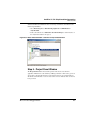
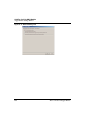
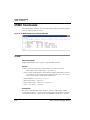
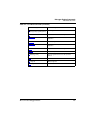
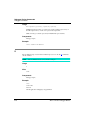
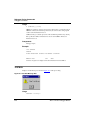
Figure 23.16 Trigger Settings Tab Listbox
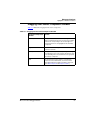
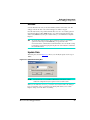
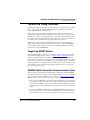
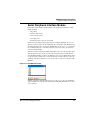
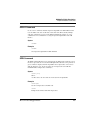
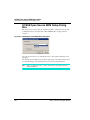
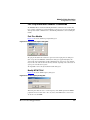
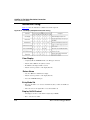
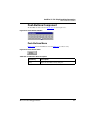
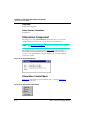
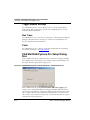
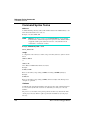
Automatic Mode (Default)
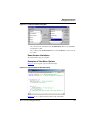
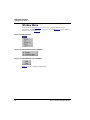
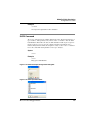
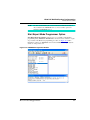
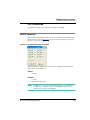
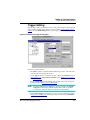
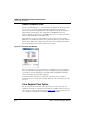
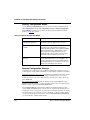
The DBG Module is used to set up three hardware breakpoints or one watchpoint or to set
up triggers selected by the user from the list or from a context sensitive context menu. This
mode is simply the default selection when no triggers have been set yet.
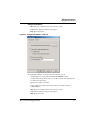
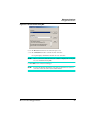
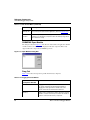
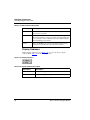
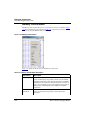
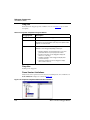
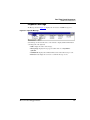
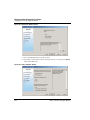
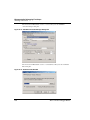
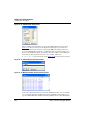
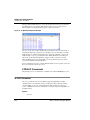
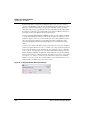
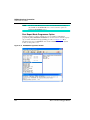
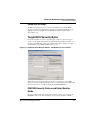
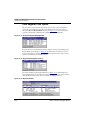
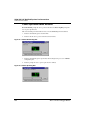
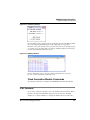
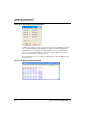
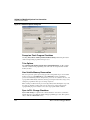
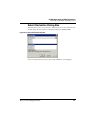
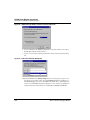
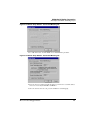
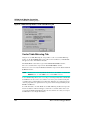
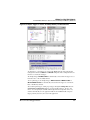
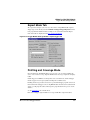
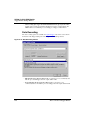
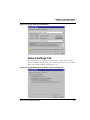
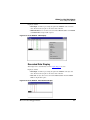
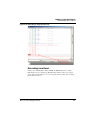
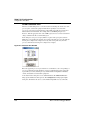
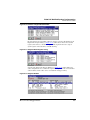
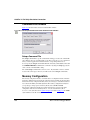
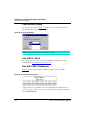
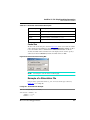
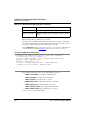
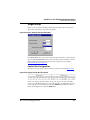
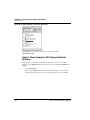
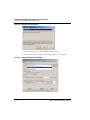
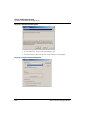
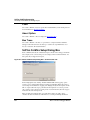
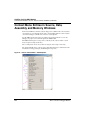
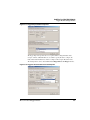
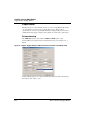
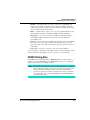
The trigger condition and trigger addresses can be set from the debugger Source,
Assembly, Memory and Data component using Set Trigger A or Set Trigger B contextsensitive menu entry, or within this dialog box.
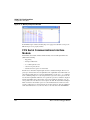
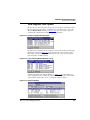
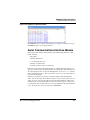
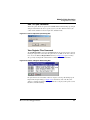
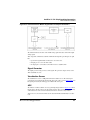
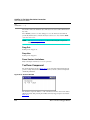
The DBG module is setup to record the executed change of flows. As no triggers are set,
the debugger is stopped on the user request or typical breakpoints/watchpoint. To
summarize, in this mode, the DBG module is used to set regular hardware breakpoints and
watchpoints.
Microcontrollers Debugger Manual
517