1
Debugger Components
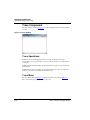
General Debugger Components
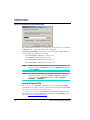
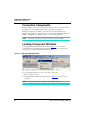
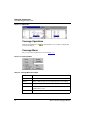
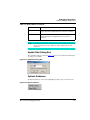
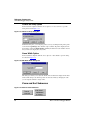
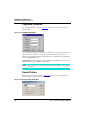
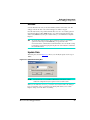
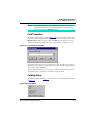
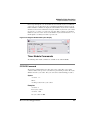
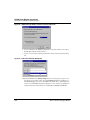
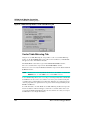
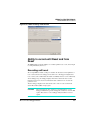
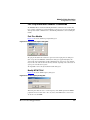
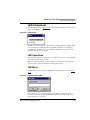
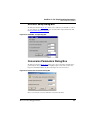
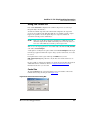
Closing the Command Line During Execution
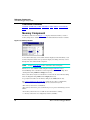
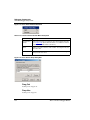
When a command is executed from a Command Line component, it cannot be closed. If
the Command Line component is closed with the close button or with the 'Close' entry of
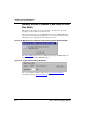
the system menu, the following message is displayed 'Command Component is
busy. Closing will be delayed' and the Command component is closed as
soon as command execution is complete. If the 'Close' command is applied to this
Command component, the Command component is closed as soon as command execution
is complete.
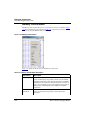
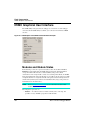
Command Menu
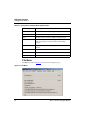
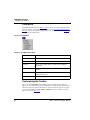
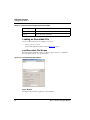
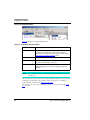
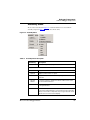
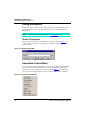
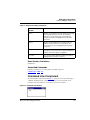
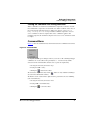
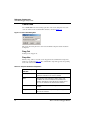
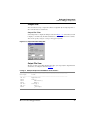
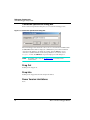
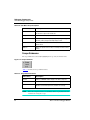
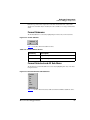
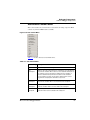
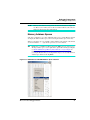
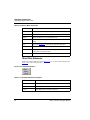
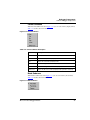
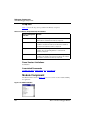
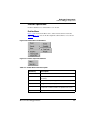
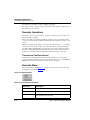
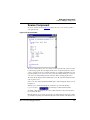
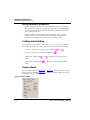
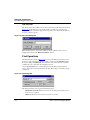
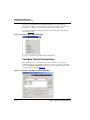
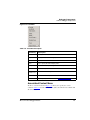
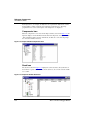
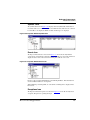
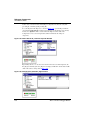
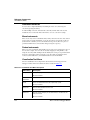
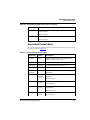
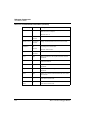
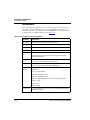
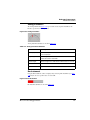
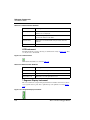
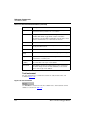
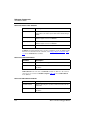
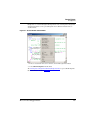
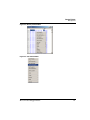
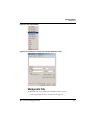
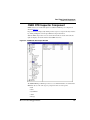
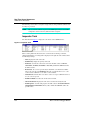
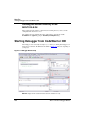
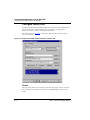
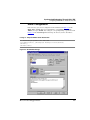
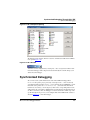
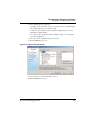
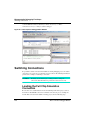
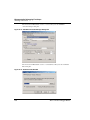
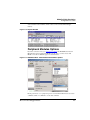
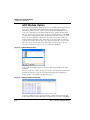
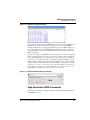
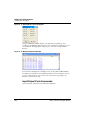
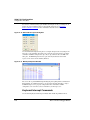
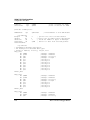
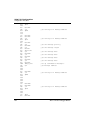
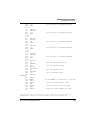
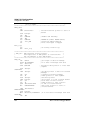
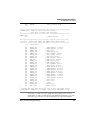
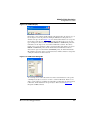
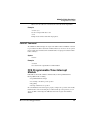
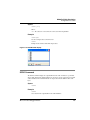
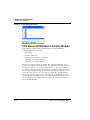
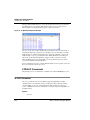
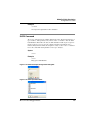
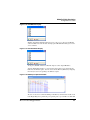
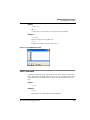
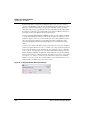
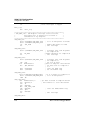
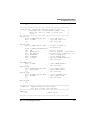
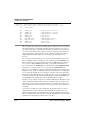
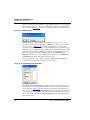
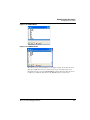
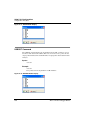
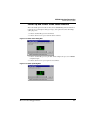
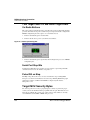
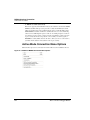
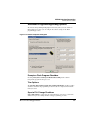
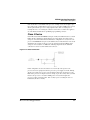
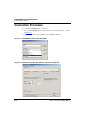
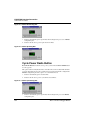
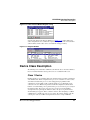
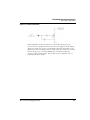
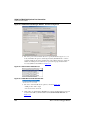
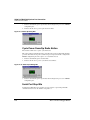
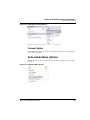
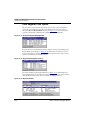
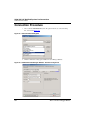
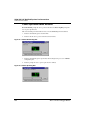
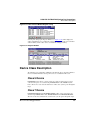
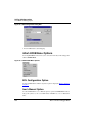
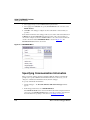
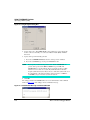
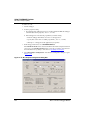
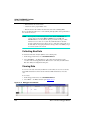
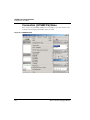
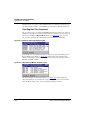
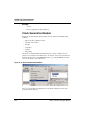
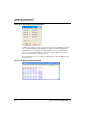
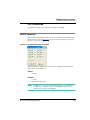
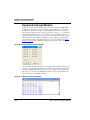
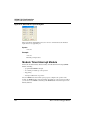
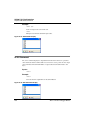
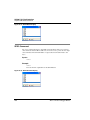
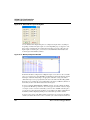
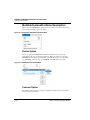
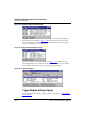
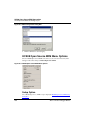
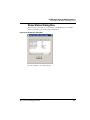
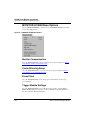
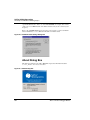
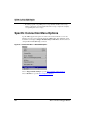
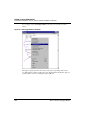
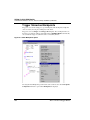
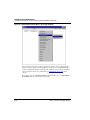
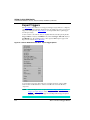
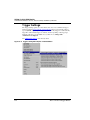
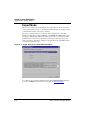
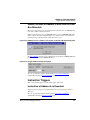
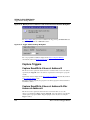
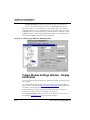
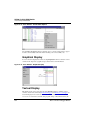
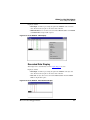
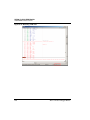
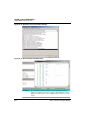
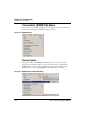
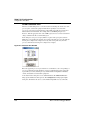
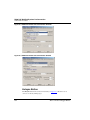
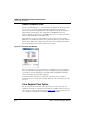
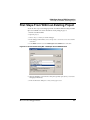
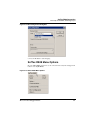
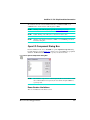
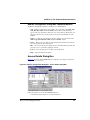
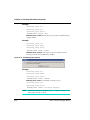
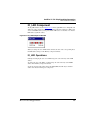
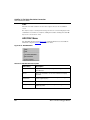
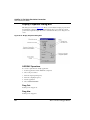
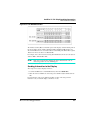
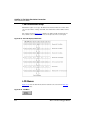
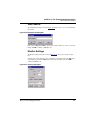
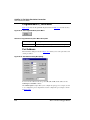
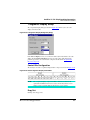
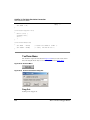
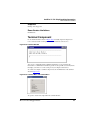
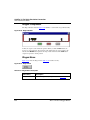
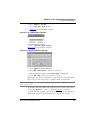
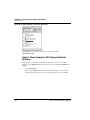
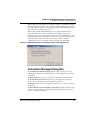
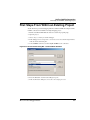
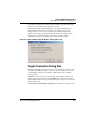
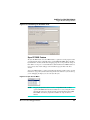
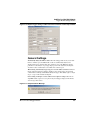
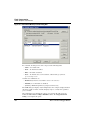
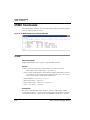
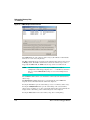
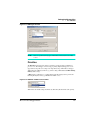
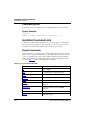
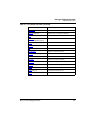
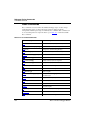
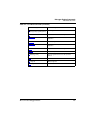
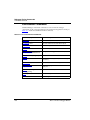
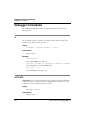
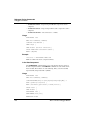
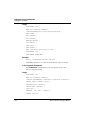
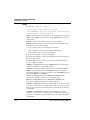
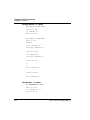
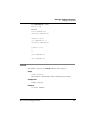
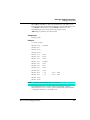
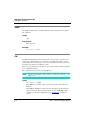
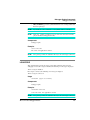
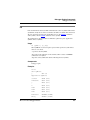
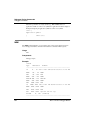
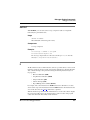
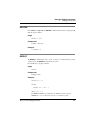
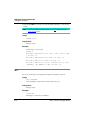
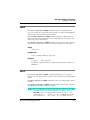
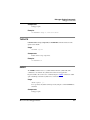
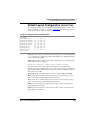
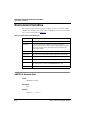
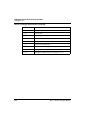
Figure 3.8 shows the Command menu, which is identical to the Command Context menu.
Figure 3.8 Command Menu
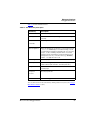
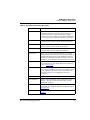
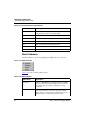
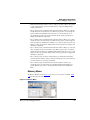
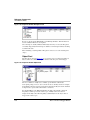
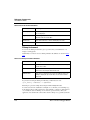
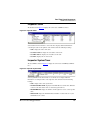
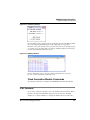
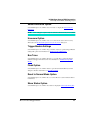
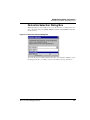
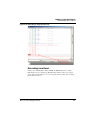
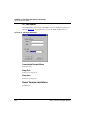
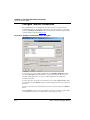
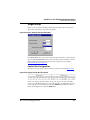
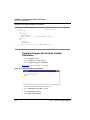
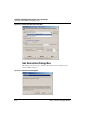
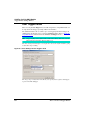
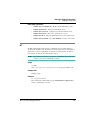
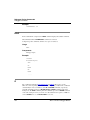
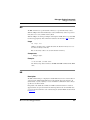
Clicking Execute File opens a dialog box where you can select a file containing Debugger
commands to be executed. These files generally have a .cmd extension by default.
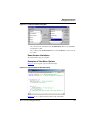
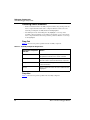
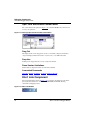
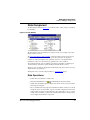
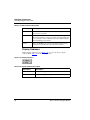
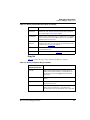
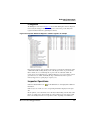
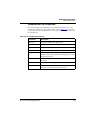
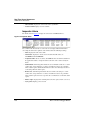
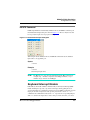
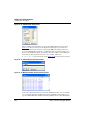
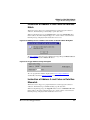
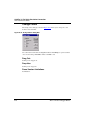
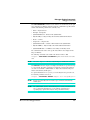
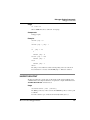
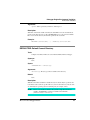
Selected text in the Command Line window can be copied to the clipboard by:
• Selecting the menu entry Command > Copy.
• Pressing the CTRL + C key.
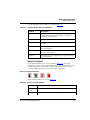
• Clicking the
button in the toolbar.
The Command > Copy menu entry and the
selected in the Command Line window.
button are only enabled if something is
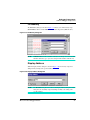
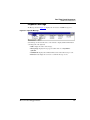
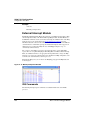
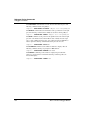
The first line of text contained in the clipboard can be pasted where the caret is blinking
(end of current line) by:
• Selecting the menu entry Command > Paste
• Pressing CTRL + V simultaneously.
• Clicking the
Microcontrollers Debugger Manual
icon in the toolbar.
71