1
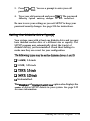
You made changes, and want to save them
and exit SETUP
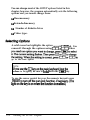
Press I You see the following menu:
Save and Exit
No Save and Exit
Return to Setup
Highlight Save and Exit and press Ibcl. The computer
saves your settings in its CMOS RAM and reboots.
To remain in the SETUP program, highlight Return t o
setup and press m The exit menu disappears and you see
the current SETUP screen.
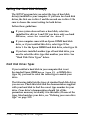
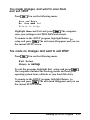
You made no changes and want to exit SETUP
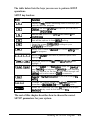
Press [Ewl You see the following menu:
Exit Setup
Return to setup
To exit the program, highlight Exit setup and press [Enr*L
The computer continues the booting process and loads your
operating system from a diskette or your hard disk drive.
To remain in the SETUP program, highlight Return t o
setup and press m The exit menu disappears and you see
the current SETUP screen.
Running the SETUP Program
2-27