1
Chapter 3
Checking Basic Services
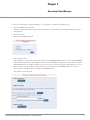
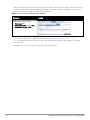
To check the status of service, navigate to Administration > Server Configuration, then click on a row to select a
server:
l
The System tab displays server identity and connection parameters.
l
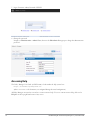
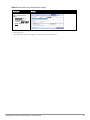
The Service Control tab displays all services and their current status. If a service is stopped, you can use its
Start/Stop button (toggle) to restart it.
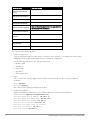
You can also start an individual service from the command line,
service start <service-name>
or all services from the command line,
service start all
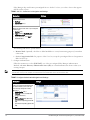
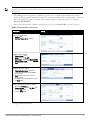
The following three use cases illustrate the process of configuring Policy Manager for basic 802.1x, WebAuth, and
MAC Bypass Services:
802.1x Wireless Use Case on page 13
Web Based Authentication Use Case on page 19
MAC Authentication Use Case on page 25
Dell Networking W-ClearPass Policy Manager 6.0 | Quick Start Guide
11