1
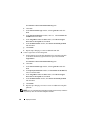
Next, ensure that the fiber optic cables connected to the cluster nodes
and storage system are installed correctly. See "Cabling Your Dell|EMC
Fibre Channel Storage" on page 17 for more information.
VIPCA
•
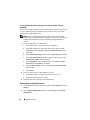
PROBLEM: The VIPCA configuration fails.
–
CAUSE: The public network adapter interface (or the network interface
assigned for VIP in case 4 network interfaces) name is not identical on both
cluster nodes.
–
RESOLUTION: Ensure that the public network adapter interface name
is identical on both cluster nodes. To verify the public network adapter
interface name:
a
On node 1, click Start and select Settings→ Control Panel→Network
Connections.
b
In the Network Connections window, right-click the public network
adapter that you want to rename and select Rename.
c
Repeat step a and step b on each of the remaining nodes.
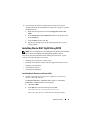
Uninstall Oracle Clusterware
•
PROBLEM: Configuration assistant fails to install.
–
CAUSE: Previous installation is not completely removed.
–
RESOLUTION: Even though Oracle is uninstalled using the GUI, the empty
directories in Oracle home and the Oracle folder under Program Files remain;
you must manually delete these folders.
74
Deployment Guide