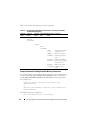
1
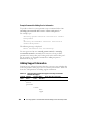
Example Syntax
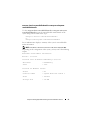
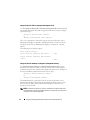
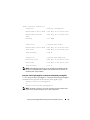
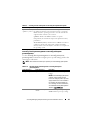
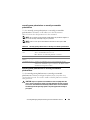
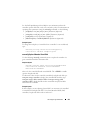
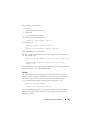
To start the patrol read task on controller 1, type:
omconfig storage controller action=startpatrolread
controller=1
NOTE: To start patrol read, the current patrol read mode is set to Manual.
omconfig Stop Patrol Read
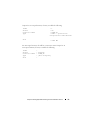
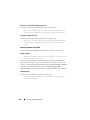
Use the following omconfig command syntax to stop the patrol read task on
the controller.
Complete Syntax
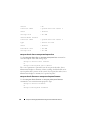
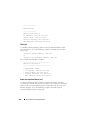
omconfig storage controller action=stoppatrolread
controller=id
where id is the controller ID as reported by the omreport storage controller
command.
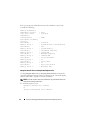
Example Syntax
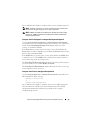
To stop the patrol read task on controller 1, type:
omconfig storage controller action=stoppatrolread
controller=1
NOTE: To stop patrol read, the current patrol read mode is set to Manual.
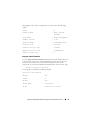
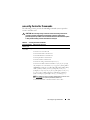
omconfig Create Cachecade
Use the following omconfig storage command syntax to create a cachecade
on the given controller.
Complete Syntax
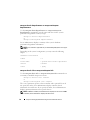
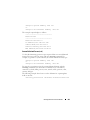
omconfig storage controller action=createcachecade
controller=id pdisk=<PDISKID> [name=<string>]
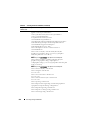
where id is the controller ID as reported by the omreport storage controller
command and PDISKID is specified as:
pdisk=connector:enclosureID:targetID |
connector:targetID
omconfig storage Commands
261