1
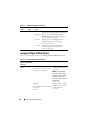
Conventions for Parameter Tables
When listing the parameters that a command can take, the parameters are
listed in alphabetical order instead of the order in which they appear in the
command line interface.
The symbol |, often called pipe, is the logical exclusive or operator.
For example, enable | disable means enable or disable the component or
feature.
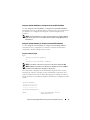
Command Summary of the omreport Command
Although this chapter lists all possible omreport commands, the commands
available on the system depend on the system configuration. The results of
the omreport command vary from one system to another. Data displays for
installed components only.
NOTE: When a system includes an external chassis, the displayed results vary by
operating system. On SUSE Linux Enterprise Server and Red Hat Enterprise Linux
systems, omreport commands display external chassis information in a separate
section after the main chassis information. On Microsoft Windows systems, data
about the external chassis does not appear in the omreport output.
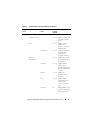
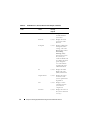
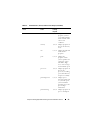
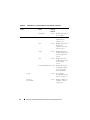
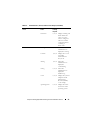
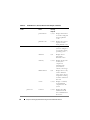
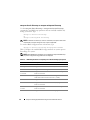
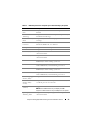
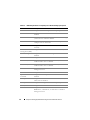
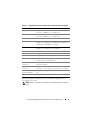
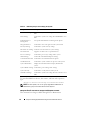
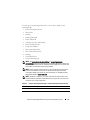
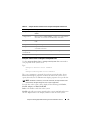
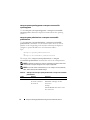
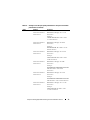
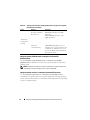
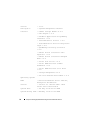
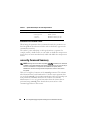
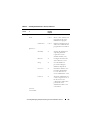
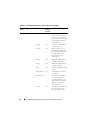
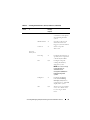
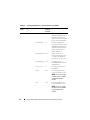
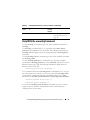
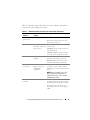
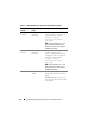
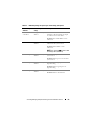
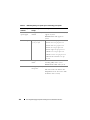
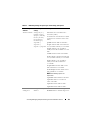
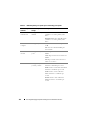
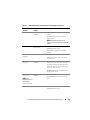
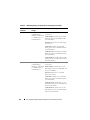
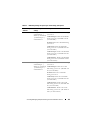
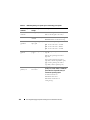
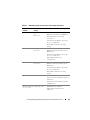
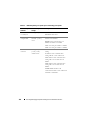
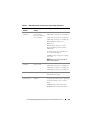
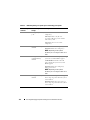
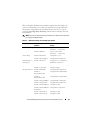
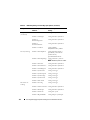
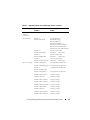
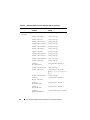
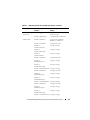
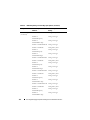
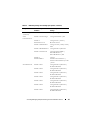
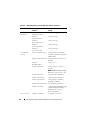
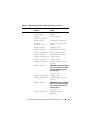
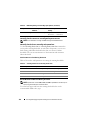
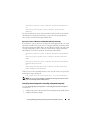
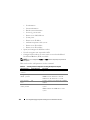
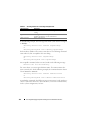
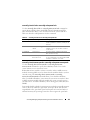
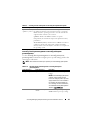
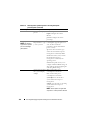
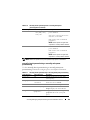
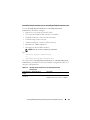
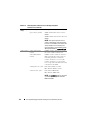
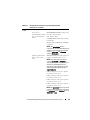
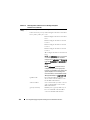
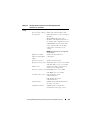
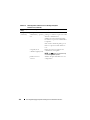
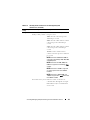
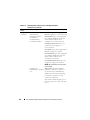
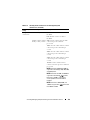
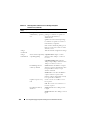
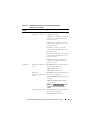
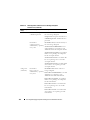
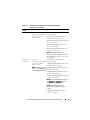
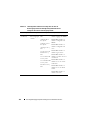
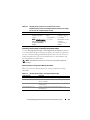
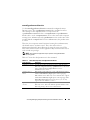
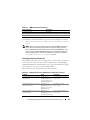
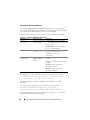
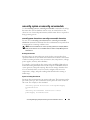
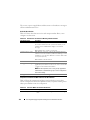
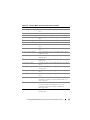
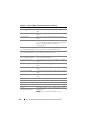
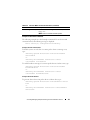
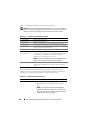
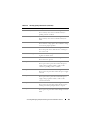
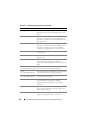
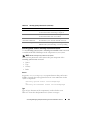
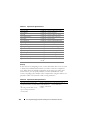
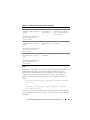
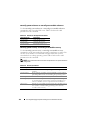
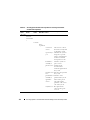
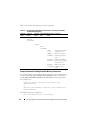
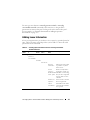
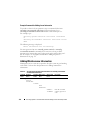
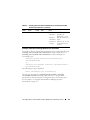
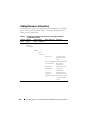
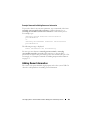
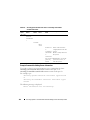
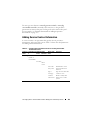
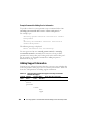
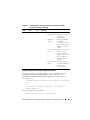
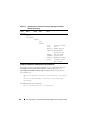
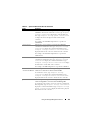
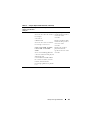
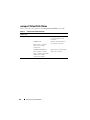
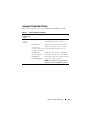
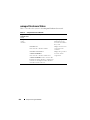
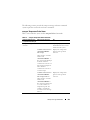
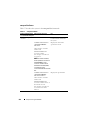
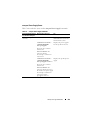
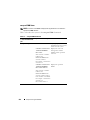
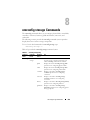
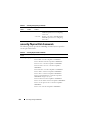
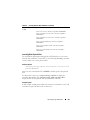
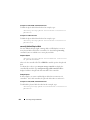
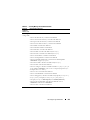
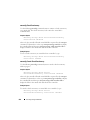
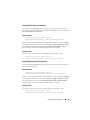
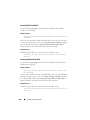
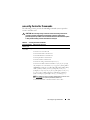
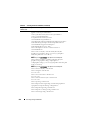
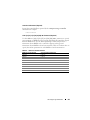
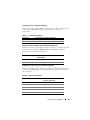
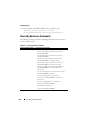
Table 3-2 is a high-level summary of the omreport command. The column
titled Command level 1 shows the omreport command at its most general.
Command level 2 shows the major objects or components that you can view
using omreport (about, chassis, storage, and system.) Command level 3 lists
the specific objects and components to view reports. User privilege required
refers to the type of privilege you need to perform the command, where U=
User, P=Power User, and A=Administrator. Use is a very general statement
about the actions performed using omreport. More details about syntax and
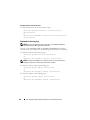
use of the command appear later in this section.
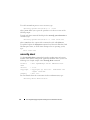
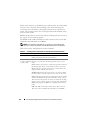
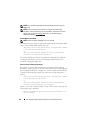
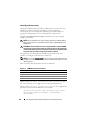
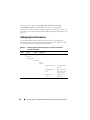
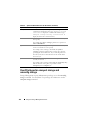
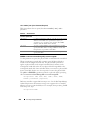
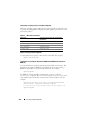
Table 3-2 displays the omreport commands available for about, system, and
main system chassis. For information about viewing storage components,
see "omreport: Viewing System Status Using the Instrumentation Service" on
page 29.
30
omreport: Viewing System Status Using the Instrumentation Service