1
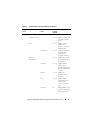
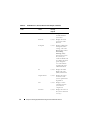
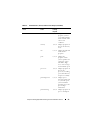
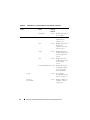
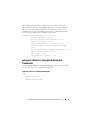
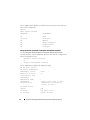
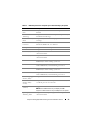
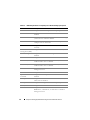
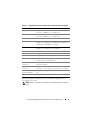
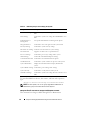
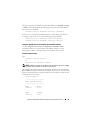
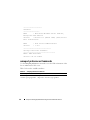
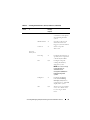
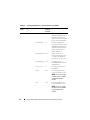
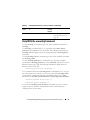
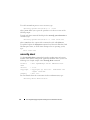
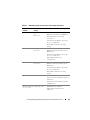
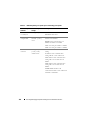
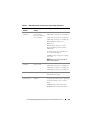
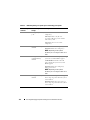
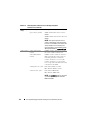
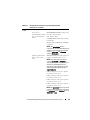
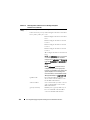
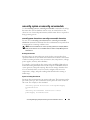
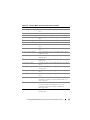
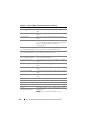
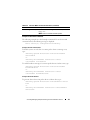
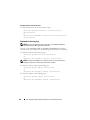
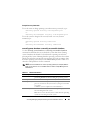
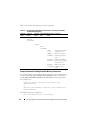
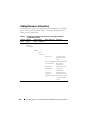
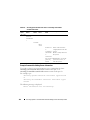
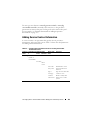
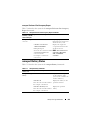
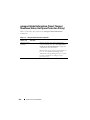
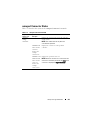
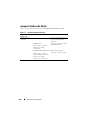
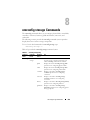
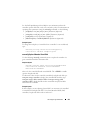
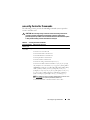
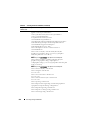
The omreport system alertaction or omreport servermodule alertaction
command is useful for viewing which alert actions have been specified for
components. To set an alert action for a component, use the omconfig system
alertaction or omconfig servermodule alertaction command. For more
information, see "omconfig: Managing Components Using the
Instrumentation Service" on page 87.
NOTE: To maintain consistency across the commands, the output format of this
command has changed. Change the user scripts as applicable.
NOTE: Due to the limitations of certain operating systems (for example, VMware
ESXi), certain features are not available with this release of OpenManage Server
Administrator.
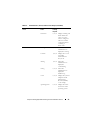
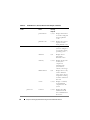
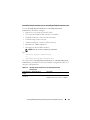
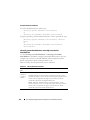
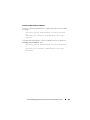
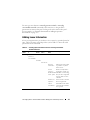
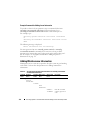
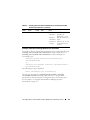
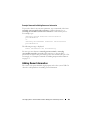
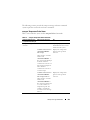
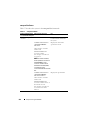
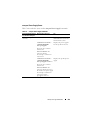
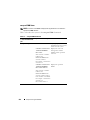
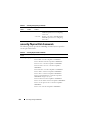
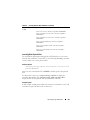
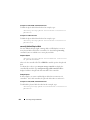
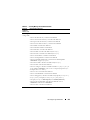
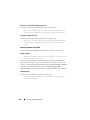
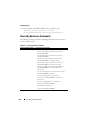
Components and Events Having View Alert Actions
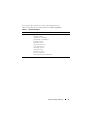
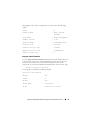
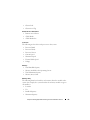
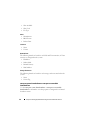
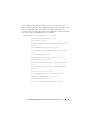
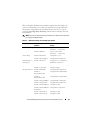
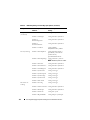
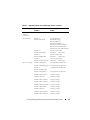
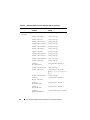
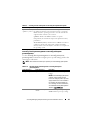
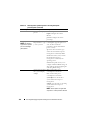
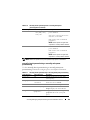
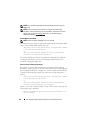
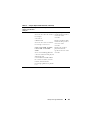
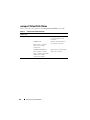
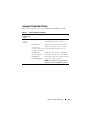
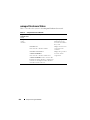
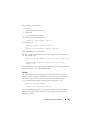
View alert action properties for the following components and events, if the
components or events are present on the system:
•
Battery Warning
•
Battery Failure
•
Chassis Intrusion
•
Current Probe Warning
•
Current Probe Failure
•
Fan Warning
•
Fan Failure
•
Memory Pre-failure
•
Memory Failure
•
System Power Probe Warning
•
System Power Probe Detects a Failure
•
System Peak Power
•
Power Supply Warning
•
Power Supply Failure
•
Degraded Redundancy
•
Lost Redundancy
•
Temperature Warning
omreport: Viewing System Status Using the Instrumentation Service
69