1
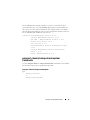
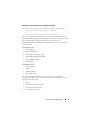
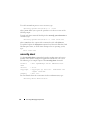
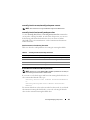
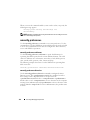
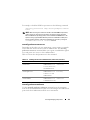
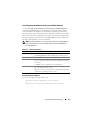
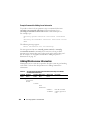
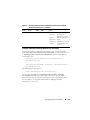
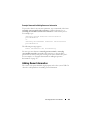
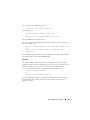
You can type more than one omconfig system assetinfo or omconfig
servermodule assetinfo command at the same time, as long as all the
parameters for name=value pair 2 belong to the same name=value pair 1. For
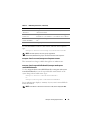
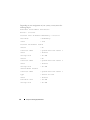
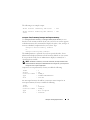
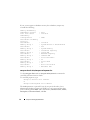
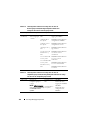
an example, see "Example Commands for Adding Acquisition Information"
on page 157.
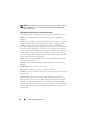
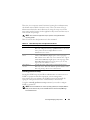
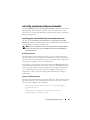
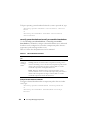
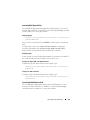
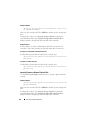
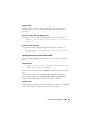
Adding Warranty Information
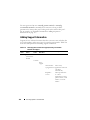
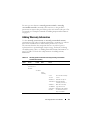
Use the omconfig system warranty or omconfig servermodule warranty
command to assign values for warranty information. A warranty is a contract
between the manufacturer or dealer and the purchaser of a system.
The warranty identifies the components that are covered for repair or
replacement for a specified length of time or usage. For details on editing
extended warranty values, see "Adding Extended Warranty Information" on
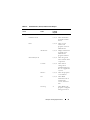
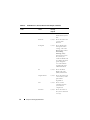
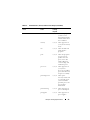
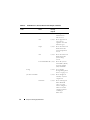
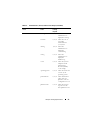
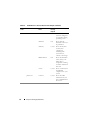
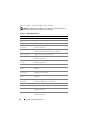
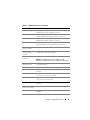
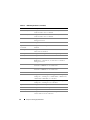
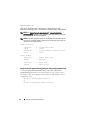
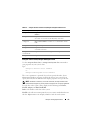
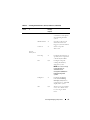
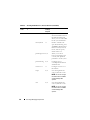
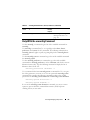
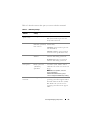
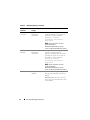
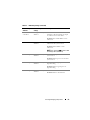
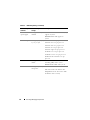
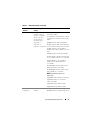
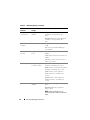
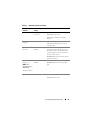
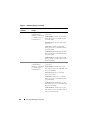
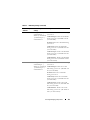
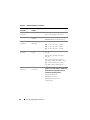
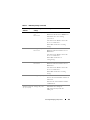
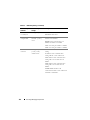
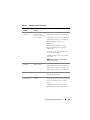
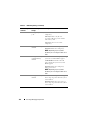
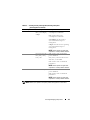
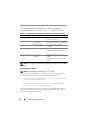
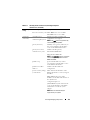
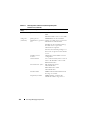
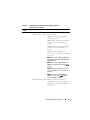
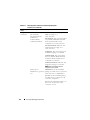
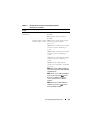
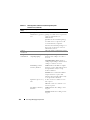
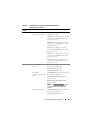
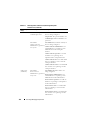
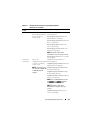
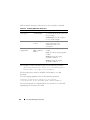
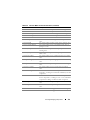
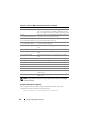
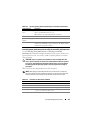
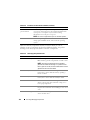
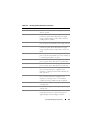
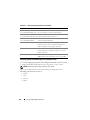
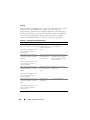
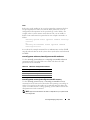
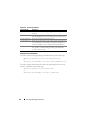
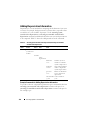
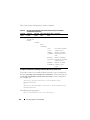
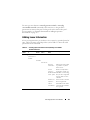
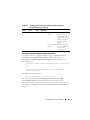
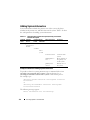
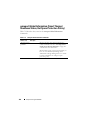
page 159. Table 5-12 shows the valid parameters for adding warranty
information.
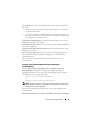
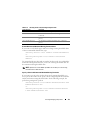
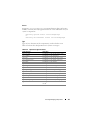
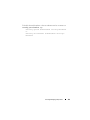
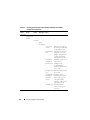
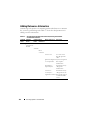
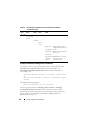
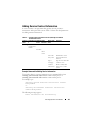
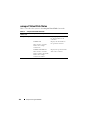
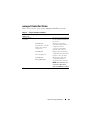
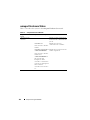
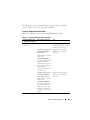
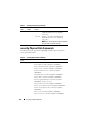
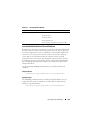
Table 5-12.
omconfig system assetinfo info=warranty/omconfig servermodule
assetinfo info=warranty
Command Command
Level 1
Level 2
Command Name= Value
Level 3
Pair 1
Name= Value Description
Pair 2
omconfig
system/server
module
assetinfo
info=
warranty
cost=
<cost>
duration=
<duration>
Cost of the warranty
service.
Number of days or
months that the
warranty is in force.
enddate= Date the warranty
<enddate> agreement ends.
unit=days | Whether the number
months
for duration refers to
days or months.
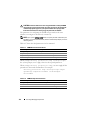
omconfig system or servermodule
171