1
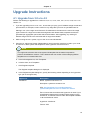
Upgrade from 3.0.x to 4.2
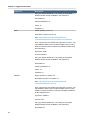
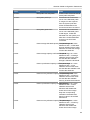
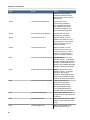
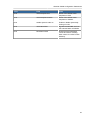
Hypervisor
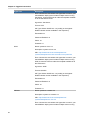
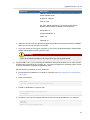
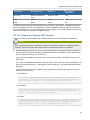
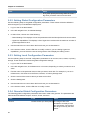
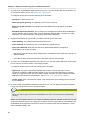
Description
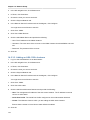
Password Enabled: no
Public: no
Featured: no
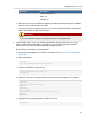
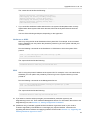
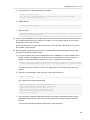
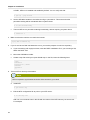
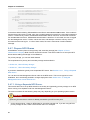
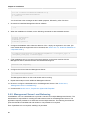
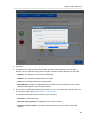
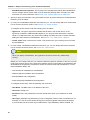
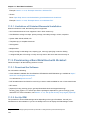
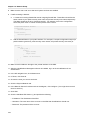
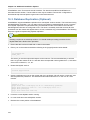
e. Watch the screen to be sure that the template downloads successfully and enters the READY
state. Do not proceed until this is successful
f.
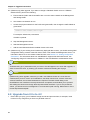
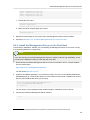
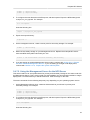
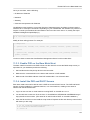
If you use more than one type of hypervisor in your cloud, repeat these steps to download the
system VM template for each hypervisor type.
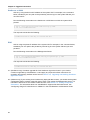
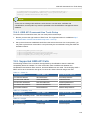
Warning
If you do not repeat the steps for each hypervisor type, the upgrade will fail.
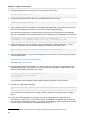
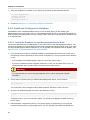
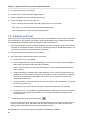
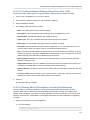
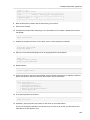
4. (KVM on RHEL 6.0/6.1 only) If your existing CloudPlatform deployment includes one or more
clusters of KVM hosts running RHEL 6.0 or RHEL 6.1, you must first upgrade the operating
system version on those hosts before upgrading CloudPlatform itself.
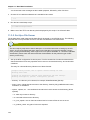
Run the following commands on every KVM host.
a. Download the CloudPlatform 4.2.0 RHEL 6.3 binaries from https://www.citrix.com/English/ss/
downloads/.
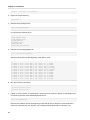
b. Extract the binaries:
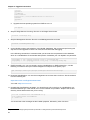
# cd /root
# tar xvf CloudPlatform-4.2.0-1-rhel6.3.tar.gz
c.
Create a CloudPlatform 4.2 qemu repo:
# cd CloudPlatform-4.2.0-1-rhel6.3/6.3
# createrepo .
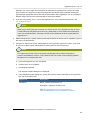
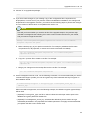
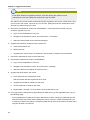
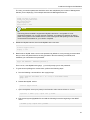
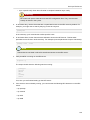
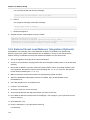
d. Prepare the yum repo for upgrade. Edit the file /etc/yum.repos.d/rhel63.repo. For example:
[upgrade]
name=rhel63
baseurl=url-of-your-rhel6.3-repo
enabled=1
gpgcheck=0
[cloudstack]
name=cloudstack
baseurl=file:///root/CloudPlatform-4.2.0-1-rhel6.3/6.3
enabled=1
gpgcheck=0
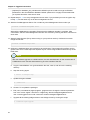
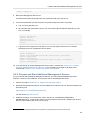
e. Upgrade the host operating system from RHEL 6.0 to 6.3:
yum upgrade
21