1
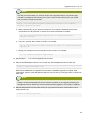
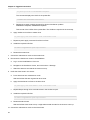
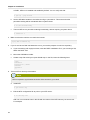
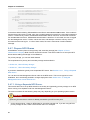
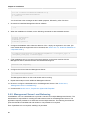
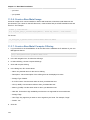
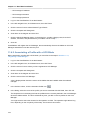
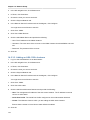
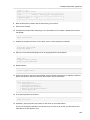
Prepare NFS Shares
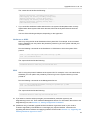
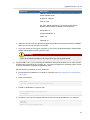
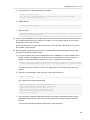
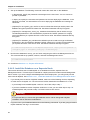
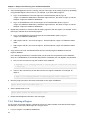
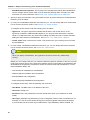
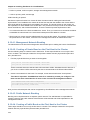
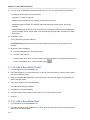
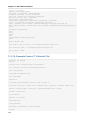
# mkdir -p /export/primary
# mkdir -p /export/secondary
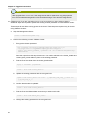
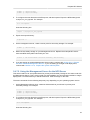
2. To configure the new directories as NFS exports, edit /etc/exports. Export the NFS share(s) with
rw,async,no_root_squash. For example:
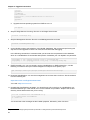
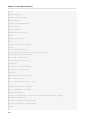
# vi /etc/exports
Insert the following line.
/export
*(rw,async,no_root_squash)
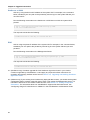
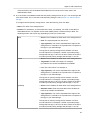
3. Export the /export directory.
# exportfs -a
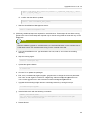
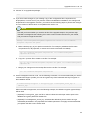
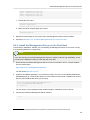
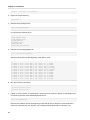
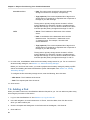
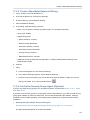
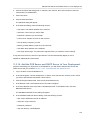
4. On the management server, create a mount point for secondary storage. For example:
# mkdir -p /mnt/secondary
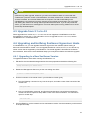
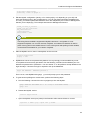
5. Mount the secondary storage on your Management Server. Replace the example NFS server
name and NFS share paths below with your own.
# mount -t nfs nfsservername:/nfs/share/secondary /mnt/secondary
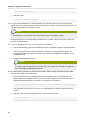
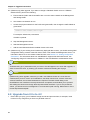
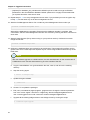
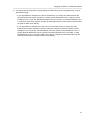
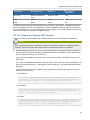
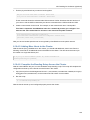
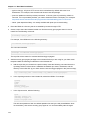
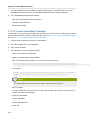
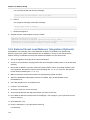
6. If you are setting up multiple Management Server nodes, continue with Section 5.4.8, “Prepare
and Start Additional Management Servers”. If you are setting up a single-node deployment,
continue with Section 5.4.10, “Prepare the System VM Template”.
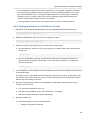
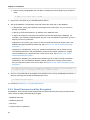
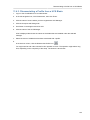
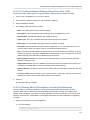
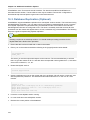
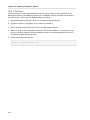
5.4.7.2. Using the Management Server As the NFS Server
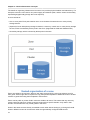
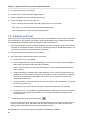
This section tells how to set up NFS shares for primary and secondary storage on the same node with
the Management Server. This is more typical of a trial installation, but is technically possible in a larger
deployment. It is assumed that you will have less than 16TB of storage on the host.
The exact commands for the following steps may vary depending on your operating system version.
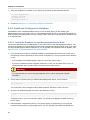
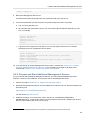
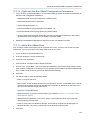
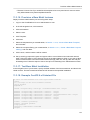
1. On the Management Server host, create two directories that you will use for primary and
secondary storage. For example:
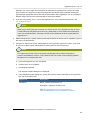
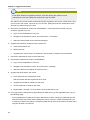
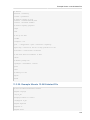
# mkdir -p /export/primary
# mkdir -p /export/secondary
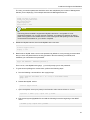
2. To configure the new directories as NFS exports, edit /etc/exports. Export the NFS share(s) with
rw,async,no_root_squash. For example:
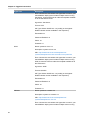
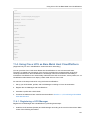
# vi /etc/exports
Insert the following line.
57