1
5.
n
Chapter 1
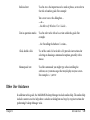
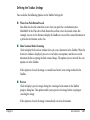
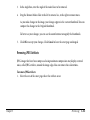
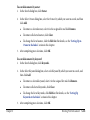
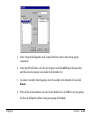
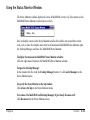
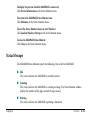
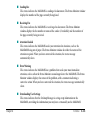
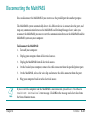
When the scan is complete and, if necessary, the image is accepted, do one of the following:
If you clicked Fax in Step 2:
In the Send Fax dialog box, enter the appropriate information and send the fax. For
details, see Chapter 3, PC Faxing.
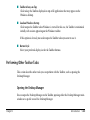
If you clicked Mail in Step 2:
In the e-mail message window, enter the appropriate information and send the e-mail
message.
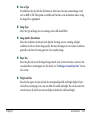
If you clicked Scan Text in Step 2:
The image automatically appears in the associated text editor application.
If you clicked Scan Photo in Step 2:
The image automatically appears in the associated graphic application.
If you clicked Custom in Step 2:
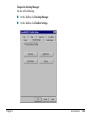
The image automatically appears in the software application set up as the custom
application in your Toolbar settings.
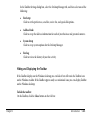
For complete details on scanning, see Chapter 4, Scanning.
Introduction
1-13