1
Designing a Fax Cover Page
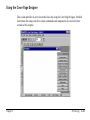
In addition to the set of predefined fax cover pages that are automatically installed into your
system, you can also design your own fax cover page using the MultiPASS Cover Page Designer.
Additionally, any existing cover page — either installed with the Desktop Manager software or
created by you — can be edited and annotated with the Cover Page Designer.
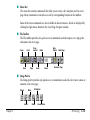
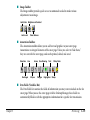
When you create a new cover page, you define the page layout, background, graphics, and fax
information fields. Fax information fields — or variable fields — provide areas where recipient
and sender information for a specific fax can be placed. You can specify the size of the field, the
font, font size, and style of the text displayed for each variable.
You can use a new fax cover page by attaching it when sending a fax with the MultiPASS
Desktop Manager fax driver, or by printing a hard copy and using it when sending a fax directly
from the MultiPASS.
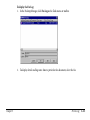
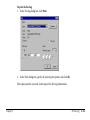
To open the Cover Page Designer:
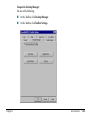
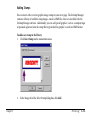
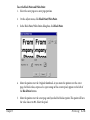
1. In the Desktop Manager, point to Cover Pages on the Tools menu.
2.
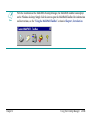
Click Cover Page Designer. Or click Cover Page Designer on the toolbar.
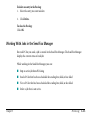
To close the Cover Page Designer:
In the Cover Page Designer window, click Exit on the File menu.
Chapter 3
PC Faxing
3-46