1
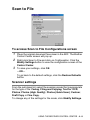
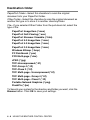
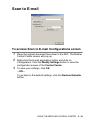
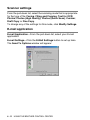
Using the Scan key (For USB or
Parallel interface cable users)
(Scan) on the control panel to scan original
You can use
documents into your word processing, graphics or E-mail
applications or your computer folder. The advantage of using
(Scan) is that you avoid the mouse clicks required to scan
from your computer.
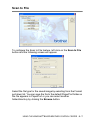
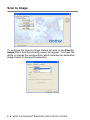
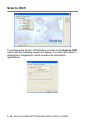
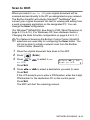
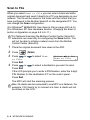
For Scan to E-mail, Scan to Image, Scan to OCR and Scan
to File
Before you can use
(Scan) on the control panel, you
must have connected the MFC to your Windows® based
computer and loaded the appropriate Brother Drivers for your
version of Windows®.
When you are ready to use
(Scan), make sure the
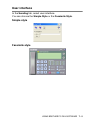
Brother Control Center application is running on your computer.
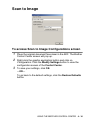
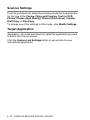
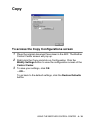
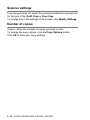
For details about how to configure the Brother Control Center
buttons to launch the application of your choice using
(Scan), go to the appropriate chapter:
■ For Windows® 95/98/98SE/Me/2000 Professional and
Windows NT® WS 4.0, see Using the Brother Control Center
on page 4-1.
■ For Windows® XP, see Using the Windows®-Based Brother
Control Center on page 5-1.
■ If your MFC is connected with both a USB and a Parallel
cable, you need to select USB or Parallel as the destination
in each step.
3 - 14 HOW TO SCAN USING WINDOWS®