1
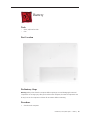
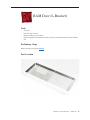
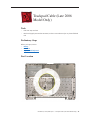
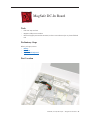
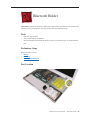
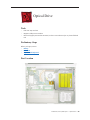
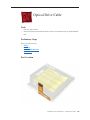
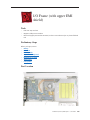
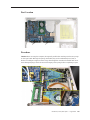
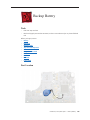
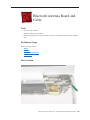
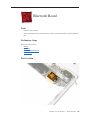
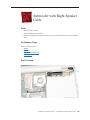
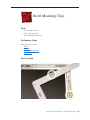
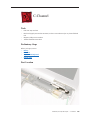
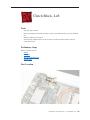
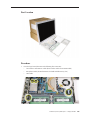
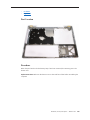
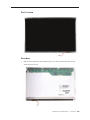
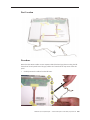
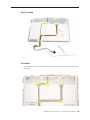
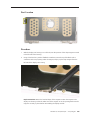
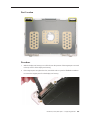
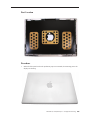
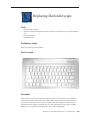
Part Location 304
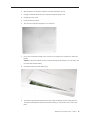
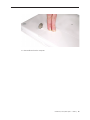
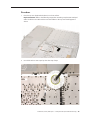
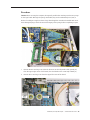
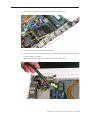
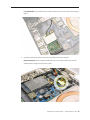
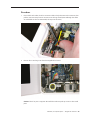
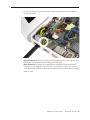
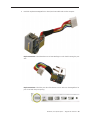
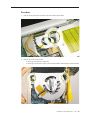
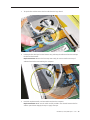
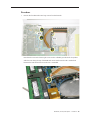
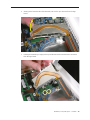
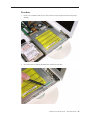
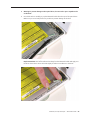
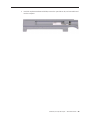
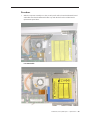
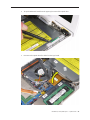
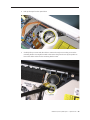
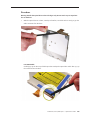
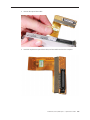
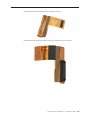
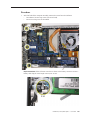
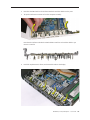
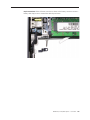
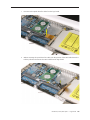
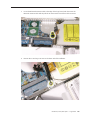
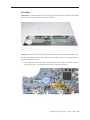
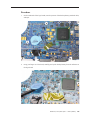
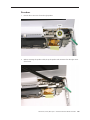
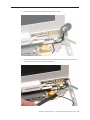
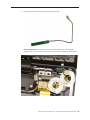
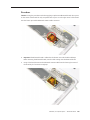
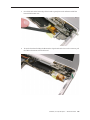
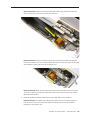
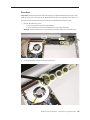
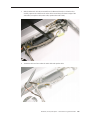
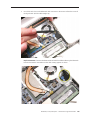
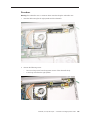
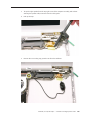
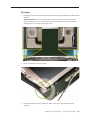
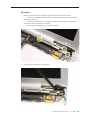
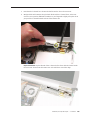
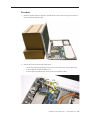
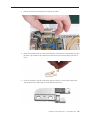
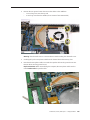
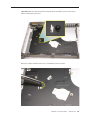
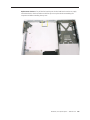
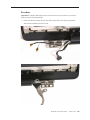
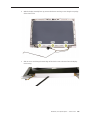
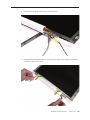
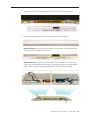
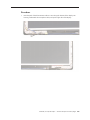
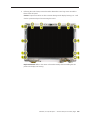
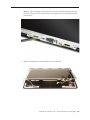
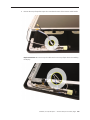
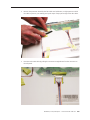
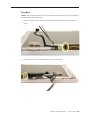
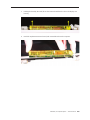
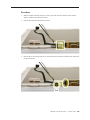
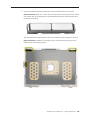
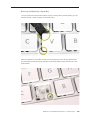
Procedure 305
Troubleshooting
General Information 320
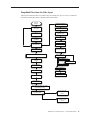
Troubleshooting Steps 321
Symptom Charts 324
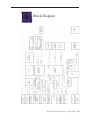
Block Diagram 334
Views
External and Internal Views 337
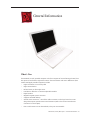
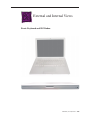
Front: Keyboard and IR Window 337
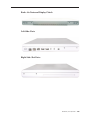
Back: Air Vents and Display Clutch 338
Left Side: Ports 338
Right Side: Slot Drive 338
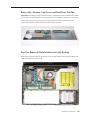
Battery Bay: Memory Card Levers and Hard Drive Pull Tab 339
Top Case Removed: Main Modules and Cable Routing 339
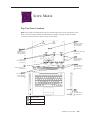
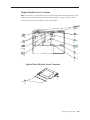
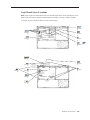
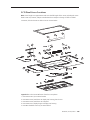
Screw Matrix 345
Top Case Screw Locations 345
Display Module Screw Locations 346
Logic Board Screw Locations 347
LCD Panel Screw Locations 348
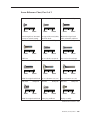
Screw Reference Chart, Part 1 of 3 349
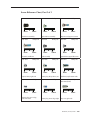
Screw Reference Chart, Part 2 of 3 350
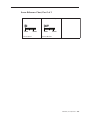
Screw Reference Chart, Part 3 of 3 351
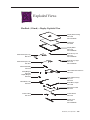
Exploded Views 352
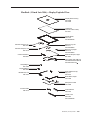
MacBook (13-inch)—Display Exploded View 352
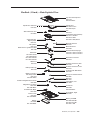
MacBook (13-inch)—Main Exploded View 353
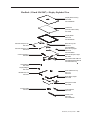
MacBook (13-inch Late 2006)—Display Exploded View 354
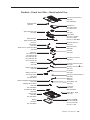
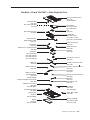
MacBook (13-inch Late 2006)—Main Exploded View 355
MacBook (13-inch Mid 2007)—Display Exploded View 356
MacBook (13-inch Mid 2007)—Main Exploded View 357